Latest posts
NETGEAR Router Settings Won’t Save? Common Fixes

When NETGEAR router settings won’t save, first rule out an expired login, a failed Apply action, or a dropped connection. Changing your WiFi name or password can disconnect you even when the change saves correctly. Start with one change at a time so you can tell what worked. Use the steps below before resetting your…
Why NETGEAR Wi-Fi Gives Your Device a 169.254 IP
A device on a NETGEAR router’s Wi-Fi with a 169.254 IP usually failed to receive an address from its DHCP server. It can join Wi-Fi without receiving the settings needed for internet access. Start with the connection and DHCP settings before buying equipment or resetting your router. The goal is to find where the address…
How to Set a Wi-Fi Schedule on a NETGEAR Router
You can set a NETGEAR router Wi-Fi schedule through the browser dashboard, usually under ADVANCED > Advanced Setup > Wireless Settings. Set the hours when wireless should be off, enable the schedule, and save both screens. If the WiFi schedule doesn’t work, check the router’s time zone before changing firmware or resetting anything. Start by…
Why Your NETGEAR 5 GHz Network Doesn’t Appear
Your NETGEAR 5 GHz network may be working under a shared Wi-Fi name, disabled in the router settings, or unavailable to one device. Start by checking Smart Connect, then test a compatible phone or laptop near the router. A missing network name doesn’t automatically mean your router needs replacing. Even a Gigabit speed plan can’t…
NETGEAR WAN Aggregation Explained for Multi-Gig Internet
NETGEAR WAN aggregation combines two compatible Ethernet connections between your modem and the device at the other end. It can remove a 1Gbps bottleneck on faster internet plans, but it won’t combine two unrelated internet subscriptions or automatically double one download. The main requirement is matching hardware support at both ends. Two Ethernet ports alone…
How to Disable Remote Management on a NETGEAR Router
To disable NETGEAR remote management, sign in locally to the router web interface, open ADVANCED > Advanced Setup > Remote Management, clear Turn Remote Management On, and click Apply. Some models use a different menu path or call the setting Web Services Management. This closes browser-based access to your router’s controls from outside your home…
Can a NETGEAR Router Work With MoCA Adapters?

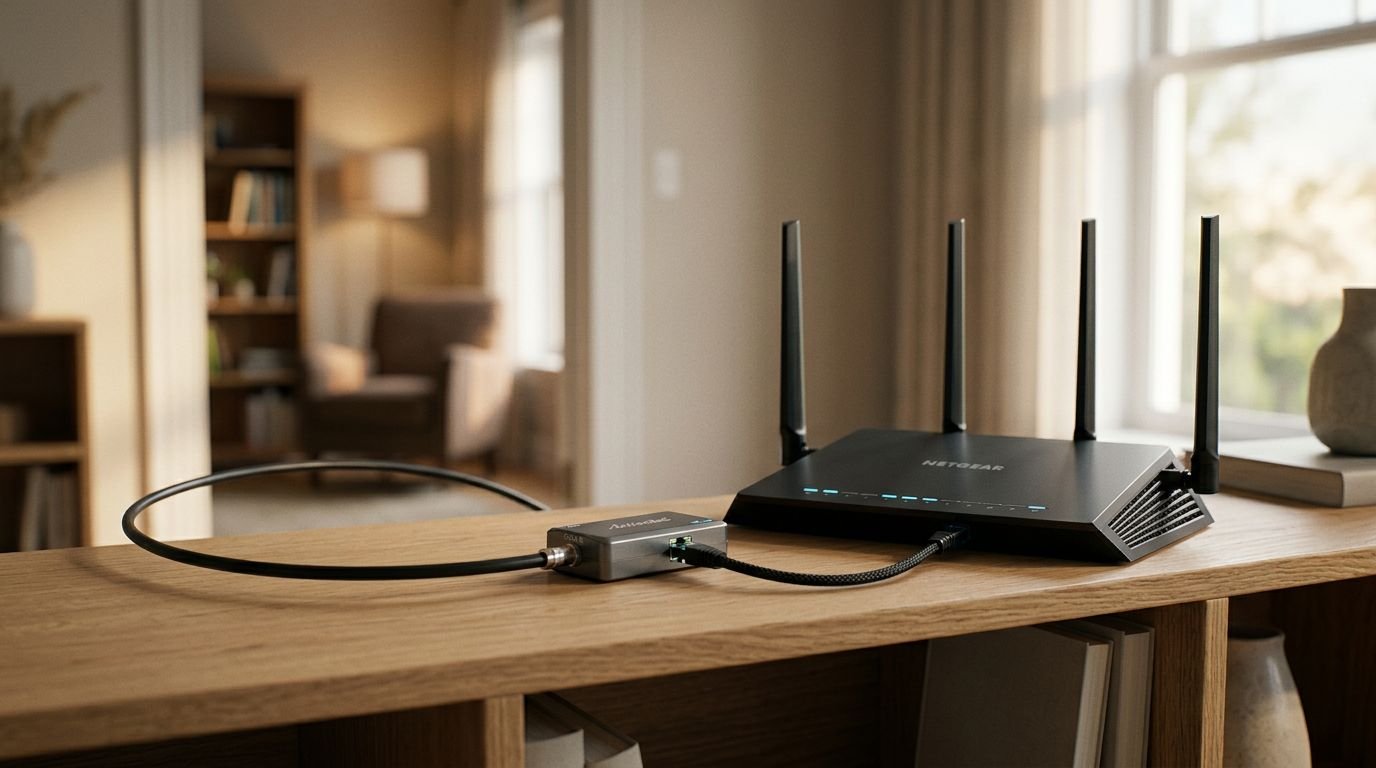
Yes. A NETGEAR router can use MoCA adapters to carry Ethernet over your home’s existing TV coax cable. Built-in MoCA support varies by router model, but a model without it can still use an external adapter connected through a LAN port. This gives you a wired connection in another room without running new Ethernet cable.…
Why Orbi Devices Stay Connected to a Distant Satellite
Devices often stay connected to a distant Orbi satellite because the phone, laptop, or TV controls when it switches Wi-Fi access points. A nearer satellite doesn’t automatically trigger a move. An unexpected Orbi satellite connection isn’t necessarily a problem if calls, streaming, and browsing work normally. When troubleshooting the Orbi network, check the satellite-to-router link…
NETGEAR Router Lights: Turn Off LEDs at Night
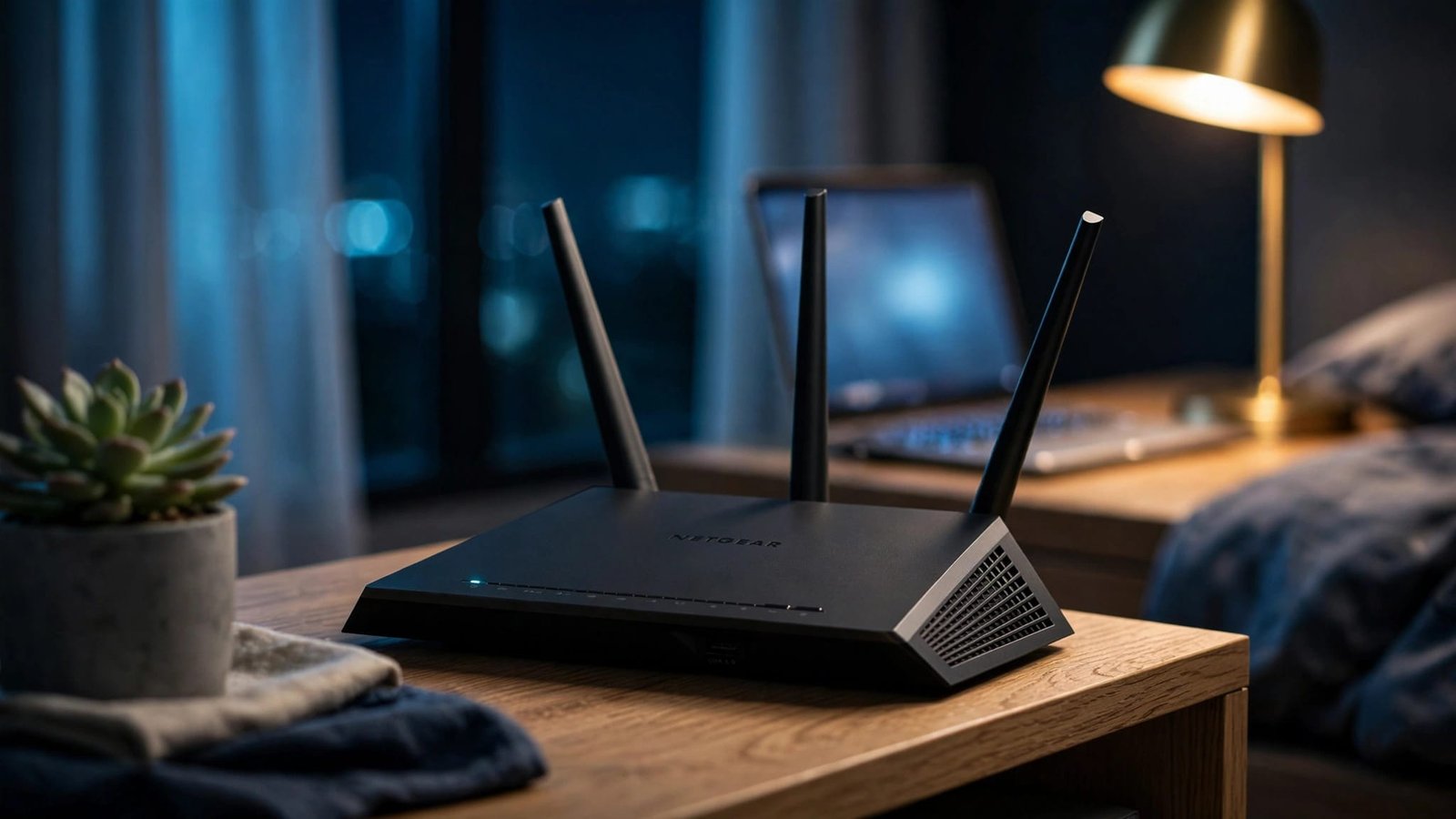
You can turn off NETGEAR router lights on supported NETGEAR router models through the router’s browser settings. Choose Turn off all LEDs except Power LED to stop most nighttime light without disabling your internet connection. Some routers also have a physical LED switch. Others offer fewer controls, and Orbi systems handle status lights differently. Start…
Orbi Satellite Won’t Sync? Pairing and Placement Fixes
If your Orbi satellite is not connecting, move it near the router and try a manual sync before resetting anything. A failed connection usually calls for a pairing or placement check, not another satellite or a faster internet plan. The satellite needs a reliable link back to the Orbi router in the mesh network before…