Latest posts
NETGEAR DHCP Lease Time: Settings and Connection Drops

A device receives an IP address for a set period before the assignment expires. Devices usually renew it early, so a renewal shouldn’t interrupt your connection. If phones, computers, or a work VPN disconnect at regular intervals, distinguish the router’s home-network setting from the separate lease assigned by your ISP. They are different settings, so…
Why Wi-Fi Calling Drops on Your NETGEAR Network
Dropped calls often result from weak coverage, a busy internet connection, interrupted carrier service, or a failed switch between Wi-Fi and cellular. A NETGEAR router can contribute, but the router isn’t always the cause. Test WiFi calling separately from cellular calls before changing settings or buying equipment. A fast internet plan doesn’t guarantee stable WiFi…
Can a NETGEAR Router Run a VPN for Every Device?
VPN support varies by NETGEAR model and firmware. Whole-home routing may require compatible third-party firmware with OpenVPN support or a separate VPN-capable router. A Netgear router with that setup can route every device’s traffic through a VPN provider. A VPN server setting does something different: it lets a remote device connect back to your router.…
How to Set Up a NETGEAR Router With Cox Internet
Connect a standalone NETGEAR router to an activated, compatible modem for Cox internet. A NETGEAR combo needs its built-in equipment activated before service works. Check which type of equipment you own before connecting cables. This helps you avoid replacing gear you don’t need. This post may contain affiliate links. If you make a purchase through…
NETGEAR Router Keeps Rebooting? Check Power and Heat
If your NETGEAR router keeps rebooting, check its power adapter, wall outlet, and ventilation before changing firmware. A weak power supply or blocked airflow can cause repeated restarts, even when your internet service is working. The goal is to isolate one cause at a time without erasing your settings or buying equipment unnecessarily. Follow the…
NETGEAR Dynamic DNS Setup for Remote Home Access
NETGEAR Dynamic DNS maps your changing public IP address to a consistent hostname, so you can reach a home VPN or server without paying for a static IP. DDNS alone doesn’t enable remote access; you’ll also need a secure connection method and an ISP that permits incoming traffic. Start with your router setup, then test…
Change Your NETGEAR Router’s LAN IP Without Losing Access
A brief disconnect is normal when you change your router’s LAN IP address. Planning the new address and matching DHCP settings helps prevent losing access. Know your new login address before clicking Apply. Your computer may also need a fresh IP address before it can reach the router again. Start by separating the router’s local…
AT&T Fiber IP Passthrough Setup for NETGEAR Routers
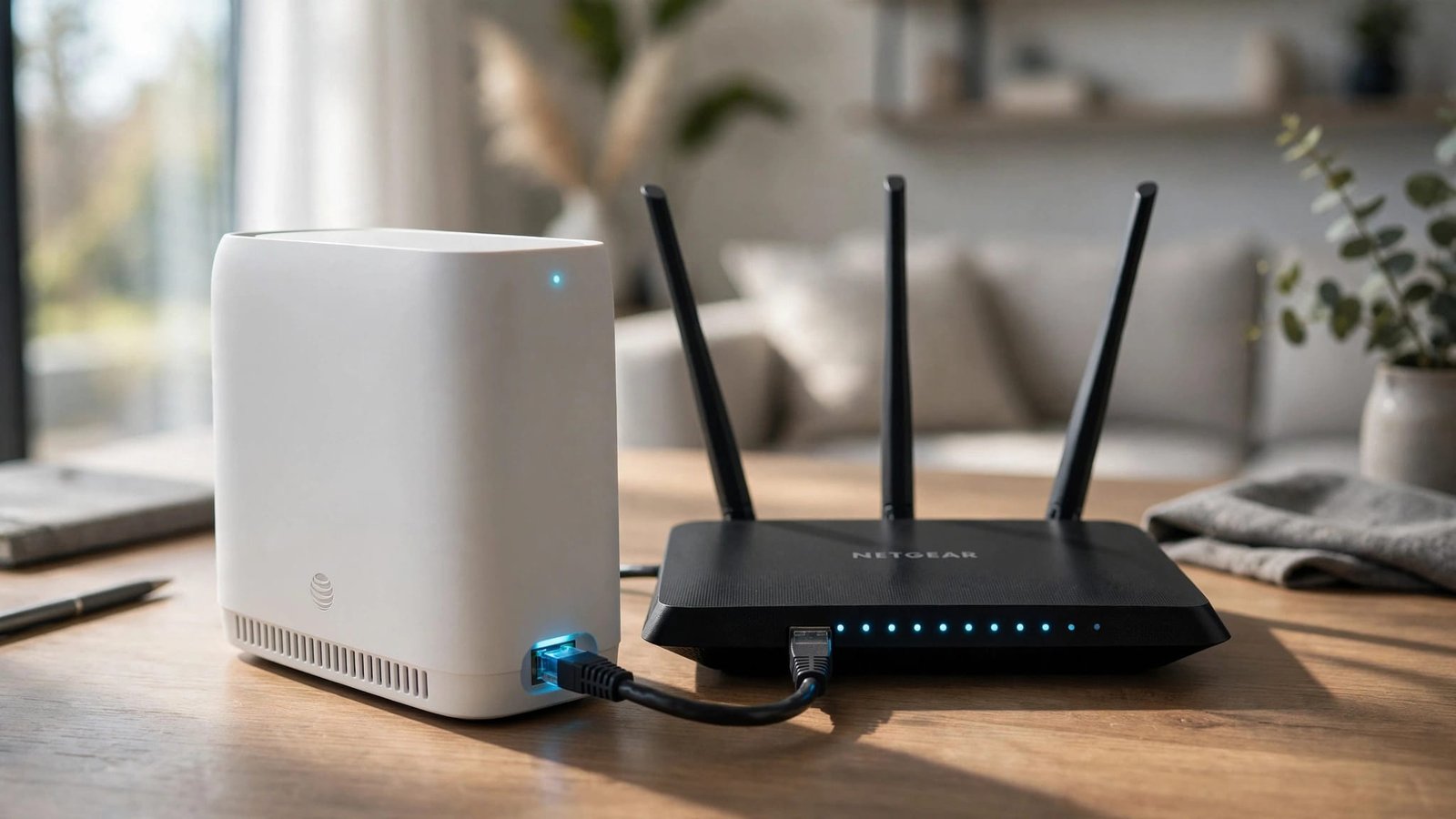
AT&T Fiber IP Passthrough Setup for NETGEAR Routers AT&T Fiber IP Passthrough lets your NETGEAR router receive the public IP address while the AT&T gateway stays connected. It can then manage your home network and provide Wi-Fi. Keep the gateway connected, leave NETGEAR set to handle routing, and use the fixed DHCP passthrough setting. Start…
NETGEAR Link Aggregation: NAS and Multi-Gig Setup
Two Ethernet cables won’t automatically make your NAS faster. NETGEAR’s aggregation feature combines compatible ports into one logical connection, primarily for shared bandwidth and redundancy. The right setup depends on your switch, NAS bonding mode, and the traffic you want to improve. Check compatibility before connecting a second cable or buying more equipment. This post…
NETGEAR Router Access Control: Block a Device Safely
Blocking the wrong device can cut off your access to router settings. To make this router security change safely, allow your current device before using access control. The browser dashboard gives you the clearest view of the access rules and device list. Start by choosing whether new devices should connect automatically or need your approval.…