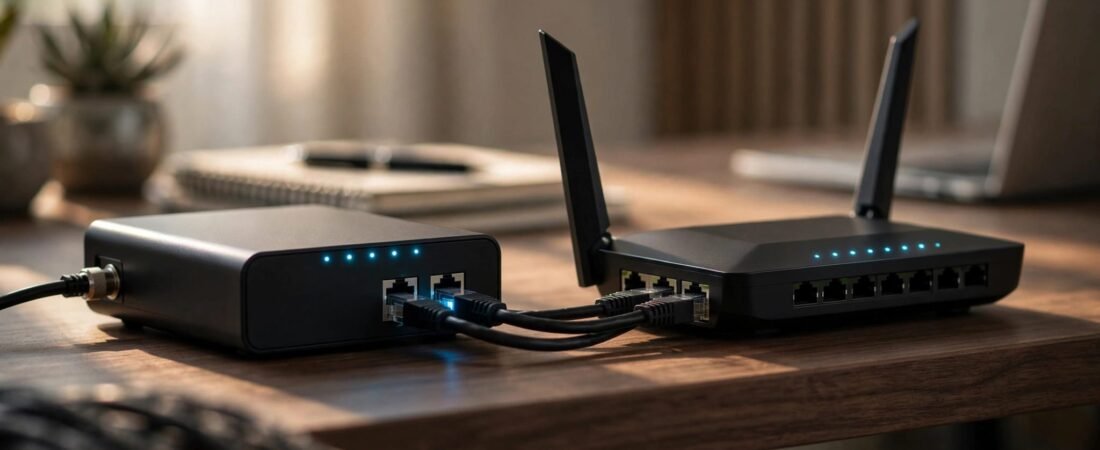
NETGEAR WAN aggregation combines two compatible Ethernet connections between your modem and the device at the other end. It can remove a 1Gbps bottleneck on faster internet plans, but it won’t combine two unrelated internet subscriptions or automatically double one download.
The main requirement is matching hardware support at both ends. Two Ethernet ports alone aren’t enough, and a faster WAN connection won’t fix weak Wi-Fi coverage.
Start with your internet plan, available ports, and the speed you want your devices to reach.
This post may contain affiliate links. If you make a purchase through these links, I may earn a small commission at no extra cost to you.
Key Takeaways
- Aggregation requires matching support on both connected devices, including the modem.
- Plans below 1Gbps don’t gain internet speed by combining two 1Gbps links.
- A faster interface is usually the simpler choice when buying new equipment.
How NETGEAR WAN Aggregation Works
NETGEAR uses Link Aggregation Control Protocol (LACP), also known as IEEE 802.3ad. It groups two physical Ethernet links into one logical connection.
NETGEAR’s modem aggregation setup guidance requires the connected router to support the same protocol. A fiber ONT needs matching support too.
Combined Capacity Has Limits
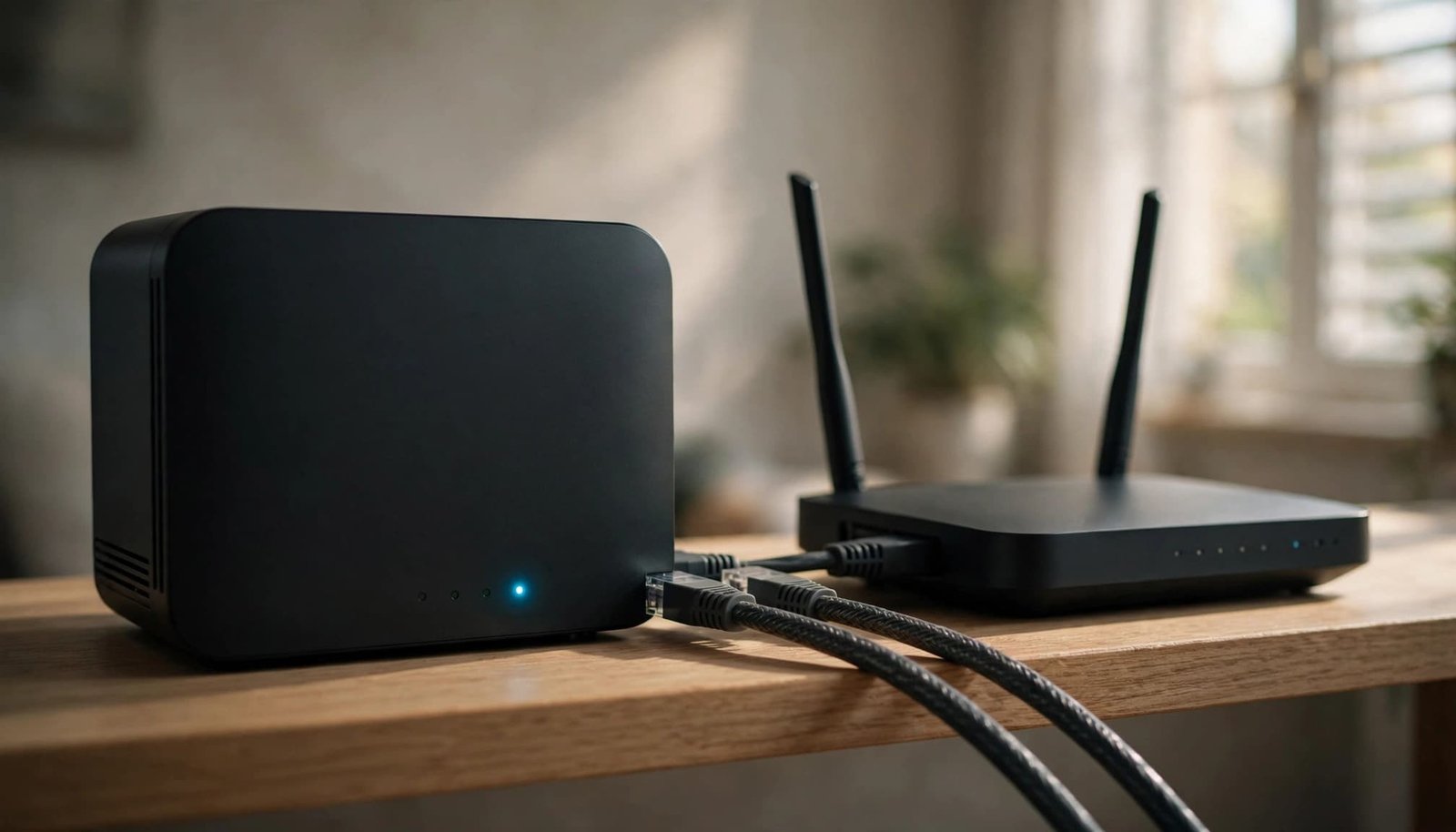
Two 1Gbps links provide up to 2Gbps of combined link capacity before overhead. Your internet plan and router still determine usable throughput.
The protocol distributes traffic flows across both links. A single transfer’s download speed stays on one member link, so it won’t reach 2Gbps.
A single client needs a faster downstream connection and multiple suitably distributed flows to exceed 1Gbps. Even then, the result isn’t guaranteed. A computer with a 1Gbps adapter remains limited by that adapter.
Two Internet Services Work Differently
Two independent internet services with separate WAN addresses normally require dual WAN load balancing or failover. They don’t form an aggregated connection.
Load balancing spreads sessions across services. Failover switches to a backup connection.
SD-WAN can manage multiple providers for availability and traffic control. True connection bonding also needs a compatible remote endpoint. Managed solutions often add hardware costs and recurring licenses.
Should You Use WAN Aggregation?
Use it when your existing modem and router support it, your plan exceeds 1Gbps, and their individual WAN connections are limited to 1Gbps.
This comparison covers common situations.
| Your Setup | Practical Choice |
|---|---|
| Internet plan below 1Gbps | Keep one Ethernet connection |
| 1.2Gbps plan with a compatible two-port device | Aggregation can recover capacity above 1Gbps |
| 2Gbps plan with two aggregation links | Usable throughput remains below 2Gbps after overhead |
| Both devices have 2.5G ports | Use one 2.5G connection |
| Two separate internet subscriptions | Use dual-WAN management or a bonding service |
The main question is whether the connection between your devices is the bottleneck. Aggregation won’t improve a slow computer adapter, weak wireless signal, or congested mesh backhaul.
A standard Gigabit Ethernet connection typically tops out near 940Mbps in speed tests. For faster service, our Xfinity 1.2Gbps router options explain the buying requirements beyond advertised wireless ratings.
Which NETGEAR Hardware Supports It?
Support is model-specific. LAN port aggregation connects local devices, while WAN aggregation combines internet links. Multiple Ethernet ports and high wireless speed ratings don’t establish compatibility.
Supported Nighthawk Examples
NETGEAR’s Nighthawk WAN aggregation instructions cover supported products and configuration.
Named supported examples include the RAX120, RAX200, RAX75, RAX80, R7900P, and R8000P. These include older AC-generation models and 802.11ax routers.
Don’t assume every Nighthawk supports the feature because its name includes AC, AX, or BE. Newer multi-gig models may provide a faster dedicated WAN port, which can be more useful than aggregation.
CM1100 and Orbi Compatibility
The CM1100 cable modem has two Gigabit Ethernet ports that can work together through link aggregation. NETGEAR also includes the CM1200 and CM3000 in its aggregation documentation.
Owners have reported successful CM1100 aggregation with the R7960P and 850 series. Those are community reports, not guarantees for every firmware release.
Budget buyers seeking a wired option below about $100 have limited WAN-LACP choices. A router advertising load balancing may not support provider-facing aggregation.
For NAS connections instead, our NETGEAR link aggregation guide covers the separate LAN-side setup.
Set Up WAN Aggregation in Order
Use the system’s browser interface for these settings. Keep a working management connection on a LAN port outside the aggregation pair. The LAN DHCP server handles local address assignment, so you don’t need to change it to configure aggregation.
NETGEAR uses Dynamic (IEEE 802.3ad) for Ethernet port aggregation, while the modem’s LACP setting uses the same standard. WAN settings can appear separately from LAN aggregation.
- Save your current configuration and record any required ISP settings before changing ports.
- Establish a working internet connection with one cable between the unit and the router’s Internet port.
- Enable the aggregation setting on the unit. Don’t treat the second port as another independent internet connection.
- Enable the router’s WAN aggregation option. Where protocol selection applies, choose Dynamic (IEEE 802.3ad), not Static. Don’t substitute a LAN-only aggregation setting.
- Connect the unit’s second port to the router port assigned to WAN aggregation. Other LAN ports aren’t interchangeable.
- Apply the settings and restart if prompted. If internet access doesn’t return, let the unit finish reconnecting before starting the router.
- Inspect aggregation status, then test concurrent traffic across multiple devices. Compare stability as well as speed.
NETGEAR provides separate Orbi 802.11ax aggregation instructions. Satellite connections and Ethernet backhaul serve different purposes.
Fix INACTIVE Status and Disconnects
An INACTIVE aggregation status means the expected group hasn’t formed. It doesn’t automatically indicate an ISP outage.
When the Group Stays Inactive
Start with the physical links. Both cables must work, both ports must negotiate correctly, and both devices must use matching aggregation settings.
Use two known-good cables. Keep member links at the same speed rather than combining a 1Gbps connection with a 2.5Gbps connection.
Inspect the assigned ports next. A router can support LAN aggregation without supporting the WAN setup you’re attempting. An ordinary unmanaged switch won’t negotiate aggregation or add missing support.
Restore the single-cable connection if the group remains inactive. That gives you working internet while separating aggregation trouble from a general WAN failure.
When Problems Follow Firmware Updates
A historical RBK852 community report described disconnects after a firmware update to v4.6.3.16. The owner reported more than 1,300Mbps on an Xfinity plan rated up to 1,200Mbps before the problem.
Another owner reported recovery after restarting the Orbi and ARRIS modem together. That was an individual workaround, not a universal fix.
Record the firmware version and whether disabling aggregation restores stability. Keep one cable connected when reverting to ordinary WAN operation.
Avoid repeatedly factory-resetting a working network. If losses continue without aggregation, our NETGEAR packet loss troubleshooting guide helps separate router, cable, and provider problems.
Why a Multi-Gig WAN Port Is Often Better
When buying new equipment, prefer a matching 2.5G, 5G, or 10G connection over two aggregated 1Gbps links.
One faster link removes LACP negotiation and traffic-distribution limits. It also simplifies troubleshooting. That can improve reliability, though it doesn’t guarantee lower latency.
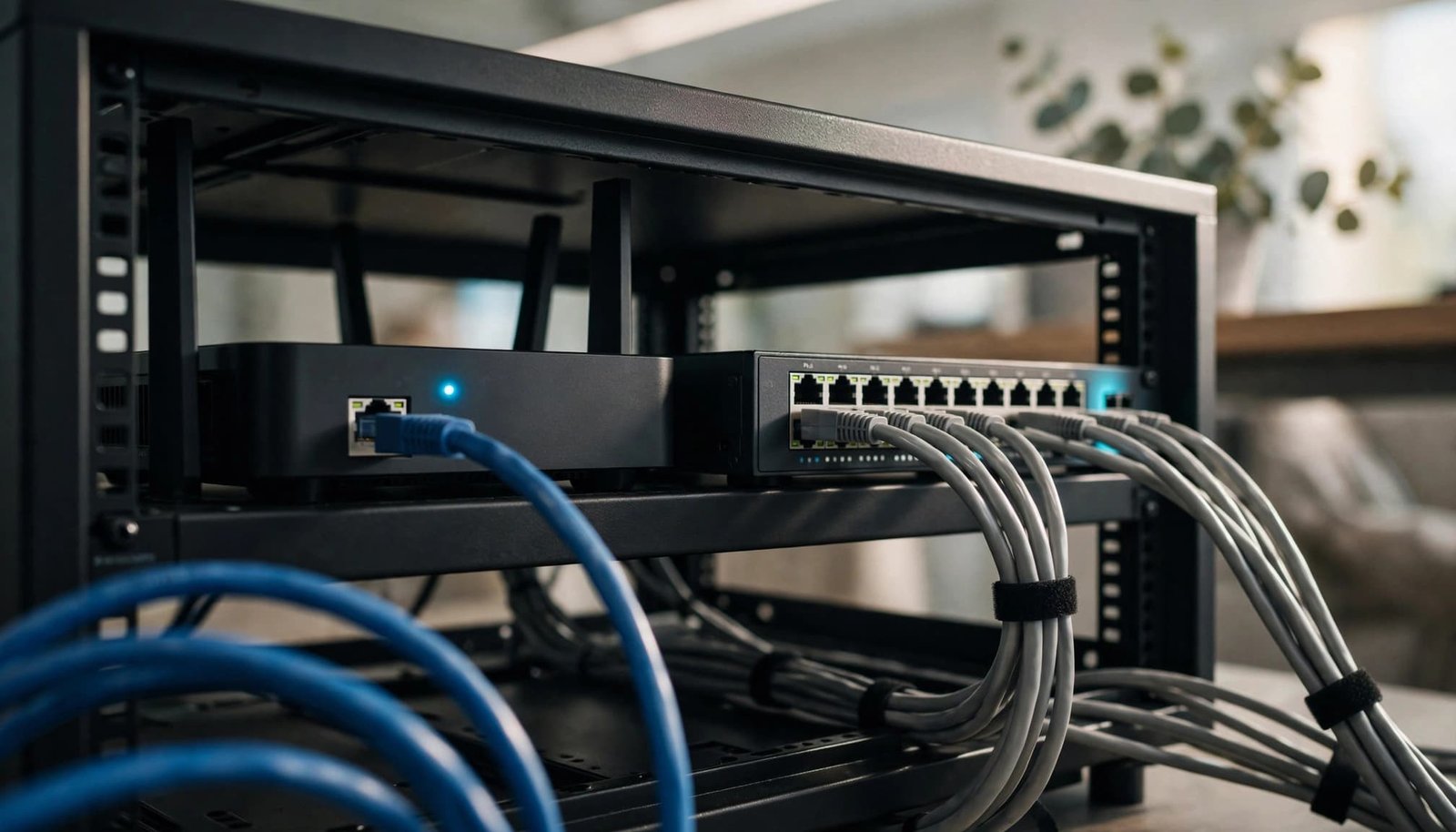
For small businesses, NETGEAR’s PR60X manufacturer datasheet lists LAN-to-WAN throughput of 2.4Gbps through its 2.5G WAN port and 9.4Gbps through its 10G interface. Those are manufacturer specifications, not guaranteed download speeds. Dual-WAN support also doesn’t prove LACP bonding support.
The downstream path matters too. A fast interface won’t make a desktop exceed Gigabit through a 1Gbps LAN port, switch, dock, or adapter.
Connect a multi-gig computer through a matching LAN port. Test wired performance with VPN software and background transfers paused, then test wireless performance separately.
My Experience With the Orbi 870
I’m Steve Neff, founder of Better WiFi Shop, and I personally own and use the NETGEAR Orbi 870.
My interest in home networking started when I learned that paying for faster internet doesn’t always solve Wi-Fi problems. That led me to research routers, mesh systems, and coverage, then create Better WiFi Shop to help homeowners understand their options.
NETGEAR lists a 10G port for WAN and 2.5G ports for LAN on this system. These are manufacturer specifications, not my personal performance measurements.
You can compare these systems at Better WiFi Shop when whole-home coverage is part of your buying decision. Choose mesh for coverage needs, since WAN aggregation isn’t a coverage fix.
Frequently Asked Questions
Does the ISP Need to Enable LACP?
The service-side device presenting the Ethernet connection must support matching aggregation. Your service must also provide enough speed to benefit. An ordinary single-port ONT can’t gain aggregation support through a router setting.
Can an Unmanaged Switch Combine the Links?
A typical unmanaged switch can’t negotiate link aggregation. Placing one between the service-side device and router doesn’t create aggregation or remove either device’s requirements. Keep the two aggregation cables directly between compatible endpoints.
Does WAN Aggregation Work in Orbi AP Mode?
In access point mode, Orbi provides wireless access while another router manages the internet connection. Aggregation belongs at that routing device’s service-facing connection. Orbi AP mode doesn’t add aggregation support to the upstream equipment.
Choose the Connection That Removes Your Bottleneck
NETGEAR WAN aggregation is useful when compatible equipment is holding a faster plan behind a Gigabit connection. Its main value is shared capacity, not a guaranteed doubled download.
Keep it when it works reliably with hardware you already own. For a new purchase, a matching multi-gig WAN connection is usually simpler.
Your router, downstream ports, devices, and the rest of your home network all need to support the desired speed before faster service can deliver its full value.