Latest posts
Netgear IPv6 Setup Guide for Home Internet

IPv6 can look like a router setting you should avoid touching. In most homes, it works alongside IPv4 and takes only a few steps when your ISP supports it. This Netgear IPv6 setup guide covers router-side configuration on a compatible Netgear router. Your ISP must provide an IPv6 Internet connection, and menu names may vary…
Netgear Ethernet Backhaul Setup for Orbi Mesh Systems
A fast internet plan can’t fix a weak link between your mesh router and its satellites. If your Orbi system has Ethernet wiring available, a Netgear Ethernet backhaul can give each satellite a steadier connection than Wi-Fi alone. This Ethernet backhaul setup is useful for busy homes, home offices, gaming rooms, and areas where walls…
2.5GbE vs Gigabit Ethernet on Netgear Routers

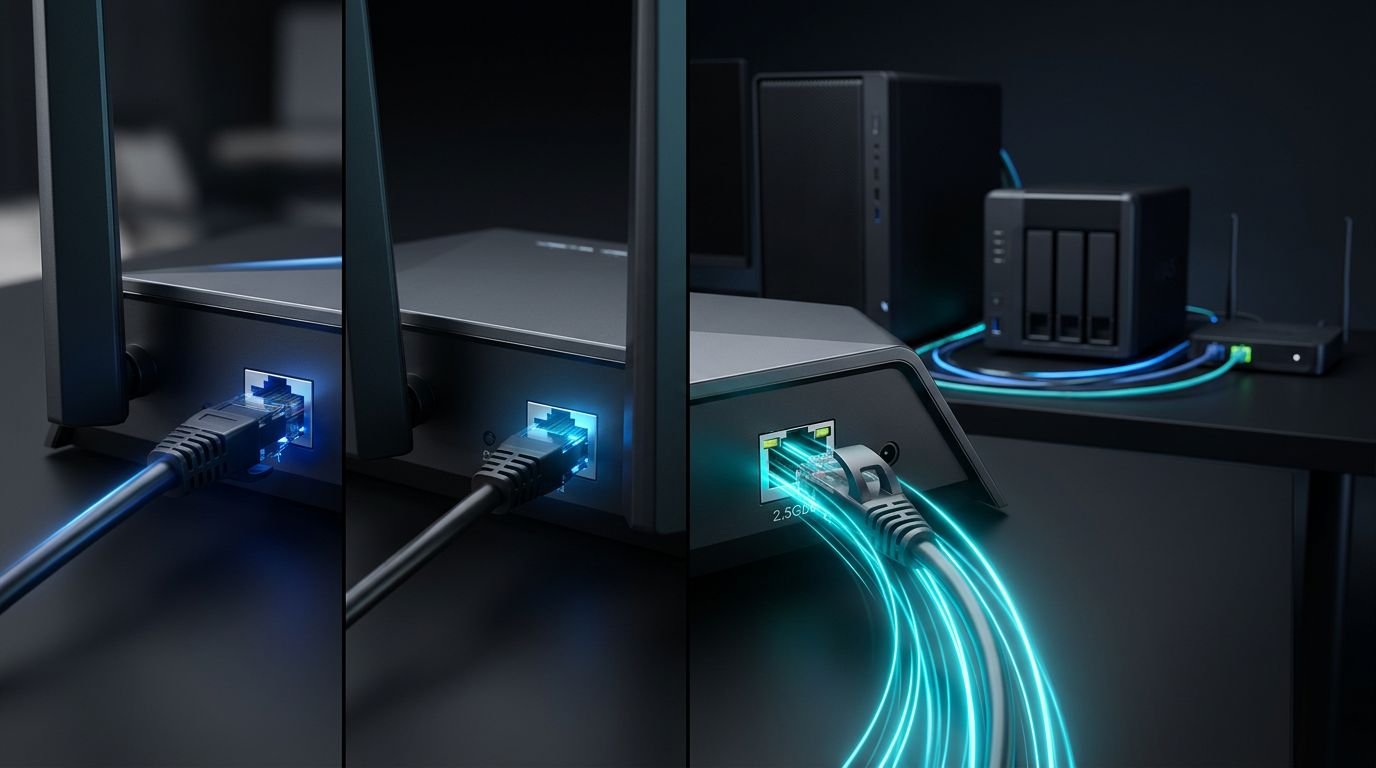
Fast internet speed can hit a 1 Gbps wall before it reaches your desktop. That port choice matters when comparing Netgear routers, cable modems, or a NAS setup. Most homes do not need a multi-gig network upgrade. The right choice depends on your internet plan, wired devices, home Wi-Fi needs, and whether you move large…
Nighthawk App Troubleshooting When Router Setup Fails
An app error can make a working router look broken. You may be standing beside a new Netgear Nighthawk, connected to Wi-Fi, and still see “Router Not Found” or a failed login screen. Start by checking your phone’s access, then confirm the router’s local setup connection and internet status. Check both Wi-Fi and mobile data…
Netgear Bridge Mode or Access Point Mode?
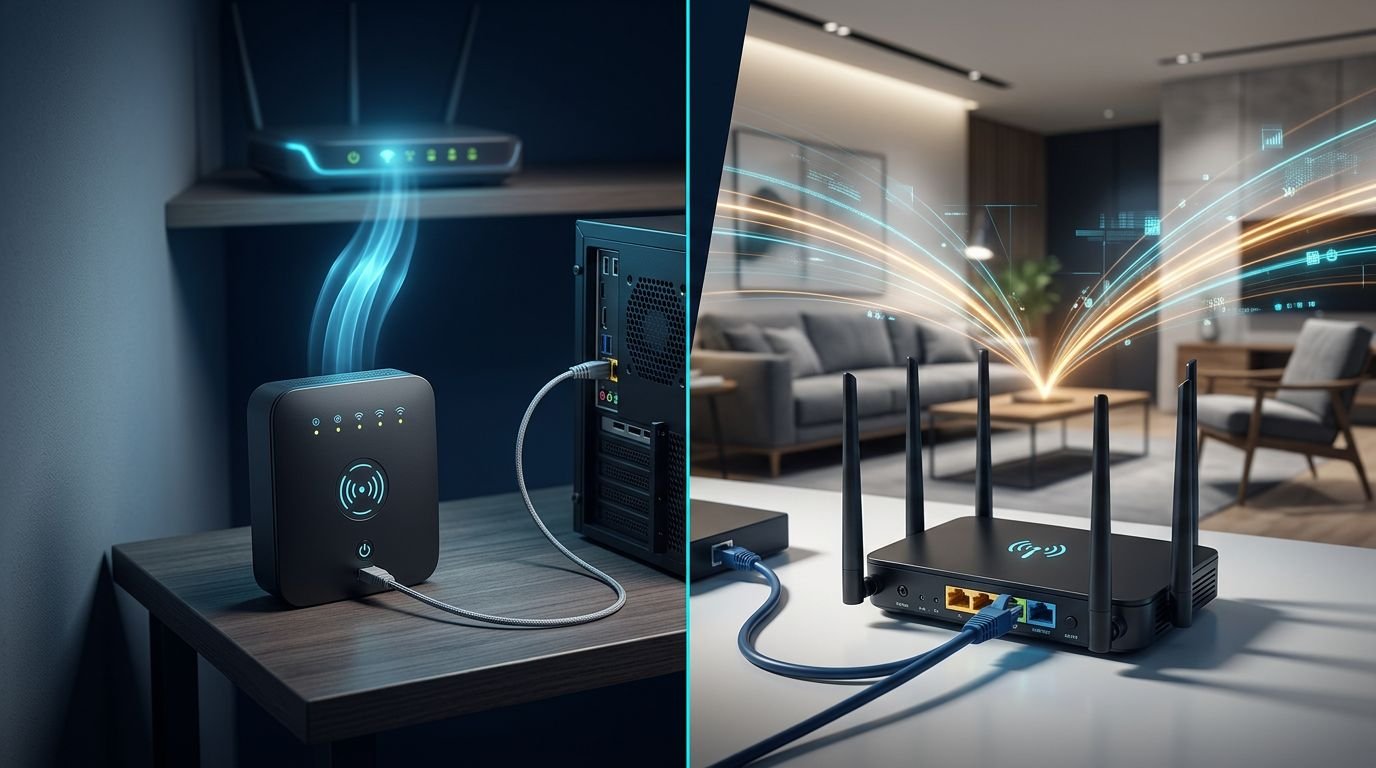
Bridge mode isn’t automatically the better way to extend Wi-Fi. Netgear bridge mode serves a different purpose: it gives an Ethernet-only device a wireless path to your main router. Access point mode is usually better when you want stronger Wi-Fi coverage elsewhere in your home. Choose based on whether you can run Ethernet and what…
Best Netgear Gaming Router Without Wi-Fi 7
A new router won’t fix distant game servers or a weak ISP plan. It can reduce delays caused by household traffic when someone starts a 4K stream or a large download. For most budget-minded players, the best Netgear gaming router is still a WiFi 6 model with solid wired ports and traffic controls. These controls…
Netgear Router Setup for Gaming and 4K Streaming
Online games can lag even when your internet plan looks fast on paper. A 4K stream may buffer when the router is poorly placed, overloaded, or connected to the wrong port. A good Netgear router setup starts with the basics: connect the modem or gateway correctly, choose a sensible location, and use wired links for…
Netgear Wi-Fi 7 vs Wi-Fi 6E for Older Devices
A newer router can improve a busy wireless network, but it can’t turn an older laptop into a Wi-Fi 7-capable device. When choosing between Wi-Fi 7 and Wi-Fi 6E, remember that your existing devices matter more than the largest speed number on the box. Your phone, streaming box, smart plugs, and work laptop each have…
Netgear WiFi Setup for Reliable Multiple Video Calls
One frozen Zoom screen can turn a normal workday into a frustrating one. When several people in the house are on calls at once, weak coverage and limited upload speed show up fast. A solid Netgear WiFi setup is not only about buying a faster router. It starts with your internet plan, home layout, router…
Netgear Nighthawk RS700S Review for Multi-Gig Homes
A fast internet plan can still feel slow when your router is the weak point. This Netgear Nighthawk RS700S review asks whether you have the internet plan, wired devices, and Wi-Fi 7 clients to justify a $549.99 router. For a multi-gig home with newer laptops, gaming PCs, and a busy smart-home setup, the RS700S is…