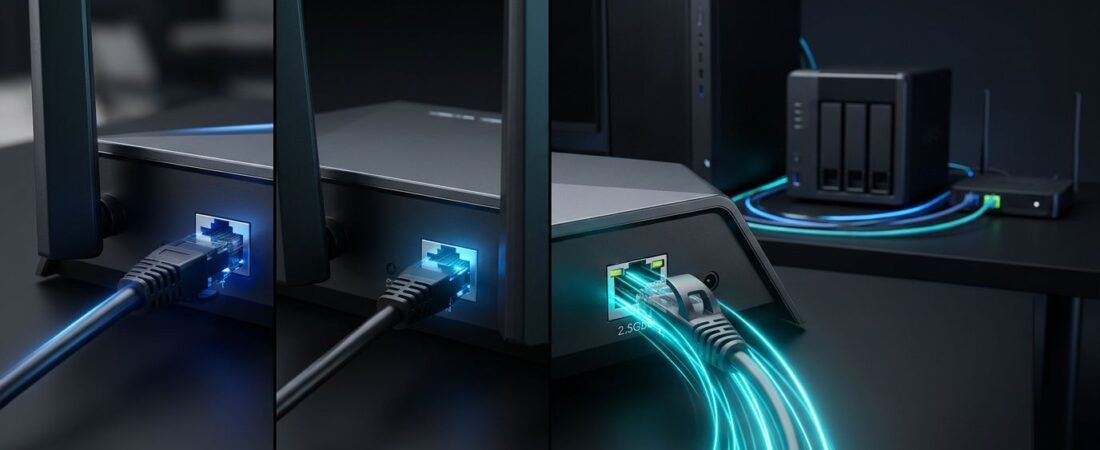
Fast internet speed can hit a 1 Gbps wall before it reaches your desktop. That port choice matters when comparing Netgear routers, cable modems, or a NAS setup.
Most homes do not need a multi-gig network upgrade. The right choice depends on your internet plan, wired devices, home Wi-Fi needs, and whether you move large files across the local network.
This post may contain affiliate links. If you make a purchase through these links, I may earn a small commission at no extra cost to you.
Key Takeaways
- Gigabit Ethernet is enough for most homes, including streaming, gaming, work calls, browsing, and everyday smart-home use.
- A 2.5GbE Internet or WAN port matters when your internet plan exceeds 1 Gbps and the modem or fiber ONT supports the required speed.
- A 2.5GbE LAN port helps compatible desktops, NAS devices, and switches move large files faster across the local network.
- The slowest link sets the limit, so check the modem, router ports, cables, switch, endpoint, and storage before upgrading.
- Cat5e cables often support 2.5GbE, but damaged cables, poor connectors, outdated drivers, or firmware can cause links to fall back to 1 Gbps.
2.5GbE vs Gigabit Ethernet: The Real Difference
The Ethernet standard establishes each port’s maximum link rate. A 1 Gbps port supports up to 1 Gbps, while a 2.5GbE port supports up to 2.5 Gbps. That higher bandwidth capability doesn’t guarantee every endpoint will operate at that rate.
Because real-world data transfer speeds include network overhead, a healthy 1 Gbps connection often tops out near 940 Mbps, or around 110 MB per second. A healthy 2.5GbE connection can move closer to 2.3 Gbps, or roughly 275 MB per second.
That difference is most visible in large downloads, local backups, and NAS workloads. It matters far less when you are checking email or watching a streaming app.
Your internet plan and home network are separate
The router’s Internet or WAN port connects to your modem, fiber ONT, or ISP gateway. A 2.5GbE WAN port is useful when your provider gives you more than 1 Gbps of service.
If you pay for 300 Mbps, 500 Mbps, or 1 Gbps internet, a faster port won’t raise the speed tier on your account. It also can’t fix a provider outage, weak Wi-Fi coverage, or an old laptop with a slow wireless adapter.
The slowest link sets the limit
Your network works like a chain. A single 1 Gbps link in the middle creates a network bottleneck for traffic that must pass through it.
A faster router port cannot make a Gigabit-only desktop faster. The same rule applies to a switch, docking station, NAS, or cable modem. Every part of the path matters.
Check the Port Layout on Your Netgear Router
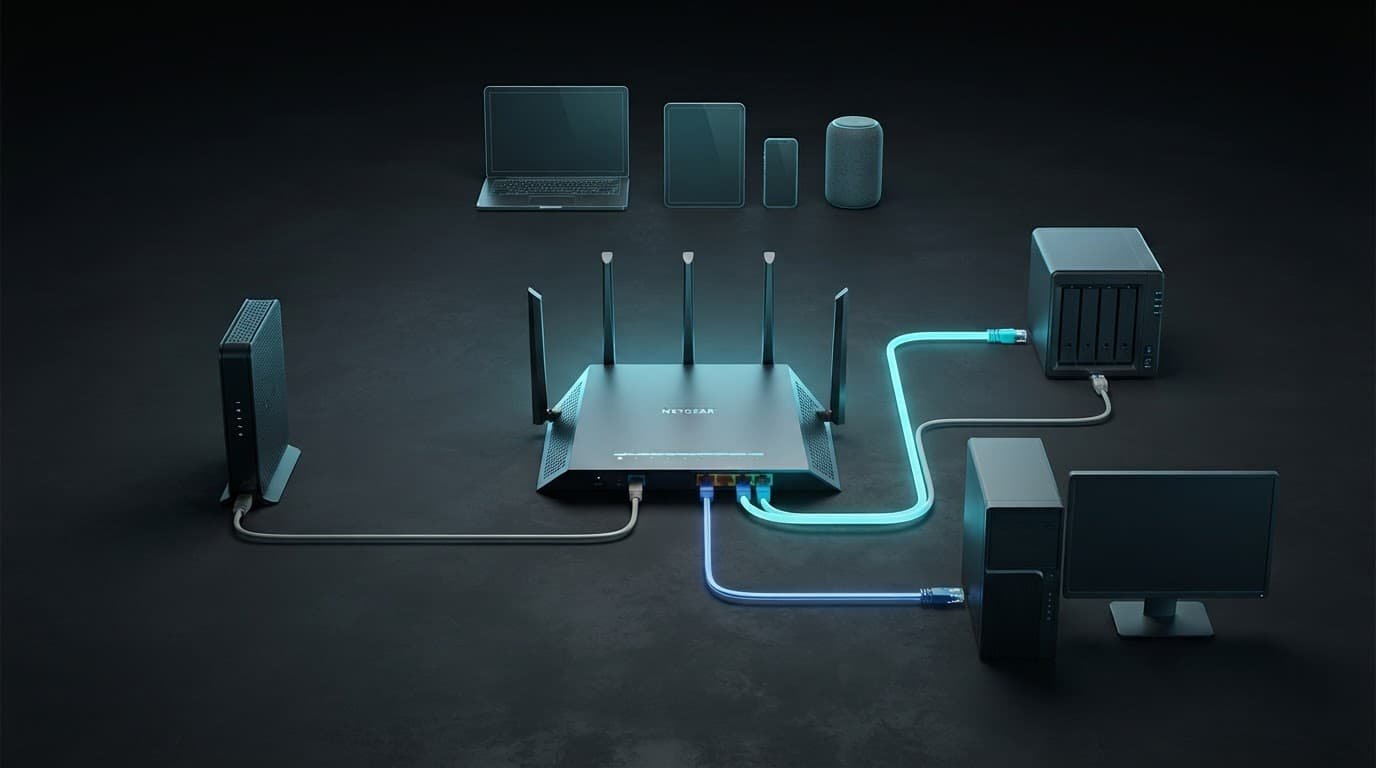
Not every Netgear router with a 2.5GbE port uses that port the same way. The layout is part of your network infrastructure. Some models offer 2.5GbE support only for the internet connection, while others add multi-gig LAN ports for wired PCs, switches, and local storage.
A 2.5G Internet port is different from a 2.5G LAN port
The Netgear Nighthawk RS100 has one 2.5GbE Internet port and four 1 Gbps LAN ports. It suits ISP plans above 1 Gbps. A desktop’s motherboard port still faces a 1 Gbps ceiling through those LAN ports.
That is not a design flaw. It reflects a different use case for the network hardware. The faster WAN port helps the router accept a faster cable or fiber handoff.
Multi-gig LAN ports help local devices
The Nighthawk RS200 adds one 2.5GbE LAN port alongside its 2.5 Gbps Internet port. That gives you a direct path to one compatible desktop, storage device, or multi-gigabit switch.
For homes with more than one high-speed wired device, port count and hardware compatibility matter more than the large Wi-Fi number on the box. Check the back of the router to confirm hardware compatibility and port count before focusing on its Wi-Fi rating.
Gigabit Ethernet Is Still Enough for Many Homes
A 1 Gbps wired connection remains sufficient for everyday internet use, streaming, gaming, work calls, and most smart-home devices.
It has plenty of room for multiple 4K streams, game downloads, video meetings, and browsing. Most smart TVs, streaming sticks, game consoles, and older laptops still use 1 Gbps connections or Wi-Fi.
Don’t confuse Wi-Fi coverage with Ethernet speed
A faster 2.5GbE port can’t repair weak wireless coverage from a poorly placed Wi-Fi router. It can’t push Wi-Fi through brick walls, metal ductwork, or floors, or overcome a router hidden in a cabinet.
If wired tests look good near the router but rooms farther away are slow, poor network performance may point to router placement or mesh Wi-Fi. A mesh system may be the better purchase for a large home with dead zones.
For placement checks, ISP handoffs, and common setup problems, browse the RouterForMyISP setup guides.
Gigabit is a good match for fixed devices
Use 1 Gbps Ethernet for devices that stay in one place and don’t need more speed. That includes a smart TV, console, printer, work laptop dock, or a basic NAS used for occasional backups.
It’s dependable, affordable, and easy to expand with a standard switch. Do not replace working equipment only because a newer router has a bigger port number.
When 2.5GbE Makes a Visible Difference
The best reason to choose a multi-gig connection is simple: you have a workload that can use it. That may be a 1.2 Gbps, 2 Gbps, or 2.5 Gbps internet plan. It may also be a busy local network with a desktop and NAS moving large files.
Multi-gig internet needs a matching WAN path
A 2.5GbE Internet port helps you receive your full service tier from a compatible modem or fiber ONT. The cable between the modem and router also needs to support the connection.
Netgear positions its 2.5GbE Internet ports for plans up to 2.5 Gbps. The Nighthawk RS500 includes a 2.5GbE Internet port and a separate 2.5GbE LAN port for a wired device.
Cable customers still need an approved modem. A fiber network normally hands off through an ONT or ISP gateway over Ethernet. A standalone router does not replace a cable modem.
NAS workloads are where the upgrade pays off
A multi-gig link can speed a large 100 GB file transfer. The NAS also needs fast local storage and a fully multi-gig path. Photo libraries, video projects, PC backups, and files used by virtual machines are common examples.
The table illustrates real-world performance for a healthy wired path with fast SSDs at both ends:
| Wired Transfer Path | Approximate Transfer Rate | Approximate Time for 100 GB |
|---|---|---|
| 1 Gbps Ethernet | 110 MB/s | 15 minutes |
| 2.5GbE Ethernet | 275 MB/s | 6 minutes |
A hard-drive-based NAS may be slower than either network connection. In that case, the storage drive becomes the bottleneck instead of the router port.
Check Every Bottleneck Before You Upgrade
A 2.5GbE upgrade works best when you check the whole path first. This helps reveal a network bottleneck before you buy a premium router and discover your dock, NAS, or switch is limited to 1 Gbps.
Cat5e cables often work for 2.5GbE
Existing network infrastructure meets modest cable requirements for a normal home run, so you don’t need to rewire with Cat6. A Cat5e cable is generally adequate for typical home runs when it’s in good condition and properly terminated.
Still, cable category isn’t the whole story. A damaged connector, a tightly bent cable, a poor wall jack, or poor termination can still force the link to fall back to 1 Gbps.
Start by testing with a short, known-good Cat5e or Cat6 cable before replacing cables inside walls.
Map the full wired route
Use this quick check before spending money:
- Confirm that your modem or ONT has an Ethernet port that matches your internet plan.
- Check that the router’s Internet port supports the speed you pay for.
- Confirm the router LAN port or network switch supports 2.5GbE.
- Check the desktop, dock, or NAS network port.
- Consider storage speed, since a slow hard drive can hold back file transfers.
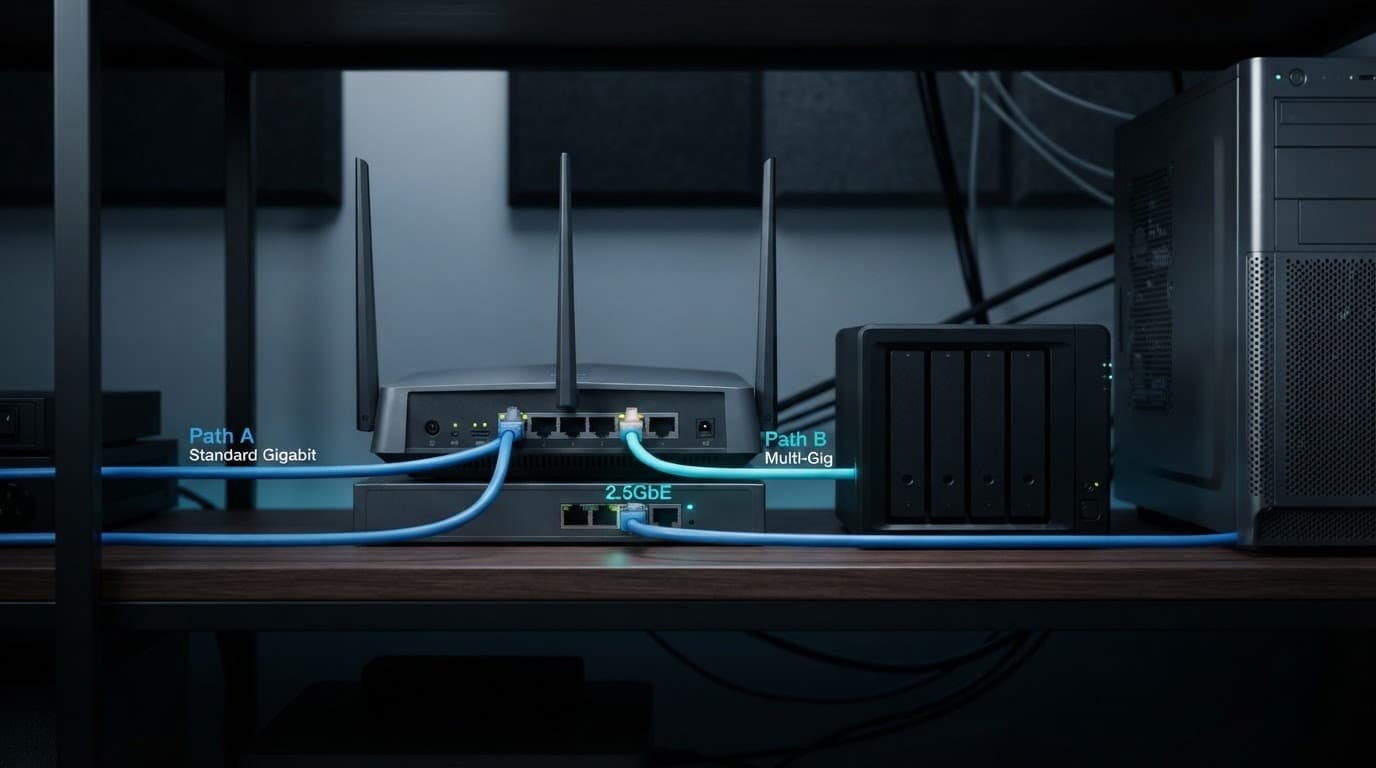
For a desktop and NAS setup, a common layout is a 2.5GbE router LAN connection to a compatible switch, followed by matching connections to the computer and NAS. This keeps local network traffic off a single 1 Gbps link.
If you need compatible routers, switches, adapters, and cables, compare current options at Better WiFi Shop.
Fix 2.5GbE Drops and Links Stuck at 1 Gbps
A connection that works at 1 Gbps but drops from 2.5GbE usually points to a cable, port, driver issues, or firmware problem. It doesn’t mean 2.5GbE is unreliable by default.
Check the negotiated connection speed first
Open the router, switch, NAS, or computer network settings and inspect the negotiated rate. If it says 1 Gbps, one side of the connection may only support 1 Gbps.
Replace the Ethernet cable with a known-good one and restart both devices. Then check again. This simple test catches more problems than changing advanced router settings.
Keep drivers and firmware current
Update your Netgear router firmware, switch firmware, NAS software, and computer network driver. Low-cost 2.5GbE adapters can work well, but support quality differs by model.
Do not force a speed setting unless the manufacturer requires it. Auto-negotiation normally gives the best result. If a link is unstable at 2.5GbE but stable at 1 Gbps, test another cable and another port before replacing hardware.
If the Nighthawk app cannot find the router
Connect your phone to the router’s Wi-Fi network first. Turn off mobile data, VPN software, and phone-side settings that block local network access.
On iPhone, allow local network access for the Nighthawk app. On Android, allow nearby-device or local-network permissions when prompted. Also confirm that the modem or gateway cable is connected to the router’s Internet or WAN port, not a regular LAN port.
Choose the Netgear Setup That Fits Your Home
For an internet speed below 1 Gbps and normal streaming, a quality Gigabit Ethernet router is often enough. Spend more on better Wi-Fi coverage only when your home has dead zones, many connected devices, or demanding work and gaming traffic.
For a plan above 1 Gbps, choose a Netgear router with a 2.5GbE Internet port. The Nighthawk RS300 is more flexible for local multi-gig use because it has two 2.5GbE LAN ports in addition to its 2.5GbE Internet port.
Buy a multi-gig LAN setup as part of a network upgrade when you have a compatible desktop, NAS, or switch ready to use it. Otherwise, a multi-gig WAN port may be enough for your next internet upgrade.
Frequently Asked Questions
Is 2.5GbE faster than Gigabit Ethernet?
Yes. Gigabit Ethernet supports up to 1 Gbps, while 2.5GbE supports up to 2.5 Gbps, with typical real-world rates near 110 MB/s and 275 MB/s respectively. The faster connection helps most with multi-gig internet, large file transfers, and NAS workloads.
Do I need a 2.5GbE router for a 1 Gbps internet plan?
Usually not. A quality Gigabit Ethernet router can handle a 1 Gbps plan, although real-world wired speeds normally top out near 940 Mbps because of network overhead. A 2.5GbE WAN port is more useful for internet plans above 1 Gbps.
Does a 2.5GbE WAN port make my desktop faster?
Not by itself. If the router has only 1 Gbps LAN ports, a wired desktop still has a 1 Gbps ceiling even when the Internet port supports 2.5GbE. The desktop, router LAN port, switch, and other parts of the path must support 2.5GbE.
Can Cat5e cables support 2.5GbE?
A properly installed, good-condition Cat5e cable is generally adequate for typical home 2.5GbE runs. If the connection stays at 1 Gbps or drops, test a short known-good cable and check the connectors, wall jacks, drivers, and firmware.
Is 2.5GbE worth it for a NAS?
It can be worthwhile when a desktop and NAS regularly move large files, photo libraries, video projects, or backups. The NAS storage, switch, cables, and computer network ports must also support the faster connection, and slow hard drives can remain the bottleneck.
The Right Port Matters More Than the Biggest Number
2.5GbE vs Gigabit Ethernet is a choice based on port compatibility and workload, not one universal winner for every home.
The 1 Gbps option remains dependable for everyday streaming, browsing, work calls, and most wired devices.
Choose 2.5GbE when your internet plan, desktop, NAS, and switch can use the added bandwidth. Match the WAN port, LAN ports, endpoints, and workload for the best fit.