Latest posts
Fix a NETGEAR WiFi Authentication Error at Home

An authentication error does not always mean you typed the wrong password. A NETGEAR WiFi authentication error can come from old saved network credentials, a device network problem, a router setting, or outdated firmware. Start with the affected device, then work toward the router. This order avoids changing settings that were never causing the problem.…
Is NETGEAR Armor Worth It for Your Home Network?
NETGEAR Armor is worth paying for if your home has many smart devices and you want one optional security service covering the router, phones, computers, and tablets. It isn’t necessary for every household. For a smaller household with strong device protection already in place, the annual subscription may feel unnecessary. The right choice depends on…
How to Find Your Netgear Router Login Page and Recover Access
When your Wi-Fi works but you can’t open the settings page, the problem is usually your local connection, not your internet plan. A Netgear router login lets you change Wi-Fi settings, update firmware, check connected devices, and fix common setup problems. Start with the browser method. It works on most NETGEAR routers and gives you…
Netgear Router Configuration Backup and Restore Guide
A router reset can erase more than your Wi-Fi name. It can remove device reservations, port forwarding rules, custom DNS, guest network settings, and other details that took time to set up. A Netgear router backup restore helps preserve a working home network after a firmware update, ISP change, or troubleshooting reset. The file contains…
Netgear WPA3 Setup for Newer Phones and Laptops
A newer phone or laptop can support stronger Wi-Fi security. Your router’s Wi-Fi security mode must match those capabilities for WPA3 security to work. This setup helps protect your wireless network without making everyday connections harder than they need to be. The main decision is simple. Use WPA3-Personal when your connected devices support it. If…
Reading Netgear Status Lights During an Internet Outage
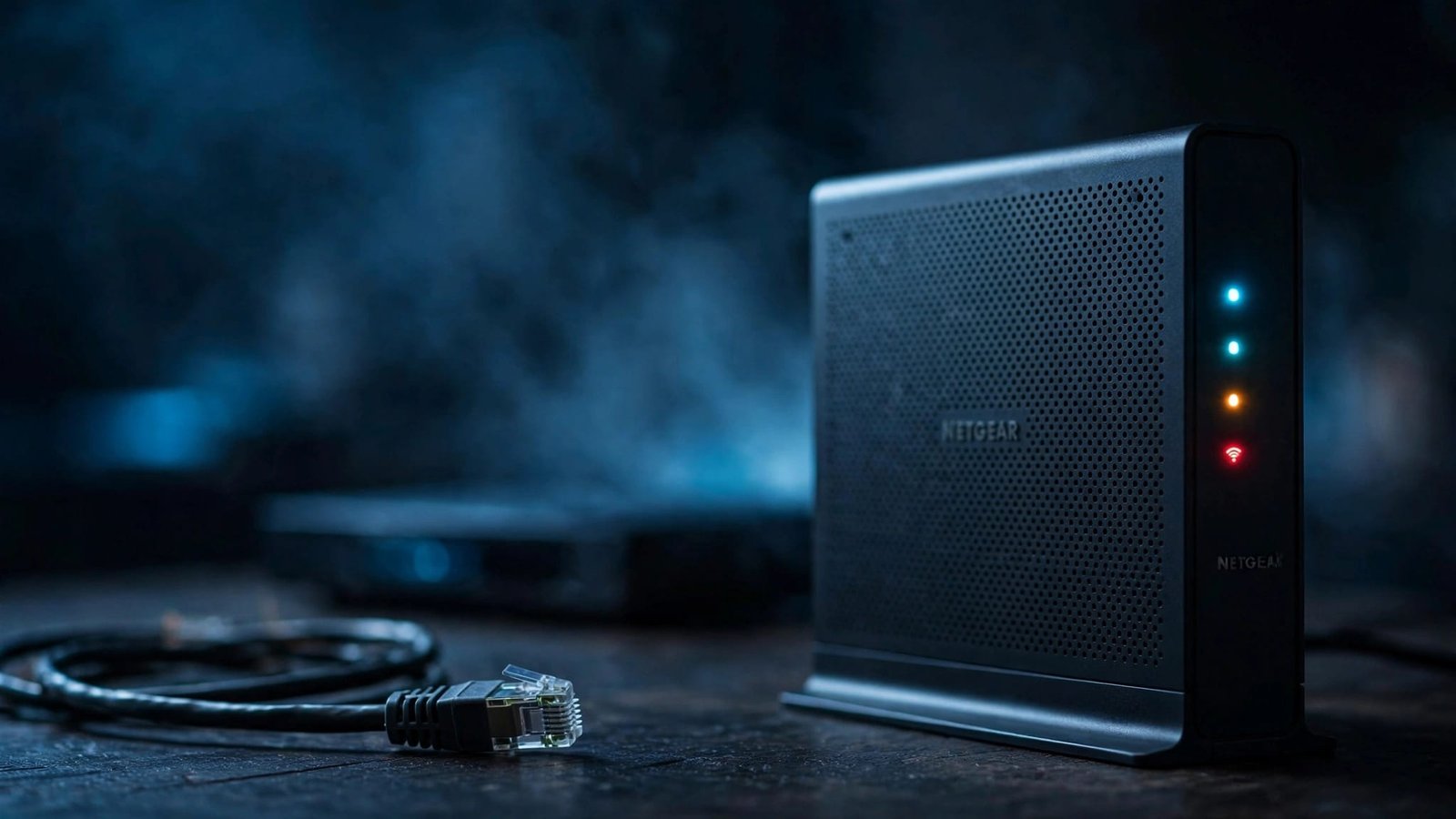
When your connection drops, a router or modem light can narrow the problem to power, the modem or ONT, the router, or Wi-Fi coverage. LED colors and patterns vary among NETGEAR routers, cable modems, modem-router gateways, and Orbi systems. Identify the exact model and check its manual before interpreting a light. The key is identifying…
How to Reduce Bufferbloat With Netgear QoS Settings
A fast internet plan can still suffer from bufferbloat when someone starts a large upload or download. The problem is increased latency during congestion, not a lack of advertised internet speed. Netgear QoS settings can give time-sensitive traffic a better place in line when the connection is saturated. They may reduce queueing delay for games,…
7 Netgear Router Settings to Change After Installation
A new router can bring better Wi-Fi, but the default setup rarely covers basic security, connectivity, guest access, or troubleshooting. These Netgear router settings are worth checking after installation on current NETGEAR routers, including Nighthawk models. For supported Nighthawk models, the Nighthawk app offers an alternative for basic changes. Its features and menu names vary…
Set Up a Netgear Guest Network for Smart Home Devices
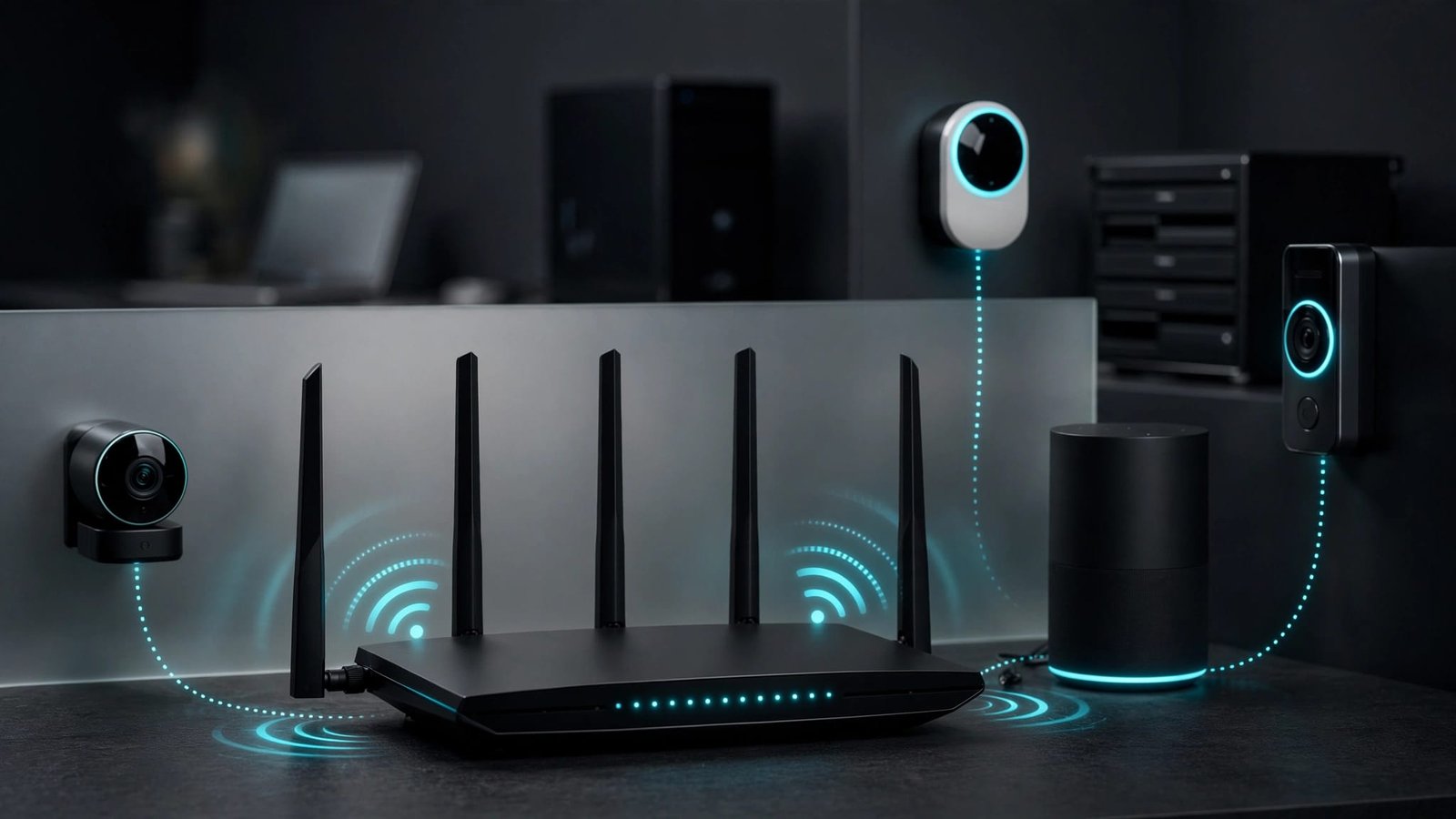
A smart camera, thermostat, speaker, and doorbell can make a home easier to manage. They can also add many devices to your everyday Wi-Fi setup. A Netgear guest network gives those devices a separate place to connect. Your computers and files can stay on your home network, while smart devices use guest WiFi with a…
Netgear Router Firmware Update Without Losing Settings
A firmware update shouldn’t mean rebuilding your whole home network. With the right preparation, the update can keep your Wi-Fi name, password, port forwarding rules, parental controls, and device reservations in place. Most routine firmware updates preserve your existing configuration. Still, saving a backup takes two minutes and can prevent a long night reconnecting TVs,…