
NETGEAR Armor is worth paying for if your home has many smart devices and you want one optional security service covering the router, phones, computers, and tablets. It isn’t necessary for every household.
For a smaller household with strong device protection already in place, the annual subscription may feel unnecessary. The right choice depends on your home network security needs, connected devices, existing tools, and coverage beyond the router.
This post may contain affiliate links. If you make a purchase through these links, I may earn a small commission at no extra cost to you.
Key Takeaways
- NETGEAR Armor adds router-level protection for supported Orbi and Nighthawk systems, plus device protection for up to 50 devices.
- It is most useful for homes with cameras, locks, TVs, speakers, and other IoT devices that cannot run antivirus software.
- Check current US pricing for Armor and Armor Plus, since costs, eligibility, and terms can change.
- Verify the eligibility, length, and terms of any free trial before relying on advertised pricing.
- Router-level protection complements strong passwords, WPA3, firmware updates, and guest network isolation.
- If you already use an antivirus suite and a paid VPN, compare overlapping features before renewing.
What NETGEAR Armor Protects
NETGEAR Armor is a Bitdefender-powered security subscription for compatible NETGEAR routers. Check your specific model, including supported Orbi mesh systems and Nighthawk routers, before subscribing. It adds router security and network threat protection at the router, then extends coverage through its app with antivirus protection on supported Windows, macOS, Android, and iOS devices.
Smart Home Devices Get the Main Benefit
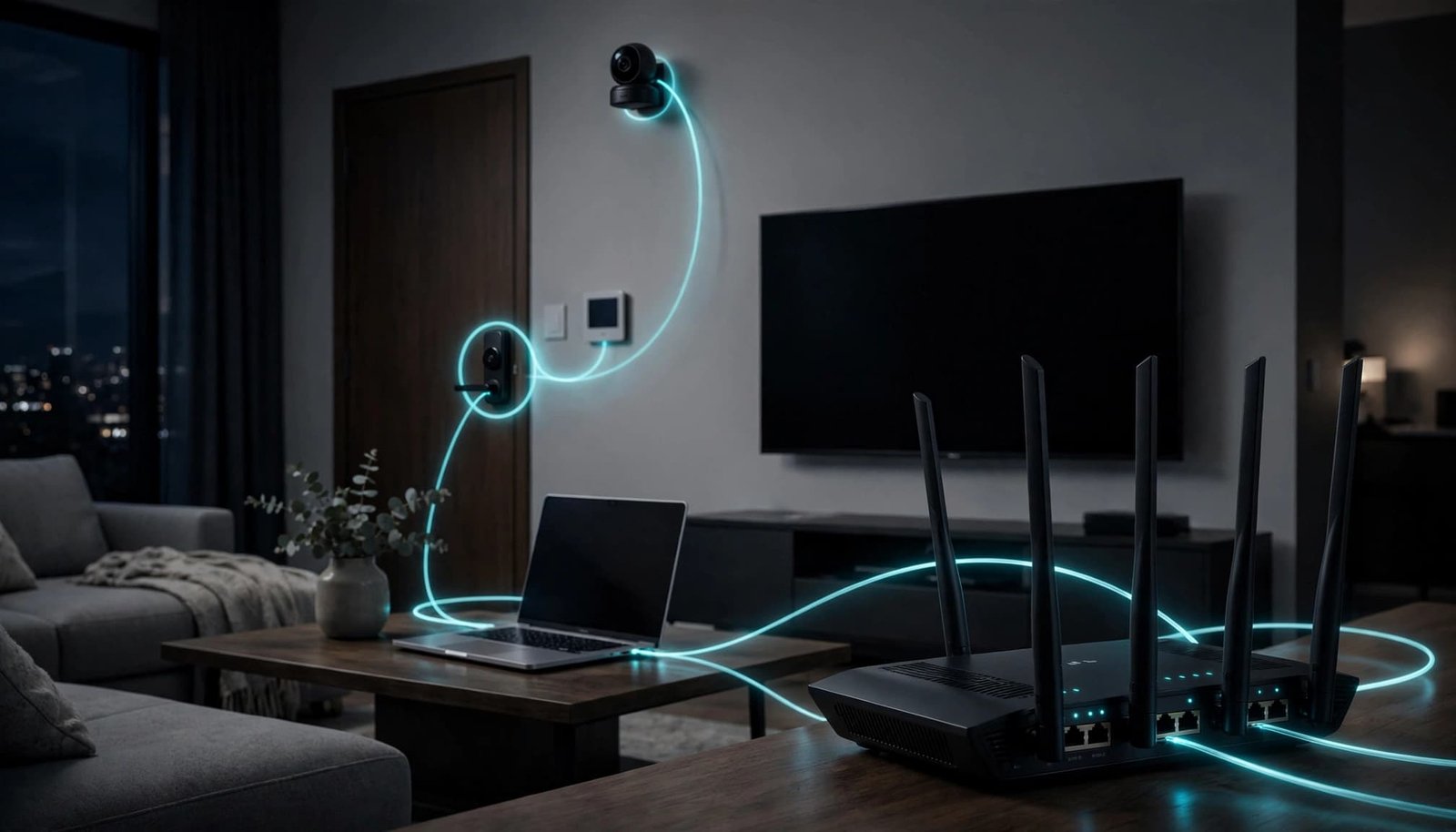
A laptop can run antivirus software. A smart plug, camera, TV, doorbell, or thermostat usually cannot. IoT devices like these are where router-based protection can add real value.
The router can watch for suspicious connections across the home network and help block known threats before they reach unmanaged devices. It may analyze relevant network traffic or connection behavior, but it doesn’t decrypt all encrypted content.
It doesn’t replace a separate guest network. Put less-trusted connected products on a guest or isolated network when your router supports it, then test cameras, speakers, and streaming devices afterward.
Keep automatic firmware updates on, use a strong router admin password, and disable remote management unless you truly need it. Those steps are free and should come before any subscription.
Device Protection Works Away From Home
The app can cover up to 50 devices. According to NETGEAR’s Armor feature list, that includes Bitdefender malware protection and dark web monitoring.
The same documented device features include a vulnerability scan, ransomware protection, and safeguards against malware attacks on supported devices. Unsafe link protection can also help warn you about malicious websites in supported browsers.
This matters when a phone or laptop leaves your home Wi-Fi. Router-level protection ends when the device connects to hotel, work, school, public Wi-Fi, or cellular internet. Device-level protection follows it.
Is NETGEAR Armor Worth Paying For?
The standard plan currently costs $99.99 per year, while Armor Plus costs $149.99 per year. These prices are annual subscriptions, not monthly billing. Review the current NETGEAR Armor plans and pricing before renewing because features and prices can change.
NETGEAR Armor’s current US terms list a 30-day free trial for eligible new subscribers. Eligibility can vary, and the trial typically converts to a paid plan automatically unless you cancel before it ends. Check the terms shown during signup for cancellation deadlines, renewal pricing, and access after cancellation.
It Makes Sense for Busy Smart Homes
Armor is a practical fit when you have a supported NETGEAR router, many IoT devices, and no other paid antivirus plan. It can be easier than managing separate security apps for each family member.
For eligible households, the service can combine network threat protection, antivirus protection, unsafe link protection, phishing protection, and dark web monitoring. It adds a router-level security layer, but it isn’t the same as ordinary router security settings.
These features can help identify malicious websites and suspicious activity across connected devices. Still, NETGEAR’s stated features shouldn’t be treated as independently verified results against every online threat.
The service is about security, not better Wi-Fi speed, lower gaming latency, or wider coverage.
A security subscription cannot fix dead zones, weak ISP service, or a poor router location.
If coverage is your main problem, start by learning how to choose the right mesh WiFi system for your home and internet plan.
When You Can Probably Skip It
You may not need Armor if every computer already has a current antivirus suite, your phones use built-in protections, and you have few connected devices or no compatible NETGEAR router.
Free DNS-based filtering, browser warnings, and other privacy tools can block or flag some known threats. These options are helpful, but they don’t provide the same device coverage or central router monitoring.
The subscription is harder to justify if you already pay for Bitdefender, a separate VPN, or a built-in VPN service. Compare device limits, supported operating systems, privacy policies, and overlapping features before paying twice for similar protection.
Armor Plus and the VPN Question
For 2026, NETGEAR Armor Plus costs $50 more per year than the standard plan. It includes unlimited VPN use on up to 50 devices, plus ad blocking and anti-tracking tools.

Compare the Privacy Tools You Already Have
Armor Plus may suit you if you want one subscription for security and privacy across many devices. NETGEAR lists its VPN and breach-monitoring tools as part of its Bitdefender-powered security offering. Its built-in VPN is a privacy feature, not a guarantee of complete anonymity.
Still, don’t buy Armor Plus only because it includes a VPN. A separate VPN subscription may make that built-in VPN redundant. Compare device limits, supported platforms, privacy policies, public Wi-Fi use, and streaming needs before choosing.
Third-Party VPN Use Is Not Clearly Confirmed
NETGEAR documents its own VPN feature, but its public materials don’t clearly confirm how Armor works alongside a separate service such as NordVPN. A device normally shouldn’t run two VPN connections at once.
Use one VPN at a time, then test banking apps, work connections, streaming services, and smart home controls. If a service stops working, turn off the VPN before changing router settings.
My Experience With the Orbi 870
I am Steve Neff, founder of Better WiFi Shop, and I own and use the NETGEAR Orbi 870. My interest in home networking started after learning that paying for faster internet doesn’t always solve Wi-Fi problems.
That experience informs my view of Wi-Fi, but it isn’t an independent test of NETGEAR Armor. The home network security information in this article comes from the manufacturer.
Mesh coverage and an optional security subscription solve different problems. Orbi mesh systems can help larger homes get better Wi-Fi coverage, while the security subscription adds a separate layer of protection. You can compare Orbi systems at Better WiFi Shop if you’re deciding whether mesh Wi-Fi is the better upgrade.
FAQ
Does NETGEAR Armor inspect encrypted traffic?
Public information doesn’t clearly explain how NETGEAR Armor handles encrypted network traffic or whether it decrypts it. Don’t assume the service can see the contents of secure websites. Its documentation may describe network-level and device-level protections without proving that it reads every secure connection.
Can I get a discount by turning off auto-renew?
Some users report receiving retention offers after turning off auto-renew, but a discount isn’t guaranteed. Turning off auto-renew doesn’t itself create a discount. If you do it, review the actual offer and subscription expiration date before accepting.
Final Thoughts
NETGEAR Armor is easiest to justify when your home has many unmanaged IoT devices, limited existing security, and a need for centralized home network security.
It’s less compelling if you already pay for antivirus, a VPN, or privacy tools, or if Wi-Fi coverage is the real problem. Armor Plus may help some households, but router-level network threat protection remains optional. Keep strong passwords, WPA3, firmware updates, and guest or isolated networks in place, and use device-level judgment. NETGEAR Armor doesn’t replace those habits or guarantee complete protection.