Latest posts
How Many Devices Can a NETGEAR Router Support?

A NETGEAR router can support dozens of devices, but there’s no single device limit across all models. Your practical limit depends on the router’s hardware, network settings, and active traffic. A house full of smart plugs creates a different load than several TVs streaming while computers download updates. Start by separating the number of connected…
How to Set Up a NETGEAR Router With Cox Internet
Connect a standalone NETGEAR router to an activated, compatible modem for Cox internet. A NETGEAR combo needs its built-in equipment activated before service works. Check which type of equipment you own before connecting cables. This helps you avoid replacing gear you don’t need. This post may contain affiliate links. If you make a purchase through…
How to Replace Xfinity Gateway With Netgear Equipment
That Xfinity gateway rental fee gets harder to ignore when your Wi-Fi network still has dead spots. If you have Xfinity Internet and want to replace Xfinity gateway equipment with Netgear gear, the key is buying the right type of device before you unplug anything. You can replace the whole gateway, keep it in bridge…
How Often Should You Replace a Netgear Router?
A home WiFi router can seem fine until streaming starts buffering, video calls freeze, or one bedroom loses Wi-Fi every night. A Netgear router replacement may be worth reassessing after four or five years, but there’s no universal schedule. Timing depends on your NETGEAR model, its support status, your home’s Wi-Fi generation, ISP speed tier,…
Best Netgear Router for T-Mobile 5G Home Internet
The included cellular gateway can deliver solid speeds, but it may not cover every room. Adding a Netgear router T-Mobile 5G setup can improve Wi-Fi coverage and control without replacing that gateway or increasing your plan’s speed. The key is choosing the right product for your home. A standard Netgear router or Orbi mesh system…
Choosing a Netgear Mesh System for Thick Walls

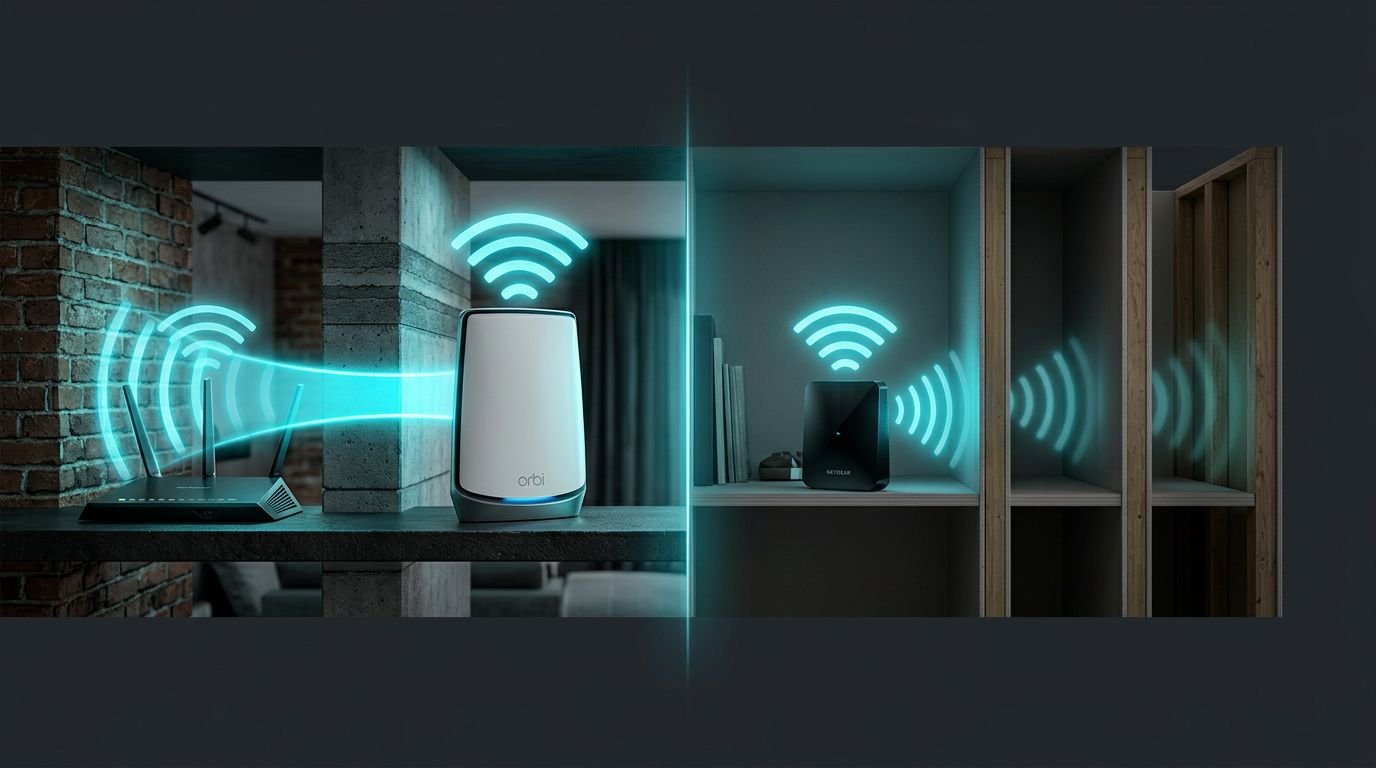
Brick, concrete, plaster, stone, and other dense walls can turn a good Wi-Fi plan into a frustrating home network. You may get full speed beside the router, then lose signal two rooms away. The right Netgear mesh system can improve coverage, but premium hardware can’t guarantee every weak area disappears. Practical results depend on the…
2.5GbE vs Gigabit Ethernet on Netgear Routers
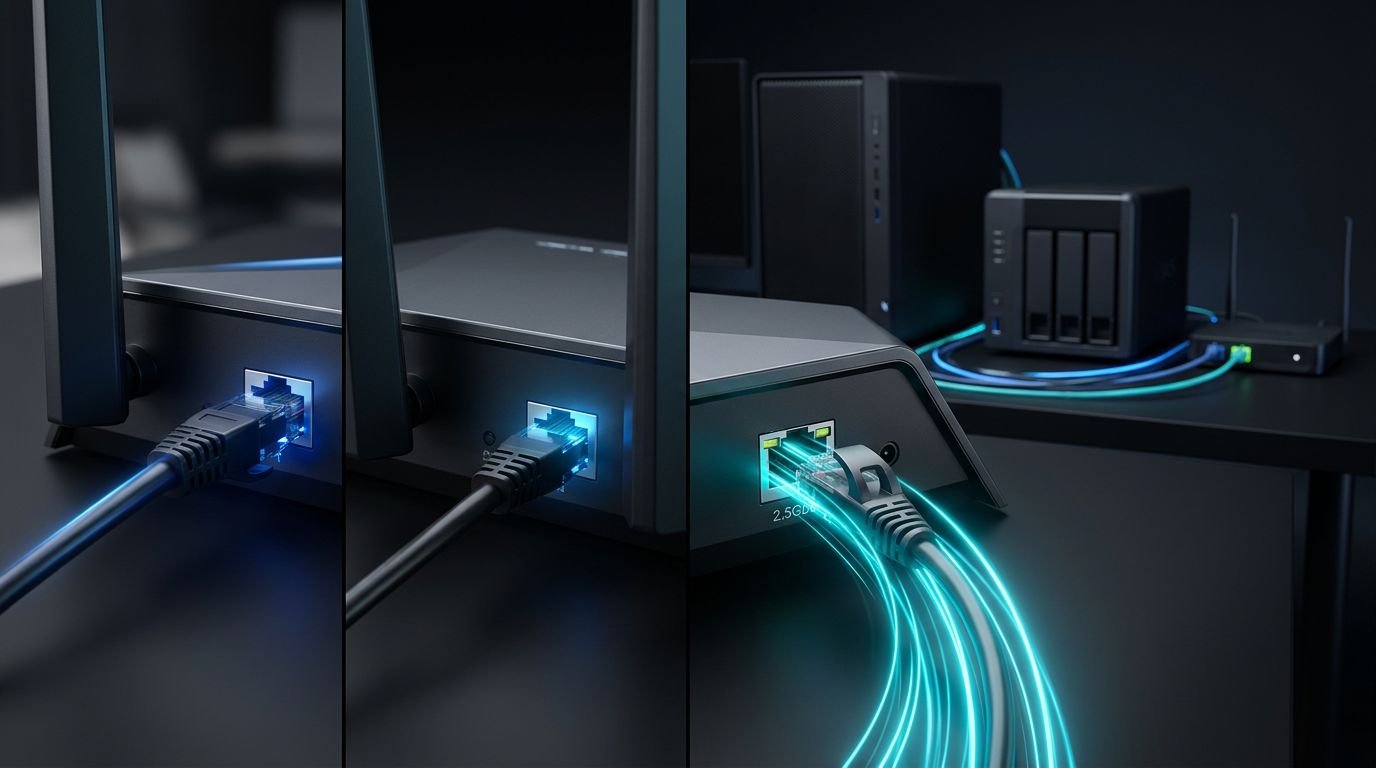
Fast internet speed can hit a 1 Gbps wall before it reaches your desktop. That port choice matters when comparing Netgear routers, cable modems, or a NAS setup. Most homes do not need a multi-gig network upgrade. The right choice depends on your internet plan, wired devices, home Wi-Fi needs, and whether you move large…
How to Set Up a Netgear Router With Fixed Wireless
Fixed wireless internet can be a solid home internet option, but the provider’s gateway often leaves you with weak Wi-Fi or limited settings. For households using this wireless internet service, adding a Netgear wireless router can improve coverage and provide better wired connections. A Netgear router fixed wireless setup also gives you more control over…
Calculate ISP Rental Savings With Netgear Equipment
A monthly equipment charge can look small until you multiply it by three years. Many internet service providers let customers replace rented equipment, but the right setup still depends on your plan and home. The savings are real for many cable internet customers, but only when the internet equipment you buy works with your provider,…
Best Netgear Router for Breezeline Gigabit Internet
A 1 Gbps plan can still produce poor internet speeds in the back bedroom when Wi-Fi drops. It also won’t help if Breezeline won’t activate your modem. If your search started with “Netgear router Breezeline,” or if you still search for Atlantic Broadband modems under the provider’s former name, the practical answer is to choose…