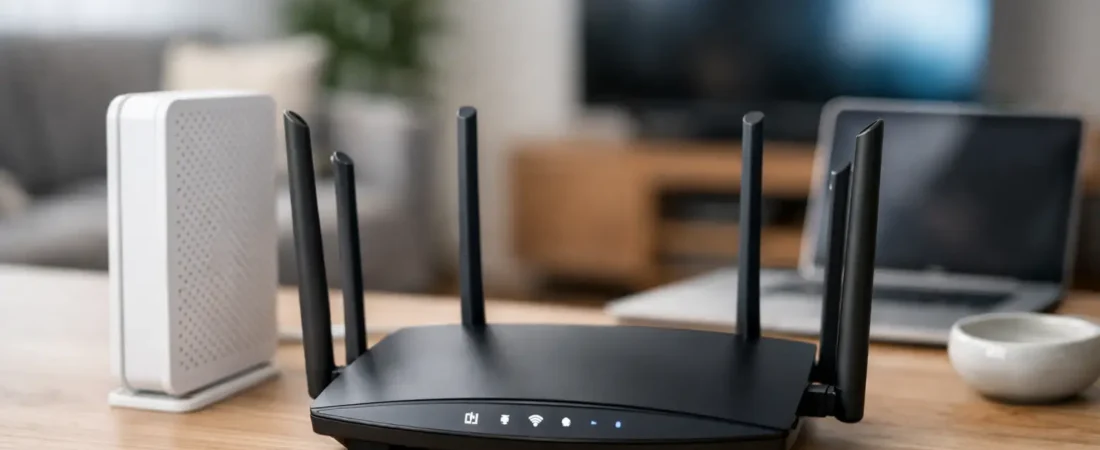
If your Xfinity bill keeps reminding you about equipment rental fees, or your Wi-Fi falls apart the second everyone starts streaming, this xfinity compatible router guide is where the math starts to make sense. The right router can cut monthly costs, improve coverage, and give you more control over your home network – but only if you buy equipment that actually fits your Xfinity plan and setup.
How to use this xfinity compatible router guide
The biggest mistake people make is shopping by brand name alone. A router can be excellent and still be the wrong fit for Xfinity if you pair it with the wrong modem, buy more speed than your plan can deliver, or expect one device to cover a large multi-story home.
Start with three questions. First, do you need a modem-router combo or just a router? Xfinity cable internet requires a compatible cable modem. If you already have a working Xfinity-approved modem, then you only need a router. If you want to replace the rented gateway completely, you need both pieces, either as separate devices or in one combo unit.
Second, what speed tier are you paying for? A household on a basic or mid-tier plan does not need the same gear as a home with gigabit service, multiple remote workers, and several 4K TVs. Third, how big is your coverage problem? A strong single router works well in many apartments and smaller homes. Larger homes often do better with mesh Wi-Fi, even if the raw speed specs look lower on paper.
Xfinity compatibility starts with the modem
This is where many shoppers get tripped up. Xfinity internet runs over cable in most markets, so router shopping is really a two-part compatibility check. The modem must be approved for Xfinity, and the router must match the performance you want inside your home.
If you are replacing all rented equipment, look for a DOCSIS 3.1 modem if your plan is in the higher speed range or if you want more room to grow. DOCSIS 3.0 can still work for lower plans, but it is increasingly a budget-minded choice rather than the one most households should buy today. If you only shop for the cheapest modem that says it works with cable internet, you can end up with a bottleneck before the Wi-Fi even begins.
A combo unit can be appealing because it keeps setup simple and uses fewer outlets. The trade-off is flexibility. If one part becomes outdated, you replace the whole thing. Separate modem and router setups usually make more sense for people who want better Wi-Fi, easier upgrades, or a future move to mesh.
Router types that make sense for Xfinity homes
For most households, the decision comes down to a traditional standalone router or a mesh system. A standalone router is usually the best value when your home is modest in size and your main goal is stronger speeds in the same general area. It is also a good choice if you can place the router near the center of the home instead of hiding it in a far corner.
Mesh systems solve a different problem. They are less about chasing the highest lab-tested speed and more about fixing dead zones. If your current Xfinity gateway works okay in one room and badly everywhere else, mesh is often the better investment. That is especially true for long ranch homes, two-story layouts, and houses with smart TVs, doorbells, and gaming devices spread across multiple rooms.
There is also the issue of wired performance. If you have gamers, desktop workstations, or a home office setup, pay attention to Ethernet ports. Some compact mesh systems are light on ports, while traditional routers often give you more room for wired devices without adding a switch.
What specs matter and what is mostly marketing
Wi-Fi labels matter more than giant speed numbers on the box. For most Xfinity customers shopping today, Wi-Fi 6 is the practical sweet spot. It offers better efficiency with lots of devices and is now common enough that you do not need to pay a premium just to get it. Wi-Fi 6E can be worthwhile in some homes, but only if you already own compatible devices and want the extra 6 GHz band. If not, it is easy to overspend.
Processor and memory matter too, although they are not advertised as clearly. A better router handles more devices, more video calls, and more background traffic without feeling unstable. That matters for busy households more than flashy theoretical speed claims.
Multi-gig ports are another it depends category. If your Xfinity plan is below gigabit, they are usually nice to have, not essential. If you are paying for higher-end service or want to future-proof a little, they become more meaningful. Just remember that your modem, router, Ethernet cables, and devices all have to support those higher speeds for the benefit to show up.
Matching the router to your Xfinity plan
If your household uses a lower or moderate Xfinity speed tier mainly for streaming, browsing, schoolwork, and some smart home devices, a solid Wi-Fi 6 router is usually enough. You do not need the most expensive model to get noticeably better performance than a rented gateway.
If you are in the several-hundred-meg range with multiple users online at once, this is where midrange routers and entry-level mesh systems make a lot of sense. The goal is not just top speed. It is consistent speed when two people are on work calls, one person is gaming, and the TV is pushing 4K video.
If you pay for gigabit or near-gigabit Xfinity service, do not cheap out on the modem or the router. This is where better hardware actually shows up in daily use. Look for a DOCSIS 3.1 modem and a router or mesh system designed for heavier traffic loads. In this tier, placement and Ethernet backhaul can matter almost as much as the model itself.
Common buying mistakes this xfinity compatible router guide can help you avoid
One common mistake is assuming any router labeled for high speed internet will work by itself with Xfinity. It will not. A router does not replace a cable modem unless you are buying a combo device.
Another mistake is buying based only on square-foot coverage claims. Those numbers are optimistic and usually tested in ideal conditions. Thick walls, older homes, and awkward modem placement can change everything. A smaller home with difficult layout issues may need mesh more than a larger open-concept home.
A third mistake is overbuying for the plan you have today while ignoring the devices you actually use. If most of your household devices are older phones, TVs, and laptops, premium-tier features may not deliver much value right away. Better placement, a modern Wi-Fi 6 router, and a compatible modem can do more than an expensive flagship model in the wrong spot.
Setup and activation: keep it simple
Once you have the right hardware, setup is usually straightforward. The modem needs to be activated on your Xfinity account, and the router needs to be configured through its app or browser interface. If you are using separate devices, connect the modem first, wait for it to come online, and then connect the router.
Use a new network name and password unless you have a specific reason to keep the old ones. Reusing the same network name can make reconnecting easier, but sometimes older devices behave better after a clean setup. If you are switching from a rented Xfinity gateway to your own gear, give yourself a little patience during activation. Most issues are configuration-related, not signs that the hardware is defective.
It also helps to place the router or main mesh node out in the open. Not inside a cabinet, not behind the TV, and not in the basement if the people using Wi-Fi are upstairs. A good router in a bad location can still produce bad Wi-Fi.
When renting from Xfinity still makes sense
Buying your own equipment is often the better long-term value, but not always. Renting can still be reasonable if you want one company handling support, if you move frequently, or if you do not want to troubleshoot hardware at all. There is also less upfront cost.
That said, many households end up paying rental fees long enough to cover the cost of owning better gear. If you plan to keep Xfinity for a while and want stronger home Wi-Fi, buying usually becomes easier to justify pretty quickly. That is a big reason sites like RouterForMyISP focus so heavily on ISP-specific compatibility instead of generic router roundups.
The best choice is the one that fits your Xfinity plan, your home size, and your tolerance for tinkering. Buy a compatible modem first, pair it with a router that matches your real coverage needs, and you will usually end up with a faster, less frustrating setup that costs less over time.