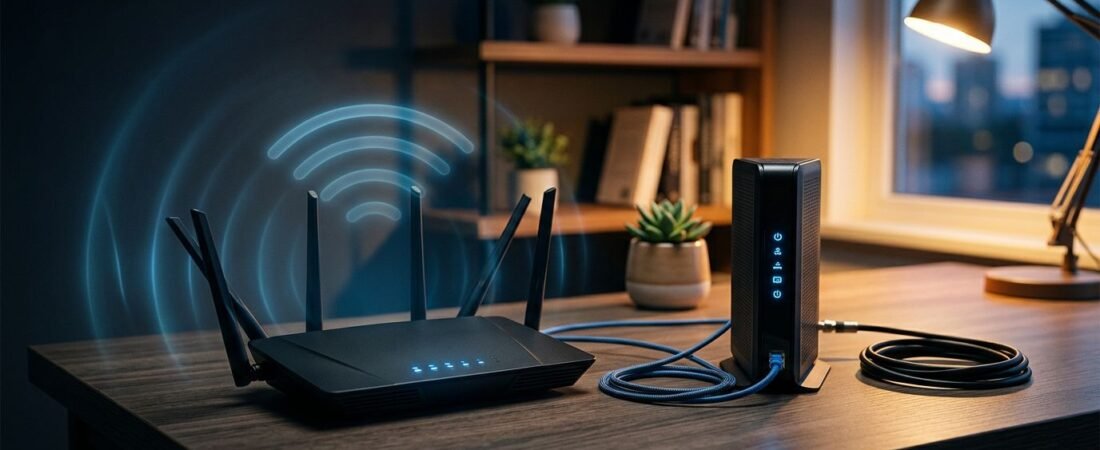
Poor WiFi can make a fast Spectrum plan feel slow, even when Spectrum internet service is working normally. A Netgear router Spectrum setup can improve coverage and give you more control, but only if the modem and router are connected in the right order.
Most setup problems come from using the wrong port, leaving two routers active, or trying to activate a new cable modem after everything is already connected. You don’t need advanced networking skills to avoid those issues.
Start by identifying the equipment you have and which device handles the internet connection.
This post may contain affiliate links. If you make a purchase through these links, I may earn a small commission at no extra cost to you.
Key Takeaways
- Connect the Spectrum modem to the Netgear router’s WAN or Internet port, not to a regular LAN port.
- Bring the modem online first, then power on the Netgear router and complete setup through the Nighthawk app or router setup page.
- Activate any personally owned Netgear modem with Spectrum using the modem’s MAC address before troubleshooting WiFi settings.
- Avoid two active routers by using bridge mode or Netgear access point mode when keeping a Spectrum gateway.
- DOCSIS 3.1, WiFi 6, and 2.5GbE hardware can support faster plans, but compatibility, service upgrades, and wired testing still matter.
Check Your Spectrum Equipment Before You Connect Anything
Spectrum service can work with a Netgear router in a few different ways. The setup changes based on whether you are keeping Spectrum’s modem, using a Spectrum gateway, or buying your own modem.
A modem connects your home to Spectrum’s cable network. A router creates your home WiFi network and connects your phones, TVs, computers, and smart devices. Many Spectrum customers have a gateway that combines modem and routing functions in one box.
| Equipment You Have | Best Connection | What You Need to Set Up |
|---|---|---|
| Spectrum modem only | Connect it to the Netgear router’s WAN port | The Netgear router |
| Spectrum modem and provider router | Replace the Spectrum router with Netgear | The Netgear router |
| Spectrum gateway | Use bridge mode or Netgear access point mode | One device should handle routing |
| Your own Netgear modem | Connect the modem to the Netgear router | Spectrum activation and router setup |
| Netgear router combo (CAX30S) | Connect coax directly to the combo | Spectrum activation and WiFi setup |
If you are buying a cable modem, check compatibility before spending money. NETGEAR’s Spectrum modem guide is a useful starting point. Spectrum has the final say on whether the Nighthawk CM3000 works with your plan and service address.
If you choose a separate router, consider a current standard such as WiFi 6. Optional features such as Netgear Armor can add security. Neither affects modem compatibility or Spectrum activation.
Write down the modem’s MAC address before connecting it, not the router’s MAC address. It is usually printed on the bottom or back label. Spectrum may need that number during activation.
Set Up a Netgear Router Spectrum Connection
The easiest setup uses a Spectrum modem and a separate Netgear router. Keep the coaxial cable connected to the modem throughout the process.
Turn off the modem and router. Unplug both devices. If you’re replacing an old router, disconnect it now. Leave the coax cable connected to the modem.
Connect the Ethernet cable. Plug one end into the modem’s Ethernet or LAN port. Plug the other end into the router’s Internet or WAN port. On many Nighthawk models, this port is yellow, but the color can vary by model.
Start the modem first. Plug the modem back in and wait until its Online light is solid. This can take several minutes after a restart.
Turn on the Netgear router. Once the modem is online, plug in the router. Connect a phone or laptop to the temporary WiFi name shown on the router label. Then use the NETGEAR Nighthawk app or local router setup page to finish the initial setup.
The setup may offer a Netgear Armor security review or trial. Accepting it is optional and isn’t required for internet access.
Create your network name and password. Choose a WiFi name you will recognize. Set a strong password, confirm the internet setting is Automatic IP or DHCP, then check that your device can load a webpage.
The modem must be online before the router requests an IP address. If the router shows “No Internet,” restart the modem first, then restart the router.
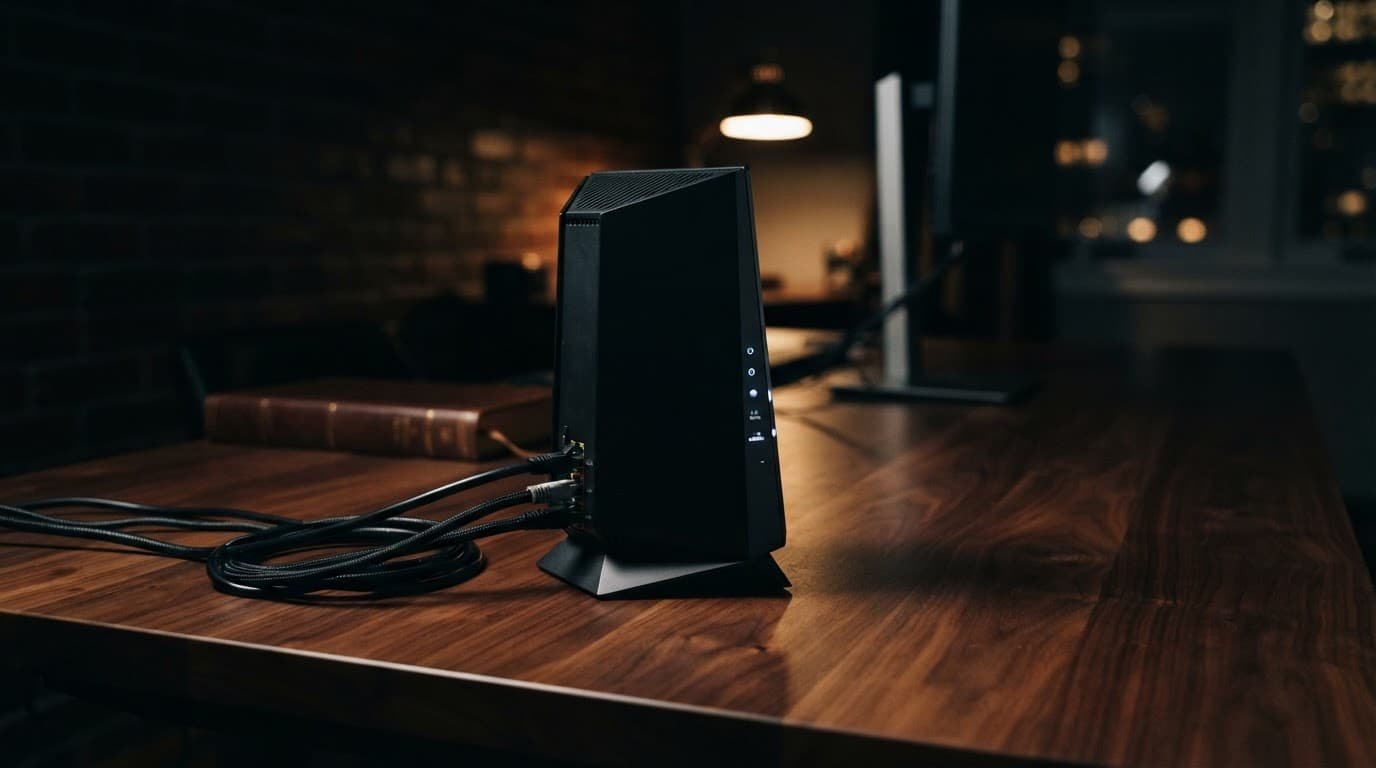
Do not connect the modem to one of the router’s regular LAN ports. The modem cable always goes into the router’s WAN or Internet port.
Activate a New Netgear Modem With Spectrum
You only need this step if you bought your own Netgear modem, such as a standalone Nighthawk CM3000, or a router combo such as the CAX30S. If you’re keeping Spectrum’s modem and only replacing the WiFi router, skip to the router setup steps.
Connect the coaxial cable from the wall outlet directly to the cable modem. Avoid old splitters or loose coax connections during activation. Plug in the modem and wait for its status lights to settle according to the device instructions.
Next, connect a laptop to the modem, or connect the modem to your Netgear router. Open Spectrum’s self-install activation page in a browser and sign in with your Spectrum account. Spectrum must register the new Netgear modem before your router can receive service. The process may ask for your service address, account details, and device MAC address.
Once Spectrum activates the new modem, restart the modem and then the router. Test your connection with a wired computer first. An Ethernet test isolates service and modem problems from WiFi distance or interference.
If the activation page can’t find the modem, check the MAC address on the modem label again. Don’t enter the router’s MAC address when Spectrum asks for the cable modem number.
Is a Spectrum Router Better Than a Netgear Router?
The better option depends on your home, plan, and monthly cost. A Spectrum router is convenient when included with your service, covers the house well, and provides stable connections. Spectrum is your internet service provider, so support is also easier when every device comes from Spectrum.
A Netgear router is usually the better fit if you need stronger coverage, more Ethernet ports, parental controls, traffic controls, or WiFi 6. Some models include Netgear Armor for optional security features and parental controls. It is not required for service or speed. You can add a mesh system later, but compare its WiFi 6 hardware rather than assuming the standard guarantees better range.
Test both setups the same way before deciding. Run a wired speed test from a computer connected to the router. Then compare wired download speeds with WiFi in the room where you stream, work, or play games. Fast wired results with weak WiFi usually point to placement, interference, or limited WiFi hardware. Slow wired results can point to the modem, cable line, plan, or Ethernet connection.
Your own modem does not always lower the bill. A Spectrum plan may include a basic modem, while the monthly equipment fee for WiFi hardware varies by plan and location. Spectrum is your internet service provider, so verify your bill before buying hardware. If you replace a rented Spectrum router, return it and keep the receipt.
DOCSIS 3.1, Spectrum Voice, and Multi-Gigabit Plans
For most current Spectrum plans, a DOCSIS 3.1 cable modem is the practical choice. DOCSIS 3.1 supports faster cable internet tiers and works well with a separate WiFi 6 or WiFi 7 router.
Hardware standards don’t make every plan faster by themselves. Multi-gigabit internet also requires a Spectrum plan with matching speeds and a compatible modem. The modem, router, and client device also need compatible Ethernet ports. Ordinary gigabit Ethernet is enough for many plans, but a 2.5GbE port helps only when the connection supports it. An approved DOCSIS 3.1 cable modem fits faster tiers, but it still must match the service.
Mid-split and high-split upgrades give cable providers more room for upload traffic. They can improve upload speeds only where Spectrum has completed a network upgrade. Your modem still needs approval, and the plan must include those faster upload speeds.
The Nighthawk CM3000 is a data modem, not a replacement for Spectrum Voice equipment. It has no phone port for a home phone bundle. If you use Spectrum Voice, keep the provider’s voice-capable equipment or confirm the replacement process with Spectrum before returning anything.
A router combo such as the CAX30S reduces the number of boxes on a shelf. It can combine a modem with a WiFi 6 router, while Netgear Armor remains separate security software and doesn’t affect modem approval.
A separate modem and router gives you more flexibility. You can replace a WiFi 6 router later while keeping the modem, rather than replacing the CAX30S.
For a standalone modem example, the NETGEAR CM1000 listing on Amazon is worth comparing against Spectrum’s approved-device options for your plan. The Nighthawk CM3000 is another standalone modem, but check its compatibility first.
What to Look for in a Netgear Router for Gaming
Gaming doesn’t require the highest WiFi number on a product box. A wired Ethernet connection to your Netgear router remains the most reliable choice for a console or gaming PC. If Ethernet isn’t practical, WiFi 6 can provide steadier wireless gaming performance in a busy home.
For a high-performance network, look for WiFi 6, solid range for your home size, and at least one 2.5GbE port with a fast Spectrum plan. Quality of Service settings can prioritize gaming traffic when others are streaming or downloading. Netgear Armor adds security features, but it works separately from QoS and doesn’t reduce game latency.
OFDMA and MU-MIMO help WiFi 6 schedule traffic and share capacity across many devices. They are useful in busy homes, but they can’t fix a weak Spectrum signal or an overloaded game server. Stable upload speeds matter for live streaming, hosting, and voice chat, so focus on consistency and latency. Netgear Armor can add security features on supported models, though it isn’t required for faster gaming.
If one router cannot reach every room, compare mesh options in our router buying guides. A multi-node setup with WiFi 6 can improve coverage throughout a larger home. Check whether Netgear Armor works across all nodes before choosing a system. Better coverage is often more useful than buying a router with features you will never use.
Fix Common Netgear and Spectrum Setup Problems
Most issues have a simple cause. Work through these checks before factory-resetting the router.
- If the modem never shows an Online light, tighten the coax connection and remove unnecessary splitters. Then contact Spectrum if the light still will not lock on.
- When the modem is online but the router has no internet, confirm the Ethernet cable runs from the modem to the router’s WAN port. Restart the modem, wait for it to come online, then restart the router. If only one device or service is affected, check whether Netgear Armor is blocking it. A device-specific block points to router security, not modem registration.
- If you see two WiFi networks and devices keep switching between them, the Spectrum gateway and Netgear router may both be routing traffic. Turn off the gateway’s WiFi and routing features where available, or set the Netgear device to access point mode.
- When WiFi works near the router but not in another room, move the router into an open, central location. Even a newer WiFi 6 router can perform poorly behind walls, near metal, or beside large electronics.
- If speeds are lower than expected, test by Ethernet before changing router settings. If wired upload speeds are also low, the issue may involve the service or line rather than local WiFi. A damaged cable or wrong port can limit a fast plan to slower speeds.
A router reset cannot activate an unregistered cable modem. Finish Spectrum activation before spending time changing WiFi settings.
Frequently Asked Questions
Can I use a Netgear router with Spectrum?
Yes, a Netgear router works with a Spectrum modem or compatible gateway. Connect the modem to the Netgear router’s WAN or Internet port, then complete the router setup.
Which port connects the Spectrum modem to a Netgear router?
Use the router’s Internet or WAN port, which is often yellow on Nighthawk models. Do not connect the modem to one of the router’s regular LAN ports.
Do I need to activate my Netgear modem with Spectrum?
Yes, Spectrum must register a personally owned Netgear cable modem before it can receive service. Use the modem’s MAC address during activation, not the router’s MAC address.
Can I use a Netgear router with a Spectrum gateway?
Yes, but only one device should handle routing. Use bridge mode on the Spectrum gateway or set the Netgear router to access point mode to avoid two active networks.
Is WiFi 6 required for a Netgear router on Spectrum?
No, WiFi 6 is not required, but it can improve capacity and wireless performance in busy homes. Wired speeds, modem approval, plan limits, and router placement also affect the connection.
Final Thoughts
A Netgear router Spectrum setup works best when each device has one job. Let the modem connect to Spectrum, then let the Netgear router handle WiFi and your home network.
Bring the modem online first, use the router’s WAN port, and test a wired connection before judging WiFi performance. Those three checks solve most setup problems without extra equipment. If coverage later becomes a concern, WiFi 6 may help, while Netgear Armor remains an optional security choice based on your household’s needs.