Paying for 1.5 or 2 Gigabit internet and seeing 940 Mbps is frustrating. Even a high speed internet plan can hit that limit when a one-gig port is somewhere in the setup.
When people search for Netgear router Astound Broadband, they usually need more than a compatible router. The modem connects to the service, while the router distributes that connection throughout the home. Both must support the plan’s speed.
Start with your plan, noting whether it uses cable service or fiber internet. Match every connection component to it.
Choose a single router for simple coverage, a mesh WiFi system for larger homes, or a WiFi extender for a few dead zones. Let your home’s network coverage needs guide the choice.
This post may contain affiliate links. If you make a purchase through these links, I may earn a small commission at no extra cost to you.
Key Takeaways
- Match the Netgear router and modem to your Astound Broadband plan, especially if you subscribe to 1.5 Gig or 2 Gig service.
- Multi-gig plans need a modem with a 2.5Gbps Ethernet port and a router with 2.5Gbps WAN and LAN ports to avoid a 1Gbps bottleneck.
- The Netgear Nighthawk RS300 is a strong choice for Astound multi-gig service, while WiFi 6 routers such as the RAX50 suit plans up to 1 Gig.
- Use a Netgear Orbi mesh WiFi system for widespread dead zones and a WiFi extender only for one or two isolated coverage problems.
- The Netgear CM3000 is a modem-only device, so it must be paired with a compatible router and activated with Astound for your specific address and plan.
Best Netgear Router Astound Broadband Options for Each Plan
The right Netgear router depends on one question: do you need more than 1 Gbps of wired speed for Gigabit internet? For 300 Mbps, 600 Mbps, or 1 Gig plans, a solid WiFi 6 router with gigabit ports is usually enough, while a standalone wireless router can suit a smaller home.
For 1.5 Gig or 2 Gig Astound service, choose a router with a 2.5Gbps port on its WAN/Internet connection. Without it, your router becomes the speed limit.
Here is a practical way to narrow it down.
| Netgear option | Best for | What to know |
|---|---|---|
| Nighthawk RS300 | 1.5 Gig and 2 Gig plans | Includes multi-gig Internet and LAN ports for a faster wired path. |
| Nighthawk Pro Gaming XR1000 | Gaming on plans up to 1 Gig | WiFi 6 features and gaming controls, but its Internet port limits wired service above 1 Gbps. |
| Orbi 770 mesh WiFi system | Larger homes with weak-room coverage | A mesh system is better than one router when walls, floors, or distance cause dead zones. |
| Nighthawk RAX50 | Value-focused homes on plans up to 1 Gig | A good WiFi 6 choice when multi-gig wired speed is not needed. |
For most customers with Astound 1.5 Gig or 2 Gig service, the Nighthawk RS300 is the better fit. Its multi-gig port setup supports multi-gig speeds and keeps the wired connection from limiting your plan. It also provides Ethernet ports, including a 2.5Gbps LAN connection for a desktop, gaming PC, or multi-gig switch.
The XR1000 is still a good router for gaming. Astound has listed the Netgear Nighthawk Pro Gaming XR1000 in its equipment catalog. It makes sense if your service tops out at 1 Gig and you want gaming-focused controls, including optional DumaOS software. Do not buy it expecting full 1.5 Gig or 2 Gig wired speeds.
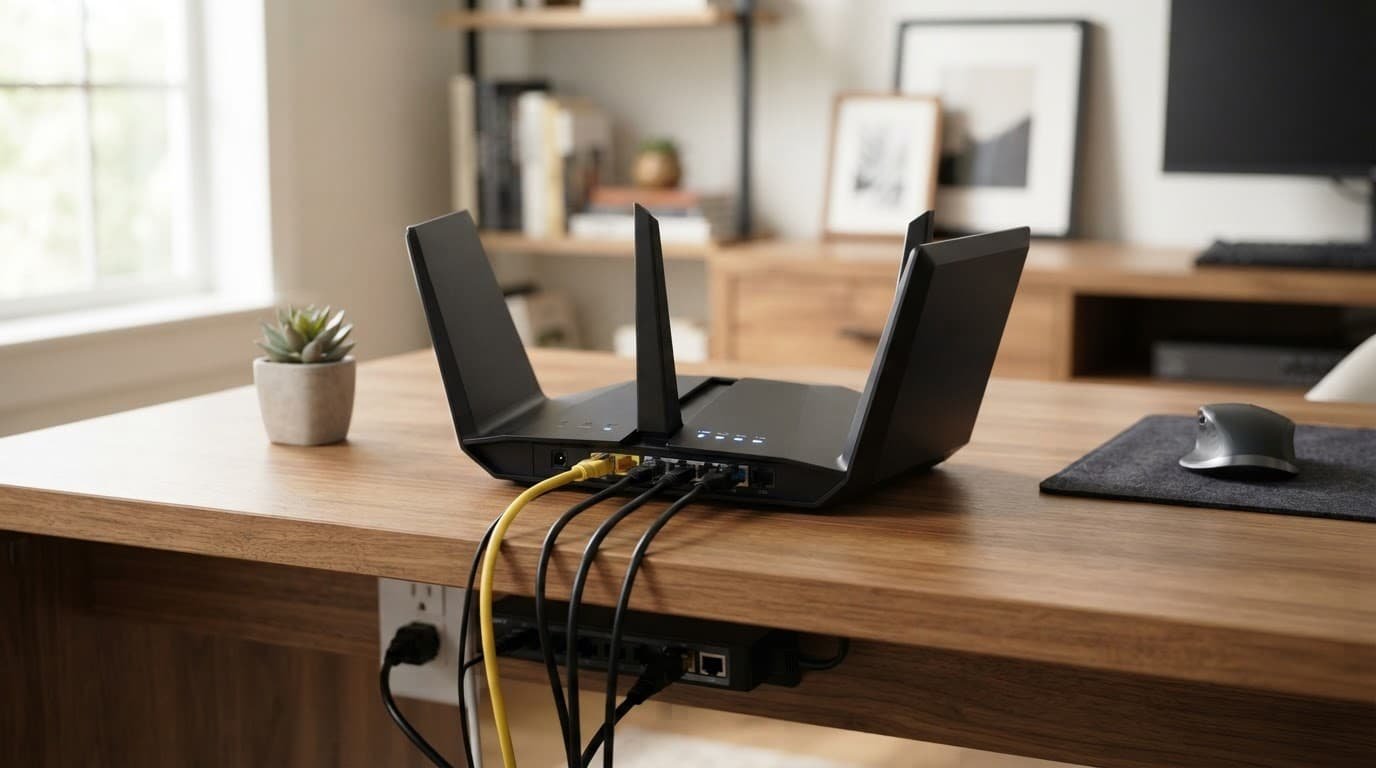
A single isolated dead zone may tempt you to use a WiFi extender. For broader coverage, a mesh option is more appropriate when dead zones are widespread. This setup needs matching ports and enough coverage for your rooms, not the most expensive model.
Your Router Is Not Your Modem
A modem and router handle different jobs. The router creates your home WiFi network, while the modem connects your home to Astound’s cable network. You need both unless you buy a modem-router combo.
For Astound cable plans above 1 Gig, the modem matters as much as the router. Astound says a DOCSIS 3.1 modem with a 2.5Gbps port is required for 1 Gig service and higher. That port provides the modem’s Ethernet handoff to the router. Check the provider’s current internet equipment requirements before placing an order.
The Netgear Nighthawk CM3000 is the best modem match for an Astound customer who wants 1.5 Gig or 2 Gig service. Astound lists it on its Bring Your Own Modem page and says it supports up to 2 Gbps download and 500 Mbps upload on its service.
The CM3000 is modem-only and has no built-in WiFi. It must be paired with a router, such as the RS300, an Orbi mesh WiFi system, or another model with a compatible WAN port.
Fiber Upgrade Areas Need Extra Care
Astound uses address-based equipment rules. In areas with a fiber internet upgrade, the company says customers need the CM3000 modem. Requirements can vary by location, so don’t assume an older cable modem will work at the same speed.
If you’re considering fiber internet, verify the provider’s current requirements for your specific address before buying equipment.
Cable phone service is another reason to pause before buying a modem. Many retail cable modems do not support provider phone bundles. Contact Astound support first if you use a home phone through the same account.
A compatible modem can still limit your speed if its Ethernet port supports only 1 Gbps. The modem, router, switch, and wired device must all support the connection’s full speed.
Avoid the 1 Gbps Speed Bottleneck
The limit is straightforward. A 2 Gig modem using a router’s 1Gbps WAN port passes only about 940 Mbps of real wired speed. The same limit caps Gigabit internet and applies to a laptop or desktop with a standard gigabit Ethernet adapter.
Build a Multi-Gig Wired Path
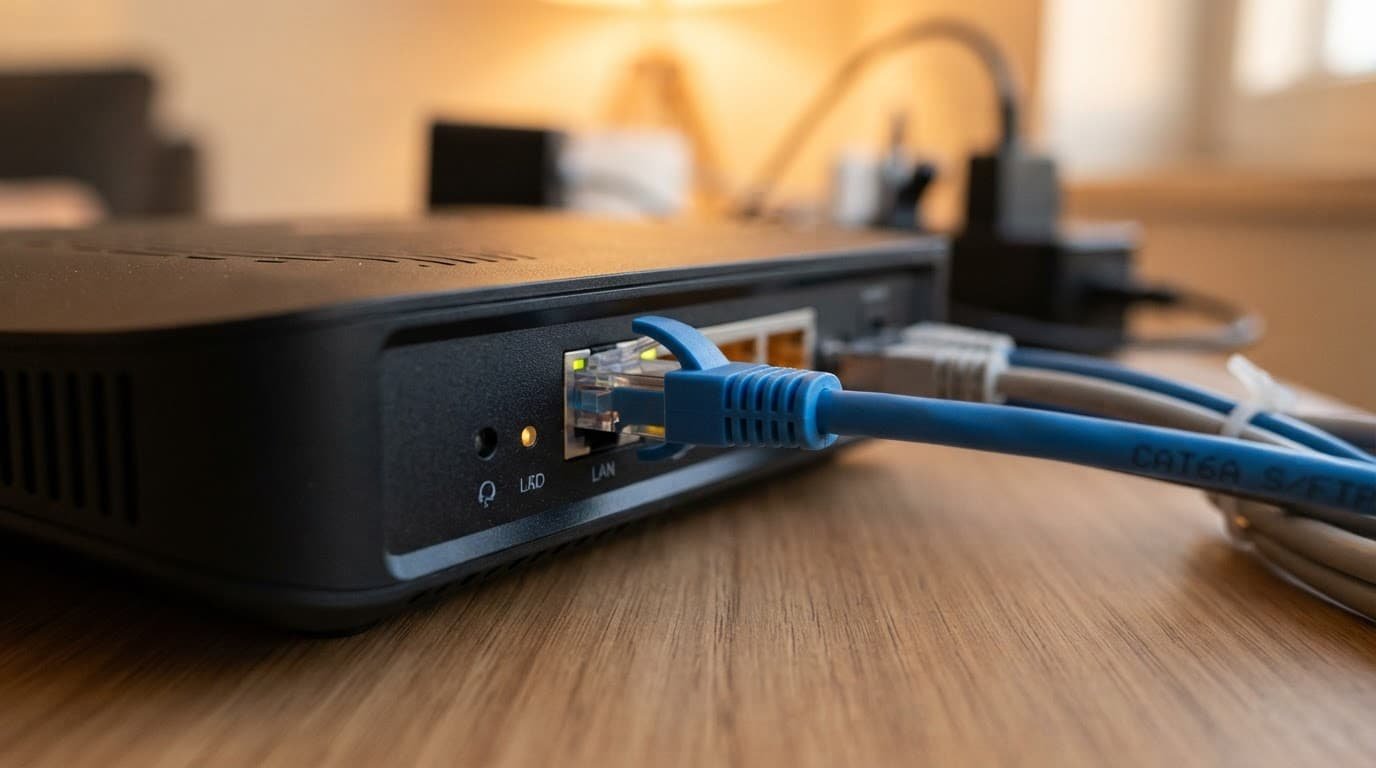
For full use of a 1.5 Gig or 2 Gig plan, the wired path should support multi-gig speeds:
- Connect the Netgear CM3000’s 2.5Gbps Ethernet port to the router’s 2.5Gbps Internet or WAN port with a good Cat5e or Cat6 cable.
- Use the router’s 2.5Gbps LAN port for the computer, or connect that port to a multi-gig Ethernet switch.
- Check the router’s Ethernet ports, then confirm that the computer has a 2.5Gbps Ethernet adapter. A standard 1Gbps network card cannot go faster than 1 Gbps.
- Run an internet speed test with VPN software, cloud backups, game downloads, and streaming devices paused.
- Test WiFi separately. Wireless network performance changes with distance, walls, device age, and wireless interference.
If your existing Netgear router supports only gigabit connections, you have two choices. Keep it and accept a 1 Gbps wired ceiling, or replace it with a multi-gig model. No setting can make a 1Gbps Ethernet link handle 2.5Gbps, and fiber internet service follows the same port logic. A WiFi extender can help with dead zones, but it can’t repair a wired bandwidth limit.
Searches for Netgear equipment with this provider often surface older WiFi 6 models. They may be compatible, but compatibility isn’t the same as getting the full speed you pay for.
Netgear Router vs. Astound Whole Home WiFi
Astound’s Whole Home WiFi uses eero mesh equipment. It is a simple rental option for households that want provider support and easy app controls. It can be a good choice if you don’t want to buy or manage equipment.
A standalone Netgear wireless router is often the better value for smaller homes. You own it, avoid a monthly equipment charge, and can replace it when your needs change.
When Mesh WiFi Is Worth the Extra Cost
Choose a mesh WiFi system when the router cannot reach rooms where you need stable service. Large homes, three-story layouts, brick walls, and detached workspaces can create dead zones and limit network coverage. Even a fast fiber internet connection may need a mesh solution when home layout, rather than service speed, limits reach.
Netgear’s Orbi systems are the direct alternative to eero. An Orbi 770 setup is a practical mesh WiFi system for Astound customers with multi-gig service and weak coverage in several rooms. For a smaller apartment or single-level home, an RS300 with central router placement may solve coverage issues.
Do not confuse a WiFi extender with mesh WiFi. A WiFi extender can help one or two isolated dead zones, but it often reduces wireless performance. Choose a WiFi extender for a low-cost fix in one room, not for whole-home coverage. A proper mesh network uses coordinated nodes and is easier to expand later.
Set Up Your Netgear Equipment the Right Way
A clean modem and router setup prevents most activation and speed problems. Before changing equipment, take a photo of the cables connected to your old setup.
- Confirm the Netgear Nighthawk CM3000 is approved for your Astound address and plan. It’s the safer choice for Astound multi-gig cable service.
- Connect the coax cable to the modem, then wait for it to finish powering up before connecting the router.
- Run an Ethernet cable from the modem’s 2.5Gbps port to the router’s 2.5Gbps WAN port.
- Complete Astound’s modem activation process. A modem restart may be needed when you replace an older device.
- Open the Netgear app or web setup page. Set a strong WiFi password, use WPA3 when your devices support it, and install the latest firmware updates.
- Run an internet speed test over Ethernet first, then test WiFi near the router and in the rooms you use most. Compare wired and wireless results to evaluate network performance.
- If your setup includes nodes, place each one within range of the router for the mesh WiFi system. Confirm that every node joins the same mesh network.
If speeds stay near 940 Mbps, look at the Ethernet link rate in the router settings and on your computer. A 1.0 Gbps link confirms there is still a gigabit device or port in the chain.
Good router placement means an open, central location, away from cabinets, large TVs, metal shelving, and cordless phone bases. Test rooms with dead zones, and consider a WiFi extender for a small isolated area, not the modem-to-router link. Better placement can fix poor WiFi without buying another device.
Frequently Asked Questions
What is the best Netgear router for Astound 1.5 Gig or 2 Gig service?
The Netgear Nighthawk RS300 is a strong choice because it includes multi-gig WAN and LAN ports. Pair it with a compatible modem, such as the Netgear CM3000, to prevent a 1Gbps wired bottleneck.
Do I need both a modem and a Netgear router?
Yes, you need both when using separate equipment. The modem connects your home to Astound’s network, while the router creates your WiFi network and distributes the connection.
Can a gigabit Netgear router support Astound 2 Gig internet?
It can connect to the service, but its 1Gbps WAN port will limit real wired speeds to about 940 Mbps. For the full multi-gig connection, use a router with a 2.5Gbps Internet port.
Is the Netgear CM3000 compatible with Astound Broadband?
Astound lists the CM3000 as an approved modem for compatible service areas and says it supports up to 2 Gbps download speeds on its network. Confirm compatibility for your address and plan before purchasing, especially if you use Astound phone service or have a fiber upgrade.
Should I choose a Netgear mesh system or a WiFi extender?
Choose a Netgear Orbi mesh WiFi system when dead zones affect several rooms or floors. A WiFi extender is better for a small, isolated coverage problem but cannot fix a wired speed limitation.
Final Thoughts
The best Netgear option for an Astound customer is the one that fits the plan’s real port speed. For 1 Gig or less, a WiFi 6 router is usually enough.
For multi-gig speeds, pair the CM3000 with a router that has 2.5Gbps WAN and LAN ports. That choice prevents the most common speed bottleneck before it reaches your home network.
If you have dead zones, a WiFi extender may solve one small problem area. It is not a substitute for a correctly matched router or mesh solution.