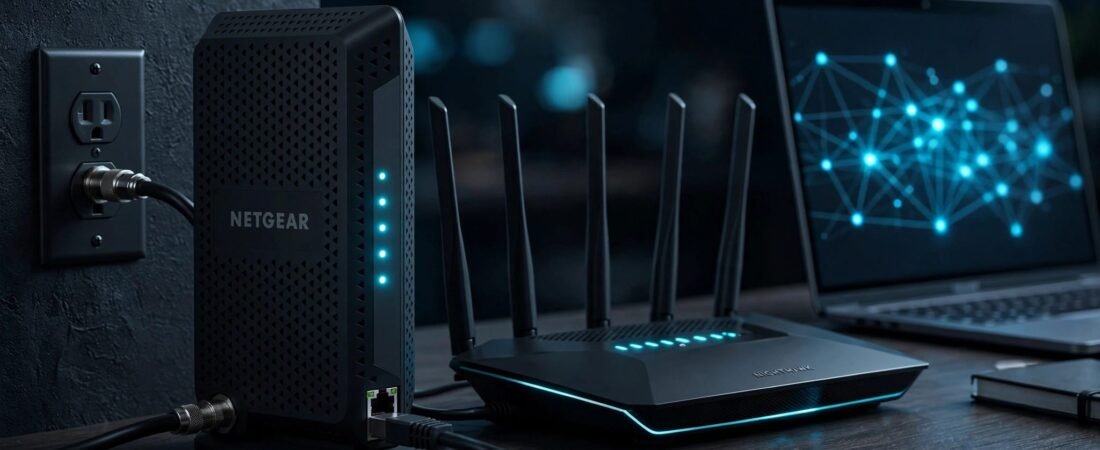
A new cable modem should save you a rental fee, not create a weekend-long support problem. Netgear modem activation is usually straightforward when the modem is approved for your internet service provider and connected correctly.
The main point is simple: your internet service provider must register the modem before it can use the cable line. The process varies between Comcast Xfinity and other providers, so follow your provider’s approved equipment list and activation instructions. Your router creates the home Wi-Fi network only after the modem is online. A Netgear Nighthawk router is one separate option, but not every Netgear modem includes a router.
Before you begin, check compatibility and gather the CM MAC details. Then make the coaxial connection, complete ISP activation, and set up the router once the modem is online.
This post may contain affiliate links. If you make a purchase through these links, I may earn a small commission at no extra cost to you.
Key Takeaways
- Confirm that your exact Netgear modem model is approved for your ISP, plan, service address, and any voice-service requirements before connecting it.
- Record the modem model, serial number, and CM MAC address from the label; the provider needs the CM identifier, not the Wi-Fi or router MAC address.
- Connect the modem directly to an active coax outlet, complete activation through your ISP’s official app or portal, and contact support for manual activation if registration fails.
- Wait until the modem’s online light is solid and test a wired connection before setting up Wi-Fi on a separate router or modem-router combo.
- Avoid unnecessary factory resets and splitters, since they cannot correct an incorrect ISP account record or a weak cable signal.
Check Compatibility Before You Connect Anything
A Netgear modem only works if your cable internet provider approves that exact model for your plan and service address. Don’t rely on a retailer listing alone. Approval can vary by speed tier, local network upgrades, and voice-service requirements.
Search the provider’s official equipment list by exact Netgear model, service address, speed tier, and voice-service needs. For Comcast Xfinity, Spectrum, Cox, Breezeline, and other cable providers, check the approved equipment list before returning rented equipment. DOCSIS 3.1 support alone doesn’t guarantee approval, and a modem approved for one plan or region may not be approved for another.
Know the Difference Between a Modem and Router
The cable modem connects your home to the ISP through the wall’s coax connection. A separate router connects to the cable modem by Ethernet and creates your Wi-Fi network.
A modem router combo combines a cable modem and router in one box. With a modem router, the router portion handles Wi-Fi, reducing clutter and simplifying setup. Activation registers the modem portion with the provider, but it doesn’t configure the router’s wireless settings.
A separate modem and router may cost more upfront, but you can replace the Wi-Fi router later without replacing the modem.
If you’re still deciding which hardware fits your service, use this Netgear compatibility checklist before you buy.
Check for Voice Service and Port Limits
Internet-only customers can use a data-only model if the ISP approves it. Customers with Xfinity Voice, Cox Voice, or another home phone service need a provider-approved voice cable modem with telephone ports. A standard data model won’t replace it.
Compare Ethernet port speeds when choosing equipment, but don’t treat them as an activation requirement. A 2.5GbE modem port is useful for a 1 Gig or 2 Gig plan, but the router’s Internet port must support that speed too. One fast port doesn’t make the full connection faster.
Gather Your Account and Modem Details
Don’t start the activation process while the modem is still in its box. Take a clear photo of the label on the bottom or back first. The small print is easier to read from a photo than while you are under a desk.
Your ISP may ask for the model number, modem serial number, and the identifier printed on the modem label. On some models, NETGEAR may label it RF MAC or HFC MAC.
The CM Identifier Is the Important One
A modem-router combo can display several MAC values, including separate Wi-Fi, router, and cable-modem values. For activation, the provider needs the CM MAC address shown on that label, not the Wi-Fi or router LAN identifier. Compare each character carefully, since confusing 0 and O, or 1 and I, can cause registration failure.
NETGEAR’s cable modem router connection guidance also notes that you may need the serial number and MAC address during registration.
Keep these details nearby:
- Your ISP account number, account email, and account password.
- The service address and account holder’s name.
- The modem model number and modem serial number.
- The CM identifier printed on the modem label.
- Your phone number, in case the activation portal sends a verification code.
A provider can activate only the modem it has on file. Giving support the Wi-Fi identifier instead of the CM identifier is one of the most common avoidable delays.
Connect Your Netgear Cable Modem the Right Way
Use a wall outlet that’s active with your ISP’s cable service. If the outlet hasn’t been used before, it may not connect to the service line. The cable modem can have power and still fail to receive a usable cable signal.
Connect the Cable, Power, and Ethernet Cables
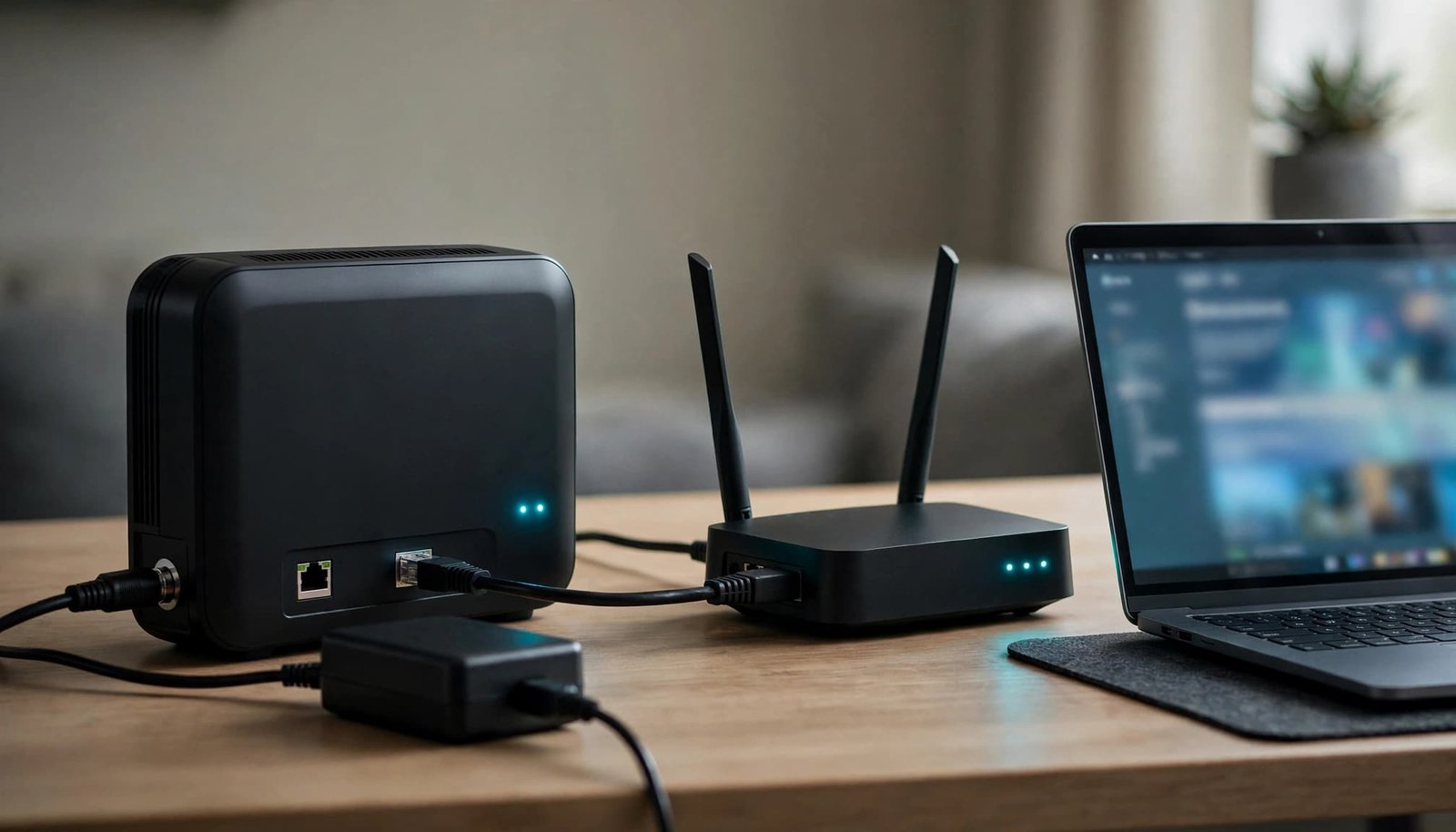
Start with the cable modem powered off. Connect the coaxial cable from the wall outlet to the modem’s Cable or Coax port. Tighten it by hand until snug. Don’t use pliers, since overtightening can damage the connector.
Next, connect the power adapter that came with the Netgear modem. Plug it directly into a working wall outlet if possible. Wait for the modem to start up before connecting a router.
If you use a separate router, connect one Ethernet cable from the modem’s Ethernet port to the router’s Internet or WAN port. Don’t use one of the router’s regular LAN ports. Activate the modem separately before evaluating the router’s Wi-Fi setup.
Add Phone Cables Only for Voice Modems
A voice cable modem has one or two telephone ports. Connect your phone cable to the correct port only after the modem has fully started. Internet registration and phone activation may finish at different times.
Avoid unnecessary splitters during setup. A splitter, loose wall jack, or damaged coaxial cable can weaken the cable signal. Start with one direct connection whenever possible.
Netgear Modem Activation Through Your ISP Portal
Most providers offer online activation through an app or browser portal. Depending on the provider, account type, modem model, and service address, online activation may hand you to support. This self-activation service is usually the fastest path because you can enter modem details yourself and see whether the provider accepts them.
Connect a computer to the router by Wi-Fi or Ethernet after the modem’s online light is solid. If you have only the modem connected, use an Ethernet cable to connect a computer directly to the modem for initial registration.
Xfinity Self-Activation Steps
Comcast Xfinity supports Xfinity self-activation through its app for customers activating a purchased modem. You must be the account’s Primary user or a Manager.
Open the authenticated app and choose Account, then find the equipment setup option under Internet. Select the current gateway or modem option, verify the labels, and follow the prompts; Xfinity’s official third-party modem activation instructions explain the app process.
Comcast Xfinity says Xfinity self-activation varies with account permissions, app labels, outlet provisioning, and replacement-device handling. The app checks the outlet and confirms when service is ready, but it may not recognize an older gateway automatically.
Activation With Cox, Spectrum, and Other Cable ISPs
A cable internet provider may use an app, browser portal, or support handoff to register the cable modem, not configure the router. Sign in only through the official provider site or app, then find an option such as “activate equipment” or “install my modem.” Enter the exact CM MAC information, including the MAC address, and the modem serial number there.
Cox explains its process in its new modem and gateway activation guide. It also confirms that the modem label contains the serial number and MAC information needed for registration.
For Spectrum, Breezeline, Optimum, and similar providers, use the official account app or support site shown in your welcome email. If a replacement isn’t recognized, don’t perform a factory reset. Use the provider’s support path, not a random search result asking for account details.
When You Need Manual ISP Activation
Sometimes the portal cannot find or register the modem. Manual activation may be required if an old modem remains attached to your account, the new device record is incomplete, the model isn’t approved for your plan, or the identifier was entered incorrectly.
Call the ISP’s activation or technical support line listed on your bill or official support site, and ask customer service for manual activation before using a factory reset. State that you’re activating a personally owned Netgear cable modem, and have the model number, serial number, CM MAC, account number, and service address ready.
Ask the representative to confirm three things:
- The model is approved for your plan and service address.
- The CM MAC was entered accurately.
- The old gateway was removed or replaced on your account.
The provider, not the router manufacturer, must complete account registration. Support may need to repair or bypass the provider’s self-activation service when the portal flow fails. Resetting local settings can’t correct a device record that’s wrong on the ISP account.
For Comcast Xfinity issues, the Xfinity self-install support page is a useful starting point. It covers activation help and common setup problems.
Fix Common Netgear Modem Activation Problems
Start these troubleshooting steps by giving the modem time to communicate with the cable network. Don’t restart it every minute. After startup or an activation attempt, wait several minutes before cycling power.
Read the Modem Lights Before Resetting It
LED indicator labels and colors vary by Netgear model, so don’t expect every sequence to match. Usually, the power light appears first. Downstream and upstream lights blink while the cable modem searches for a signal. The online or internet light turns solid after the modem connects to the provider.
A blinking online light can indicate incomplete registration or a provider-side issue. Check the coaxial cable and try another known-working outlet if you have one.
No downstream or upstream light often points to a cable-signal problem. A solid online light with no internet connection usually points to account provisioning or a router connection problem. Your cable internet provider may still have the wrong modem details on file.
If the Activation Page Does Not Open
Some ISPs redirect a connected browser to an activation page, while others require an app. Comcast Xfinity may handle this differently, so exact behavior varies by ISP.
If nothing appears, open a browser and visit a normal non-secure website. Then try the provider’s official site or account app.
If the browser still doesn’t redirect, connect directly to the modem or new router. Disable any VPN, turn off mobile data, and wait briefly for an IP address or captive-portal redirect. A phone using cellular data can’t complete local modem setup.
Don’t use a factory reset until you’ve checked the coaxial connection, account status, and CM MAC details. Remember, a factory reset erases local modem-router settings but can’t repair an incorrect ISP registration.
Set Up Your Router After the Modem Is Online
Once the cable modem’s online light is solid and a direct connection works, the ISP has brought the modem online. Only then should you configure Wi-Fi on a standalone router or modem router.
If you have a standalone Netgear router, use the Netgear Nighthawk app to configure Wi-Fi, not to register the modem with your ISP. For the browser option, open routerlogin.net to reach the router web interface. The exact address and router login flow depend on your model.
Create a new wireless network name and strong password, then use the app for network management. Apply firmware updates before reconnecting every TV, phone, console, and smart home device.
If router configuration gets stuck, use a factory reset only as a last resort for router recovery. It won’t activate the modem or correct an ISP account record.
Verify the Internet Connection First
Test one computer with an Ethernet cable, directly or through the router, before judging Wi-Fi. Run a speed test only after the modem is active. This confirms the internet connection and separates ISP service from router issues.
If wired speed is good but the wireless network is weak, check router placement, walls, and coverage. Move the router into an open, central location before paying for a faster plan.
For larger homes, mesh coverage can make more sense than one high-powered router. You can compare current router and mesh options at Better WiFi Shop if weak coverage remains after setup.
Frequently Asked Questions
How do I activate a Netgear modem?
Connect the modem to an active coax outlet and power it on, then use your ISP’s official app or website to register it. Enter the modem’s model, serial number, and CM MAC address when requested.
Which MAC address does my ISP need?
Your ISP needs the CM MAC address, which may be labeled RF MAC or HFC MAC on the modem. Do not provide the Wi-Fi, router LAN, or other MAC address shown on a modem-router combo.
Can I activate a Netgear modem without a router?
Yes. Connect a computer directly to the modem by Ethernet for initial registration if your ISP allows it. Set up a separate router only after the modem’s online light is solid and the internet connection works.
What should I do if online activation fails?
Check the coaxial connection, confirm the modem is approved, and verify that you entered the CM MAC accurately. If the portal still cannot register the device, contact your ISP’s official activation or technical support line for manual activation.
Does Netgear activate the modem for me?
No. Your internet service provider must register and provision the modem on your account. Netgear can help with hardware or local configuration, but it cannot correct an ISP account record or complete provider activation.
Get Online Without Paying for Extra Equipment
Netgear modem activation follows a short checklist: confirm model and ISP compatibility, identify the CM MAC, connect the cable modem to the coaxial hardware, and complete your provider’s registration, whether it’s Comcast Xfinity or another cable service.
Once the online light is solid, verify the internet connection over Ethernet before judging Wi-Fi. If it works, activation is complete, and you can focus on reliable coverage where you need it.