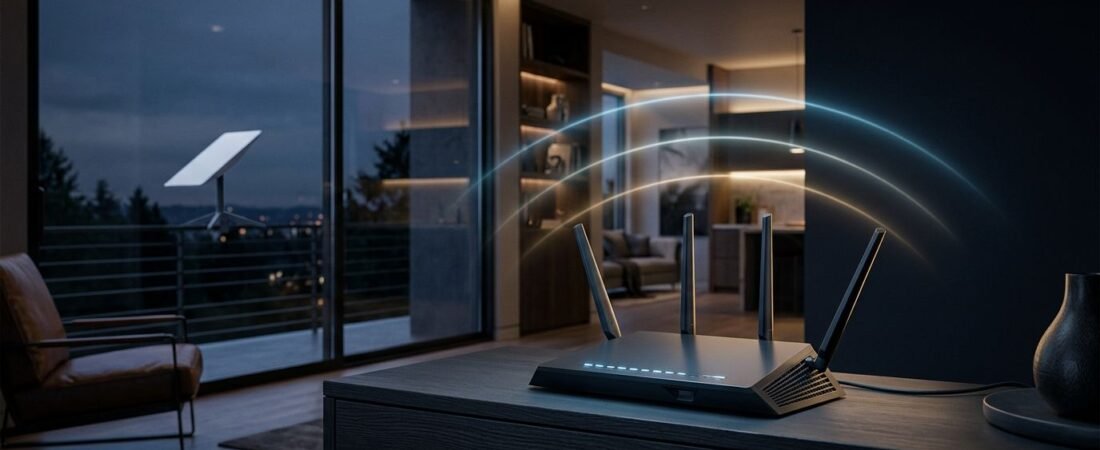
Starlink can bring fast internet to places where cable and fiber aren’t available. The weak spot is often Wi-Fi inside the home, especially with thick walls, detached rooms, or distant workspaces.
The best Netgear router for Starlink depends primarily on your home’s layout. A single router suits an open floor plan, while a mesh system works better across multiple floors or separated spaces.
This post may contain affiliate links. If you make a purchase through these links, I may earn a small commission at no extra cost to you.
Key Takeaways
- The best Netgear router for Starlink depends on your home’s size, layout, and coverage needs.
- Choose an Orbi mesh system for multiple floors, thick walls, detached spaces, or other Wi-Fi dead zones.
- Choose a Nighthawk router when one central unit can cover the home, especially for gaming and high-definition streaming.
- Gen 2 Starlink hardware requires the official Starlink Ethernet adapter, while Gen 3 and Mini models have built-in Ethernet ports.
- Use Starlink bypass mode when Netgear manages routing to help avoid double-NAT issues; use Access Point mode if Starlink should remain the primary router.
Why Replace the Stock Starlink Router?
The standard Starlink router works for basic browsing, streaming, and a small home. It also powers and connects the dish in many setups. You don’t need to replace it to use Starlink.
Aftermarket Wi-Fi routers can make sense when your Wi-Fi coverage falls short. They offer wired expansion, flexible mesh options, and Network management features for guest-network access, Parental controls, and device-management tools.
Netgear Armor security is an optional subscription, not a requirement.
A router can’t change Starlink’s Satellite internet capability. Your service plan, clear sky view, and network conditions still set that limit. It can improve the connection from the Starlink hardware to devices inside your home.

A better in-home network matters when several people stream, game, work remotely, and use smart home devices at once. For more practical buying help, browse the home router guides at Router for My ISP.
Choosing the Right Netgear Router by Home Size and Use Case
Both a Netgear Orbi mesh system and a Netgear Nighthawk router can work with Starlink. Choose the mesh option for broad coverage, or the single router for high performance in one central location.
| Your Home and Needs | Best Netgear Pick | Why It Fits |
|---|---|---|
| Large home, several floors, thick walls | Orbi 970 3-Pack | Flagship WiFi 7 mesh with dedicated capacity between units |
| Large home that needs mesh at a lower cost | Orbi 770 | WiFi 7 mesh for wider coverage without stepping up to the flagship Orbi system |
| Medium or open-layout home, gaming, heavy streaming | Nighthawk RS700S | Tri-band WiFi 7 router with a 10 Gig Internet port |
| Smaller home or tighter budget | Nighthawk RAX54S | A practical WiFi 6 option when a mesh system isn’t needed |
Orbi 970 for the Largest Homes
The Orbi 970 is the premium choice for a large house, a long ranch-style home, or a property with Wi-Fi dead zones. Quad-band WiFi 7 powers its three-unit mesh design, which helps provide wireless mesh coverage across floors and difficult areas. One unit connects to Starlink, while properly placed satellites can support seamless connectivity throughout the house.
It makes the most sense when coverage matters more than upfront cost. A mesh setup can place a satellite near bedrooms, a home office, or a media room instead of asking one router to push through several walls.
NETGEAR lists its Orbi 970 three-pack as a WiFi 7 mesh system. The main router also has a 10 Gig Internet port, which is useful for fast local wired devices and future internet upgrades. It won’t make a Starlink plan deliver 10 Gbps.
Choose it if you want a long-term mesh system and have newer WiFi 7 devices. Skip it if your home is small or your current problem is limited to one room.
Orbi 770 for Strong Mesh Coverage Without the Flagship Price
The Orbi 770 is a more sensible mesh option for many Starlink households. It still brings WiFi 7 and the flexibility of adding satellites, but it avoids paying for every top-end feature of the 970 series.
Use it when your house has multiple levels, a finished basement, or a detached workspace close enough for a satellite connection. Place the main Orbi near the Starlink equipment, then put satellites where Wi-Fi starts to fade.
Mesh systems work best when satellites maintain strong wireless signal strength back to the main unit. Don’t hide one behind a TV, inside a cabinet, or at the farthest edge of an existing weak signal. If possible, use Ethernet backhaul between units for the most reliable result.
Nighthawk RS700S for Gaming and Streaming
The Nighthawk RS700S suits a medium-sized or open-layout home. It is a tri-band WiFi 7 gaming router with high-speed performance and a 10 Gig Internet port. NETGEAR lists its square feet coverage at up to 3,500 square feet. It supports up to 200 devices, though walls and placement affect real results.
You can check current RS700S availability on Amazon if a single powerful router fits your home better than a mesh system.
It is a good choice for gaming and high-definition streaming, with strong online gaming performance on a busy local network. Network traffic prioritization may also help if the router firmware supports the feature. Still, this router cannot remove the normal latency changes that come with satellite internet. For a console or gaming PC, use Ethernet when possible.
Nighthawk RAX54S for a Practical WiFi 6 Upgrade
The Nighthawk RAX54S is worth considering if you want better Wi-Fi than the stock router but don’t need WiFi 7 or mesh satellites. It is a WiFi 6 router suited to smaller homes, apartments, and open floor plans.
This option keeps costs down and provides standard router controls without paying for features older devices may not use. Check the port layout if you connect wired devices. Some setups need multiple Ethernet LAN ports, while others only need Gigabit Ethernet ports.
Starlink Compatibility: Gen 2, Gen 3, and Mini
You can use a third-party router with Starlink. Start by identifying your Starlink hardware kit and generation, since each provides Ethernet differently.
| Starlink Hardware | What You Need | Recommended Netgear Setup |
|---|---|---|
| Gen 2 rectangular router | Official Starlink Ethernet adapter and Ethernet cable | Put Starlink in bypass mode |
| Starlink Gen 3 router | Ethernet cable from a built-in LAN port | Put Starlink in bypass mode |
| Starlink Mini | Ethernet cable from the Mini Ethernet port | Use bypass mode when Netgear handles routing |
With a Gen 2 setup, you need the Starlink Ethernet adapter. The original router has no standard Ethernet port, so the official adapter bridges Starlink and your Netgear WAN port.
The Starlink Gen 3 router has built-in Ethernet ports. Connect a cable from one to the Internet or WAN port on an Orbi or Nighthawk router. Starlink Mini also has an Ethernet port, so it doesn’t need a Gen 2 adapter.
NETGEAR’s own Orbi and Starlink setup guide uses the official adapter and bypass mode for the standard Starlink configuration.
The Gen 2 adapter is required for a wired connection to your own router. A USB adapter or spare cable will not replace it.
How to Connect a Netgear Router to Starlink
The physical connection is simple. The settings step matters more during Third-party router setup.
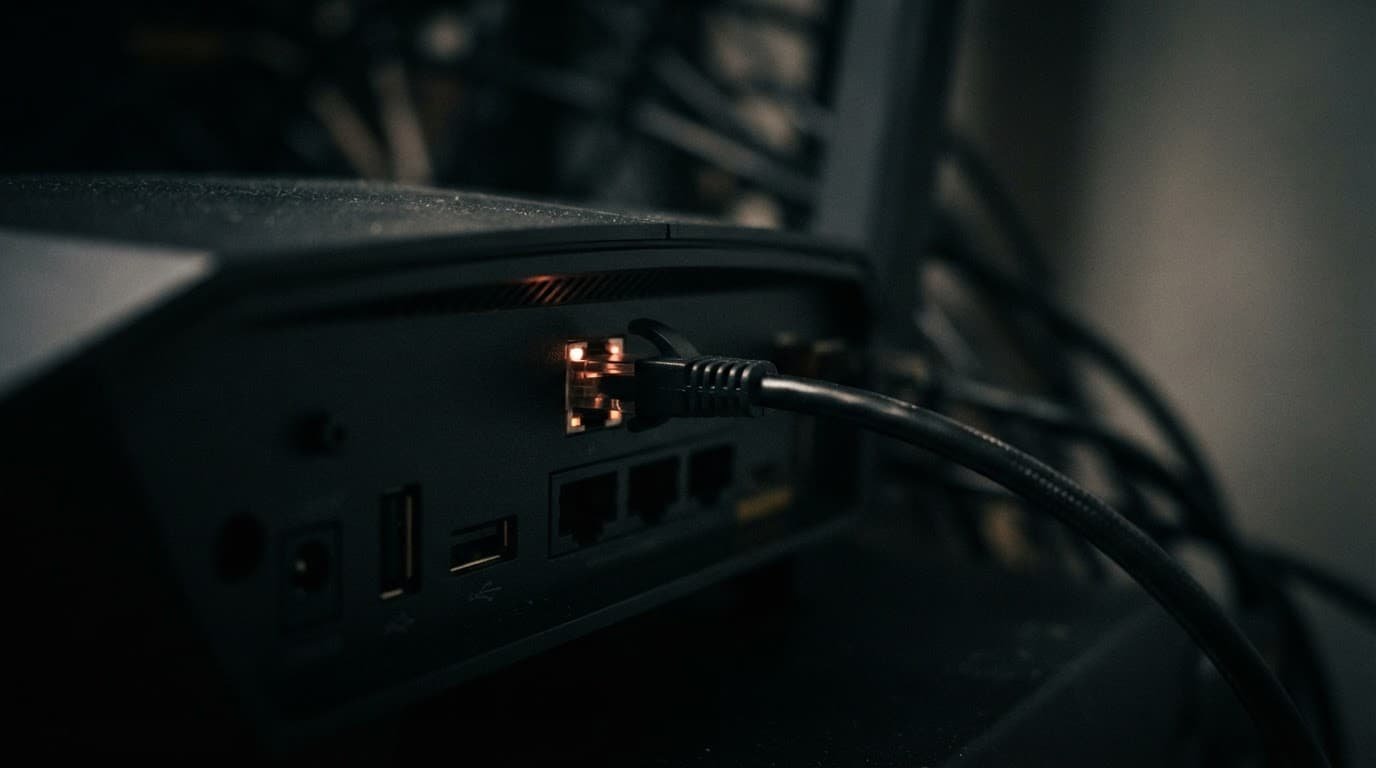
- Keep the Starlink dish and Starlink router connected as normal. For Starlink Gen 2, add the official Starlink Ethernet adapter.
- Run an Ethernet cable from the adapter or Starlink Ethernet port to the Netgear router’s Internet or WAN port. On many Orbi models, this is the yellow port.
- Update the Netgear router firmware before completing setup. No Starlink-specific Netgear firmware is required, but current firmware helps with stability and security.
- Open the Starlink app and review Starlink statistics and settings before enabling Bypass Mode in the Starlink app settings. Starlink’s third-party router instructions confirm that Starlink router bypass mode disables the built-in Starlink Wi-Fi and routing functions.
- Complete the setup in the NETGEAR Nighthawk or Orbi app. Choose a network name, set a strong password, and reconnect your devices.
Bypass mode lets the Netgear router manage your home network directly. That prevents two routers from trying to manage the same devices.
Double-NAT network issues can arise without bypass mode. Basic web browsing may still work, but gaming, remote access, VPN connections, and smart home devices can become less reliable.
If you want to keep the Starlink router in control, set the Netgear unit to Access Point mode instead. Don’t run both units in full router mode.
WiFi 7, Netgear Armor, and What You Actually Need
A current WiFi 7 router can provide more local Wi-Fi capacity than Starlink’s stock router. That helps homes with many compatible phones, laptops, tablets, and other devices, but it doesn’t expand Starlink’s Satellite internet capability.
The upgrade is most noticeable in coverage, local network speed, and device handling. It is less noticeable with a few older devices in a small home. A WiFi 6E mesh wifi system may be sufficient for households that don’t need WiFi 7.
Netgear Armor security adds optional, subscription-based protection, but it isn’t required for a working Starlink setup. Advanced security features can add threat monitoring and device protection. You can skip it by keeping firmware current, using WPA3 or WPA2, choosing strong passwords, and creating guest networks for visitors and smart devices.
Choose the option that solves your coverage and capacity needs at a sensible price. Don’t buy a premium mesh system if a single WiFi 6 router reaches every room.
Frequently Asked Questions
Can I use a Netgear router with Starlink?
Yes, Netgear Orbi and Nighthawk routers can work with Starlink through an Ethernet connection. The connection method depends on your Starlink hardware generation.
Which Netgear router is best for Starlink?
The Orbi 970 or Orbi 770 is better for large homes, multiple floors, and difficult coverage areas. The Nighthawk RS700S suits medium or open-layout homes, while the RAX54S is a practical choice for smaller homes and tighter budgets.
Do I need the Starlink Ethernet adapter?
You need the official Ethernet adapter when using a Gen 2 rectangular Starlink router with a third-party router. Gen 3 Starlink routers and Starlink Mini include Ethernet ports and do not need the Gen 2 adapter.
Should Starlink be in bypass mode with a Netgear router?
Use bypass mode when the Netgear router will manage routing and Wi-Fi for your home. If you keep Starlink in router mode, set the Netgear device to Access Point mode instead of running both devices as full routers.
Will a WiFi 7 Netgear router make Starlink faster?
A WiFi 7 router can improve local Wi-Fi coverage, capacity, and performance for compatible devices. It cannot increase Starlink’s satellite internet speed or remove the latency changes associated with satellite service.
Final Thoughts
Starlink and Netgear routers work well together when the Ethernet connection and router mode are set up correctly. For Gen 2 hardware, use the official Starlink Ethernet adapter. Gen 3 and Mini models connect through their available Ethernet ports.
Choose Orbi for difficult coverage areas and multiple floors. Choose Nighthawk when one well-placed router can cover the home. Bypass mode keeps the setup clean and helps avoid double-NAT problems.