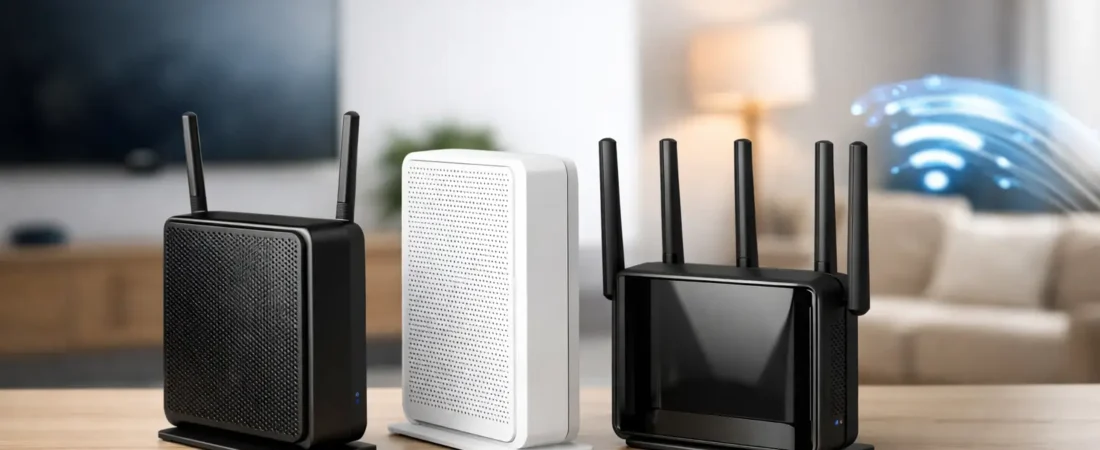
If your Xfinity bill still includes an equipment fee, 2026 is a good year to stop paying it. The best modem router combo for Xfinity 2026 is not just about raw speed – it is about getting a device that actually matches your plan, covers your home well, and does not create setup headaches a week after it arrives.
That last part matters more than most buyers expect. Plenty of modem router combos look great on the box, but Xfinity compatibility, voice support, Wi-Fi range, and multi-gig readiness can make one model a smart buy and another a frustrating mistake. For most households, the goal is simple: replace the rental gateway, keep costs down over time, and get more reliable Wi-Fi for streaming, work, gaming, and smart devices.
Best modem router combo for Xfinity 2026: the smart picks
For most Xfinity homes, the best overall choice is a DOCSIS 3.1 combo with Wi-Fi 6, strong compatibility history, and enough speed headroom to avoid an early upgrade. If you are shopping today, these are the types of models worth focusing on.
Best overall for most homes
A model like the NETGEAR Nighthawk CAX30 still hits the sweet spot for a lot of people. It gives you DOCSIS 3.1 support, Wi-Fi 6, and performance that makes sense for mid-tier to higher-speed Xfinity plans. If your house has a normal mix of TVs, phones, laptops, and a few smart home devices, this class of combo usually feels like a real upgrade over rented equipment without getting too expensive.
The trade-off is that it is not the right fit for every giant house or every gig-plus power user. Combo devices are convenient, but they usually do not match the flexibility of a separate modem and mesh system when coverage becomes the main problem.
Best for higher-speed Xfinity plans
If you subscribe to a faster plan and want more overhead, the NETGEAR Nighthawk CAX80 is the kind of upgrade worth considering. It is built for households that push a lot of traffic at once – 4K streaming, large downloads, video calls, gaming, and plenty of connected devices all day.
This is where buyers need to be honest with themselves. A higher-end combo can absolutely make sense, but only if your plan and usage justify it. If you are on a lower speed tier, paying more for a premium combo may not improve your real-world experience much.
Best for Xfinity Voice users
If you need landline phone service through Xfinity Voice, your choices narrow fast. Not every combo supports voice, and that is one of the easiest ways to buy the wrong model. In this case, Arris options in the Surfboard line have often been the safer place to look, especially models specifically listed for cable internet plus voice support.
Before buying, confirm that the exact model supports Xfinity Voice and not just cable internet. That sounds obvious, but it is a common miss, especially when product pages group several similar-looking versions together.
Best budget-friendly option
For lower or moderate Xfinity speed plans, a more affordable combo can still be a smart buy if it is on Xfinity’s approved list and gives you enough Wi-Fi performance for your space. This is where older DOCSIS 3.1 combos or stronger DOCSIS 3.0 models may still appeal to budget shoppers.
That said, 2026 is not the best moment to stretch too hard on older hardware. Saving money upfront is good. Replacing an underpowered combo again in a year is not.
Best if you want fewer boxes
Some buyers simply want the cleanest setup possible: one device, one power cable, fewer blinking lights, less clutter. A modem router combo still wins on convenience. For apartments, smaller homes, and households that do not want to manage separate networking gear, that convenience is real.
Just keep in mind that fewer boxes also means fewer upgrade paths. If Wi-Fi performance starts lagging behind but the modem is still fine, you cannot swap one part as easily as you could with separate gear.
How to choose the best modem router combo for Xfinity 2026
The biggest mistake is shopping by advertised speed alone. Xfinity compatibility should come first, then your internet plan, then the size of your home.
Start with DOCSIS. In 2026, DOCSIS 3.1 should be the baseline for most buyers. It is the safer long-term choice and a better fit for modern Xfinity speed tiers. DOCSIS 3.0 hardware may still function on some plans, but it is aging out as the smart default. If you want to avoid replacing your equipment too soon, DOCSIS 3.1 is the better call.
Then think about Wi-Fi standards. Wi-Fi 6 is still the practical target for most households. It offers better efficiency with multiple devices and generally makes more sense than buying older Wi-Fi 5 hardware just to save a little money. Wi-Fi 6E and Wi-Fi 7 sound tempting, but they are less common in combo devices and often not necessary for the average Xfinity household.
Home size matters just as much as your plan speed. A combo device can work very well in a small or medium-sized home, but large homes, multi-story layouts, thick walls, and detached offices can expose the limits of an all-in-one unit. In those cases, a separate modem and mesh router setup often performs better.
Finally, look at ports and wired needs. If you have a gaming console, desktop PC, streaming box, or work setup that benefits from Ethernet, make sure the combo has enough LAN ports and the right speed support. A strong wired connection is still the easiest way to improve stability for high-priority devices.
When a modem router combo is a good idea
A combo makes the most sense when you want to replace the Xfinity rental gateway with something simple, approved, and cost-effective. It is especially appealing if your household has straightforward needs and you do not want to build a more customizable network.
This is often the right move for apartments, condos, and average-size homes where one device can reasonably cover the space. It is also a practical option for buyers who are more focused on avoiding monthly fees than tweaking every network setting.
At RouterForMyISP, this is the point where we usually tell people to be realistic about their layout. If your main problem is weak Wi-Fi in back bedrooms or upstairs rooms, a combo may not fully solve it, even if the modem side is excellent.
When separate modem and router gear is better
There is a reason many performance-focused buyers skip combos entirely. Separate devices give you more flexibility, stronger upgrade options, and often better coverage.
If you have gigabit or multi-gig service, a larger home, heavy gaming demands, or lots of work-from-home traffic, a stand-alone modem paired with a strong router or mesh system is often the better long-term value. It may cost more upfront, but it can save you from replacing an all-in-one device when just one part becomes outdated.
This is also the better route if you care a lot about advanced settings, parental controls, VPN support, or expanding coverage over time. Combo devices are built for convenience first. Separate gear is built for control.
Common buying mistakes to avoid
The first mistake is assuming every cable modem router combo works with Xfinity. It does not. Always verify that the exact model is approved for your internet tier and service type.
The second mistake is ignoring voice support. If you use Xfinity Voice, compatibility is more limited, and not every otherwise-good combo will work.
The third is overbuying for a slow plan or underbuying for a fast one. If your internet plan tops out well below gigabit, a premium combo may be wasted money. But if you have a fast plan and a house full of connected devices, going too cheap usually leads to disappointment.
The fourth mistake is expecting one box to fix poor Wi-Fi in a difficult layout. Some homes simply need mesh coverage or a more flexible setup.
Our practical recommendation for 2026
If you want the simplest answer, buy a DOCSIS 3.1 modem router combo with Wi-Fi 6 from a proven brand and make sure Xfinity supports that exact model. For many homes, the sweet spot is still a midrange option like the NETGEAR CAX30 class. If your plan is faster or your household is heavier on streaming and devices, step up to something closer to the CAX80 class.
If you need voice, narrow your search immediately to voice-compatible models. If you live in a larger home and care more about coverage than convenience, skip the combo and build a separate modem plus mesh setup instead.
The right choice is the one that fits your Xfinity plan, your home, and your tolerance for future upgrades. Buy for the way your household actually uses the internet, not for the biggest speed number on the box. That is usually the decision you feel best about six months later.