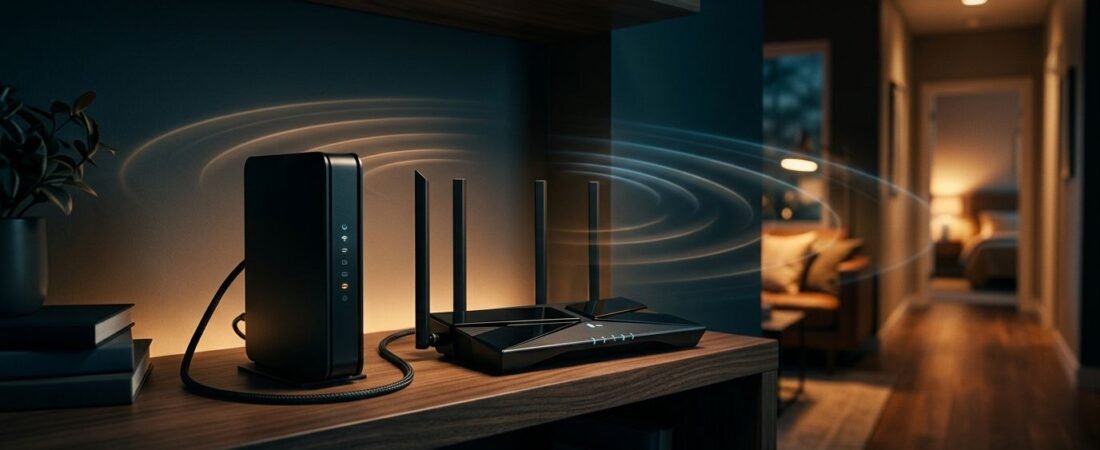
A 1 Gbps plan can still produce poor internet speeds in the back bedroom when Wi-Fi drops. It also won’t help if Breezeline won’t activate your modem. If your search started with “Netgear router Breezeline,” or if you still search for Atlantic Broadband modems under the provider’s former name, the practical answer is to choose the modem and router as two separate decisions.
For most homes, a DOCSIS 3.1 modem paired with a strong Netgear WiFi router is the better long-term setup. It supports Breezeline broadband service, provides reliable coverage now, and makes future upgrades easier.
This post may contain affiliate links. If you make a purchase through these links, I may earn a small commission at no extra cost to you.
Best Netgear router Breezeline Gigabit Customers Can Buy
For most Breezeline gigabit customers, the best long-term setup is a Netgear CM2000 modem paired with a Nighthawk RS300 router. The CM2000 handles the cable connection. The RS300 handles Wi-Fi, wired devices, and home network settings.
That two-device setup costs more upfront than a combo unit. It also gives you more control when your Wi-Fi needs change, while firmware updates remain easy to manage.
Best Long-Term Setup: CM2000 and Nighthawk RS300
The Nighthawk RS300 is a strong pick for homes that want room beyond a 1 Gbps plan. It has three 2.5Gbps Ethernet ports, including one Internet port and two LAN ports.
That extra capacity avoids putting a 1Gbps wired limit between a capable modem and router. It won’t increase your current internet speeds by itself. It helps preserve router performance if your service tier rises later.
If several devices compete for bandwidth, Quality of Service features can prioritize important traffic.
A smaller home doesn’t need to pay for Wi-Fi 7 just to use a gigabit plan. A current Wi-Fi 6 Nighthawk with a Gigabit WAN port is enough when it covers the home well. Compare the router side of the decision in our Netgear Nighthawk review.
| Setup | Best For | Main Trade-Off |
|---|---|---|
| CM2000 plus RS300 | Gigabit users who want upgrade room | Higher upfront cost |
| CAX80 gateway | Simple one-box setup | Less flexibility later |
| Existing modem plus RS300 | Better Wi-Fi without replacing a working modem | Equipment rental may remain |
An Arris Surfboard is another option to compare, but approval varies by model. Check Breezeline’s current model-specific approval list before buying, since not every Arris model is approved.
The best setup is the one that fits your plan, home size, and wired device needs.
Best One-Box Choice: Netgear CAX80
The Nighthawk CAX80 is the better choice if you want a modem and Wi-Fi router in one device. Breezeline lists the CAX80 as a supported DOCSIS 3.1 gateway for eligible gigabit service.
It reduces clutter and gives you one device to manage. Check the current Netgear CAX80 price and availability before buying, since combo-unit pricing can change often.
Check Breezeline Modem Compatibility First
A standalone router doesn’t need Breezeline approval. The cable modem does. That’s the device that connects to the coax cable and must be registered to your account.
Choosing a router is only the starting point. You need an approved modem, a router that fits your home, and the right Ethernet ports between them.
DOCSIS 3.1 Is the Right Starting Point
DOCSIS 3.1 is the practical baseline for a new Breezeline modem. It supports current high-speed tiers and improves your chances of staying compatible as local cable upgrades reach your area.
Breezeline approved modems include Netgear models such as the CM1000v2, CM1100, CM1200, CM2000, and CAX80. An Arris Surfboard or Motorola MB8600 still requires exact approval for your tier and address, so don’t assume a similar name is enough.
Retailer listings may use the broader Netgear CM1000 family name, while Breezeline specifically identifies the CM1000v2. Check the exact model number before placing an order.
Approval Is Model-Specific
Netgear’s ISP compatibility table is a useful starting point, but Breezeline customer support has the final say on activation. Verify the official list of compatible modems, your service tier, and your address before purchasing.
A device can support high internet speeds and still fail activation if it isn’t approved for your service area or tier. Check the model, not the product family name.
Don’t Forget Home Phone Service
Most Netgear devices used for cable internet are data-only. They don’t replace equipment needed for a Breezeline home phone line.
If you bundle internet and voice service, confirm the replacement process before returning rented equipment. A working modem does not mean your home phone will work.
Separate Modem and Router or a Netgear Cable Gateway?
A combo device looks simpler because it is simpler. You get one power cord, fewer cables, and one setup process. For a small or mid-sized home with good coverage, that can be enough.
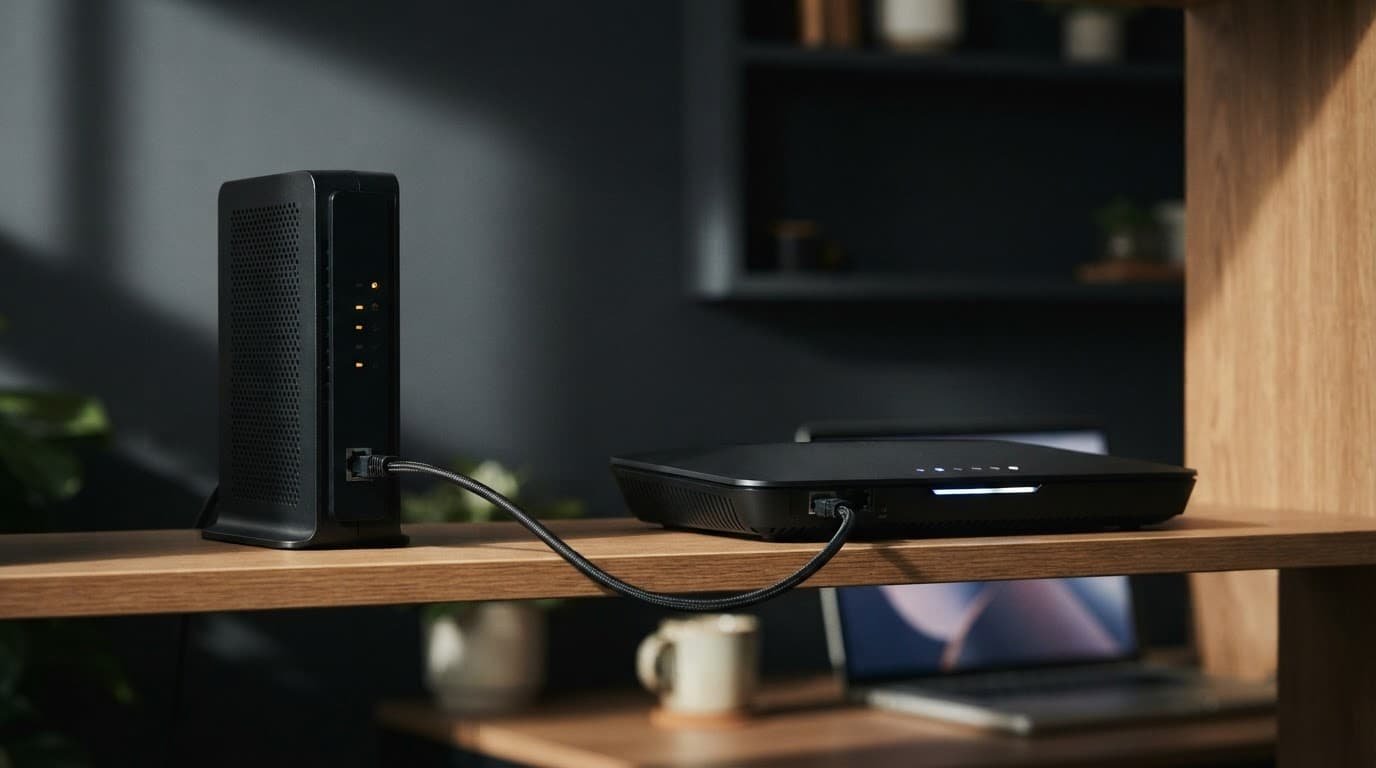
The CAX80 is a DOCSIS 3.1 gateway that combines the modem and router in one unit. It keeps the setup compact for homes that don’t need extra flexibility.
Separate hardware is usually the better fit for a gigabit household. If Wi-Fi coverage becomes the problem, you can replace the router or add mesh Wi-Fi without buying another cable modem. You can also install router firmware updates without replacing the modem.
It also makes troubleshooting easier and can help protect network reliability. You can test the modem by Ethernet first. If wired speed is good but wireless speed is weak, the problem is likely router placement, wall materials, or coverage.
Fast internet speeds reach the modem first. Router placement and hardware determine how that connection is distributed through the home.
Choose the CAX80 if convenience matters most. Choose a separate CM2000 and Nighthawk router if you want more flexibility and expect to keep the setup for several years.
Get Better Wi-Fi Coverage With the Right Router Placement
Wi-Fi 6 helps busy homes handle more connected devices at once. It is useful when several people stream, game, video call, or back up files on the same network.
It does not increase the internet speeds included with your Breezeline plan. It helps the router manage local traffic and improve network performance when the network is busy.
Some supported routers also offer Quality of Service settings. These can prioritize demanding traffic, such as video calls or games, when multiple devices compete for bandwidth.
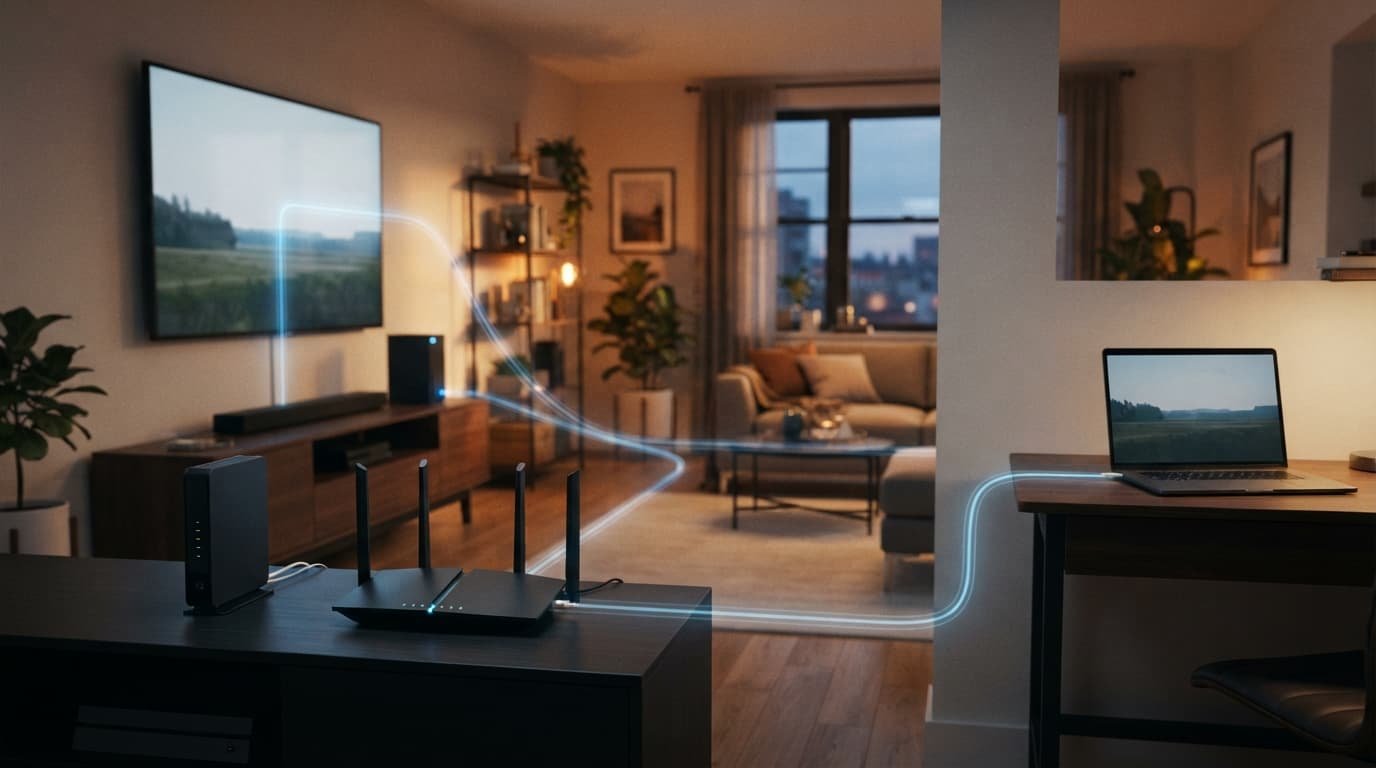
Put the Router Where It Can Work
Place your Netgear Nighthawk WiFi router in an open, central part of the home. Keep it off the floor and away from metal cabinets, thick masonry walls, and crowded entertainment centers.
A router hidden in a basement utility room can make a good internet plan feel disappointing. Moving the router often helps more than changing settings, but firmware updates still matter.
Use Ethernet for devices that stay in one place, such as:
- A desktop computer used for work or large downloads.
- A game console used for online gaming, where stable latency matters.
- A TV or streaming box near the router.
- A home office dock or network storage device.
Use Mesh for Real Dead Zones
A single router is often enough for a smaller home with an open layout. Mesh Wi-Fi makes more sense when large homes, multiple floors, thick walls, or a detached office limit wireless coverage.
Netgear Orbi systems are a better answer than an extender when several rooms have weak coverage. An extender can help one isolated spot. It cannot fix a home where the main router is too far away from most devices.
Set Up Your Breezeline Modem and Netgear Router
Your “Netgear router Breezeline” setup starts with modem activation, not the Wi-Fi app. Keep the modem’s CM MAC address handy before disconnecting the rented gateway. It’s printed on the modem label and differs from the router MAC address.
Activate the Modem Before Setting Up Wi-Fi
Follow these steps in order:
- Disconnect the old gateway and connect the coax cable to the new approved modem.
- Power on the modem and wait until its startup lights settle.
- Use Breezeline’s activation process or contact support with the exact model and CM MAC address.
- Connect one of the modem’s Ethernet ports to the router’s Internet or WAN port after activation finishes.
- Set up the router with a new network name, strong password, and current firmware.
Breezeline offers modem installation guides for the cable connection and basic setup process. If activation fails, ask customer support to confirm that the old gateway is removed from your account and the new modem is registered.
Test Wired Speed Before Changing Router Settings
Use a wired computer to test internet speeds before testing Wi-Fi. Pause VPN software, cloud backups, large downloads, and streaming first.
Fast wired speeds with poor wireless results point to placement, distance, interference, or router coverage. Slow wired speeds can point to the internet connection, service line, modem activation, coax connection, or an Ethernet cable negotiating at the wrong speed.
Apply firmware updates after setup. Use WPA3 security when your model and devices support it. Change the router administrator password as well as the Wi-Fi password.
Avoiding Breezeline Equipment Fees
Compare compatible modems before calculating your potential savings. Buying your own equipment can remove a monthly rental fee, but check your actual bill first. Breezeline charges vary by plan, market, and promotion.
Use this simple calculation:
Total hardware cost divided by that charge equals your estimated break-even point.
For example, a $260 modem and router setup divided by a $12 monthly charge takes about 22 months to recover its cost. The same break-even math applies to an Arris Surfboard or other hardware, but verify your choice for the account first. If your lease is currently free through a promotion, buying equipment right away may not save money yet.
Keep your return receipt when you send back rented equipment. Also confirm that the charge disappears from your next bill. Our router rental savings guide can help you compare the long-term cost before you buy.
Frequently Asked Questions
Is a Netgear router compatible with Breezeline?
Yes. Breezeline approval applies to the cable modem, not the standalone Netgear router. Choose a Breezeline-approved modem, then connect its Ethernet port to the router’s Internet or WAN port.
What is the best Netgear setup for Breezeline gigabit service?
A Netgear CM2000 modem paired with a Nighthawk RS300 router is the best long-term setup for most gigabit homes. It provides strong Wi-Fi, more wired capacity, and easier upgrades than a basic gateway.
Should I choose the Netgear CAX80 or separate devices?
Choose the CAX80 if you want a simple one-box setup with fewer cables and less equipment to manage. Choose a separate modem and router if you want more flexibility, easier troubleshooting, or the option to upgrade Wi-Fi later.
How do I activate a Netgear modem with Breezeline?
Connect the approved modem to the coax cable, power it on, and use Breezeline’s activation process with the modem’s CM MAC address. After activation finishes, connect the modem to the router’s WAN port and complete the Wi-Fi setup.
Will a better Netgear router increase my Breezeline speed?
A better router cannot increase the speed included with your Breezeline plan. It can improve wireless coverage, manage busy home networks more effectively, and prevent the router from limiting a capable gigabit connection.
Final Thoughts
The best choice is usually a Netgear CM2000 modem paired with a Nighthawk RS300 router. It supports Breezeline gigabit service, delivers modern Wi-Fi, and leaves room for future upgrades.
Choose the CAX80 when you want one simple device. Choose separate equipment when coverage, flexibility, and long-term value matter more than keeping fewer boxes on the shelf.