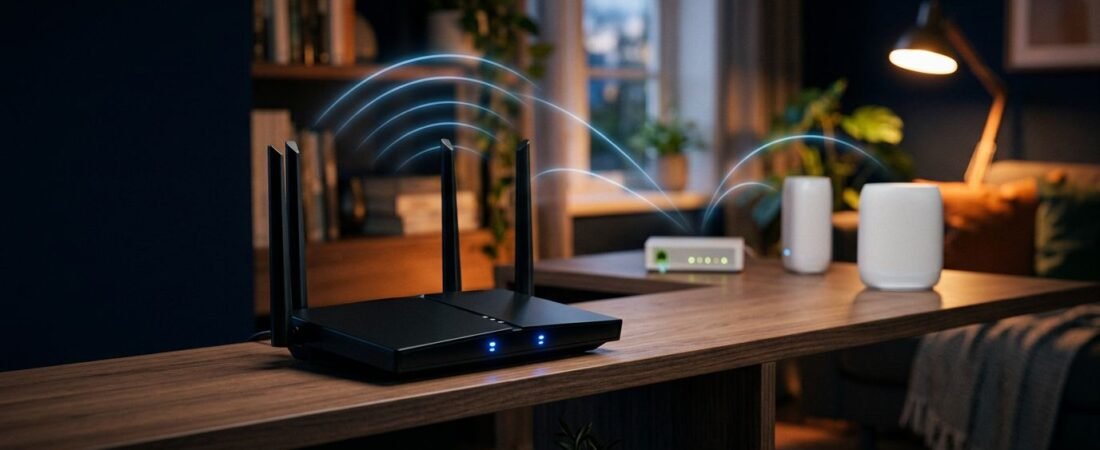
You don’t need Verizon’s router to get solid Fios internet. Choosing a Netgear router Verizon Fios setup may help you avoid Verizon’s router rental fee.
The right choice depends on your internet plan, home size, and TV service. A basic Nighthawk with dual-band Wi-Fi can be enough for a smaller home. A mesh system makes more sense when dead zones keep showing up upstairs or across the house.
Start with the connection type before you spend money on a new router.
This post may contain affiliate links. If you make a purchase through these links, I may earn a small commission at no extra cost to you.
Key Takeaways
- A Netgear router can work with Verizon Fios when the ONT provides an active Ethernet connection. You do not need a DOCSIS cable modem/router combo.
- Match the router to your Fios speed, number of devices, and home layout. Wi-Fi 6 suits busy gigabit homes, while an Orbi mesh system helps eliminate dead zones.
- Internet-only customers can connect the Netgear router directly to the ONT’s Ethernet cable and complete setup through
routerlogin.net. - Fios TV may require keeping the Verizon gateway connected or using a MoCA adapter. If you use MoCA, connect it to a Netgear LAN port rather than the WAN port.
- When setup fails, check the WAN connection, DHCP lease, router address conflicts, and wired speeds before diagnosing the Wi-Fi.
Check the ONT Connection First
Most Verizon Fios installations work without a modem. Fios uses a fiber-optic connection, so the fiber line ends at an Optical Network Terminal (ONT). The ONT passes the internet service to the gateway device.
For the router to serve as your main router, the ONT must provide an active Ethernet connection. Connect that cable to the device’s Ethernet WAN port. NETGEAR confirms that its equipment can work with Fios through this connection in its Verizon Fios compatibility guide.
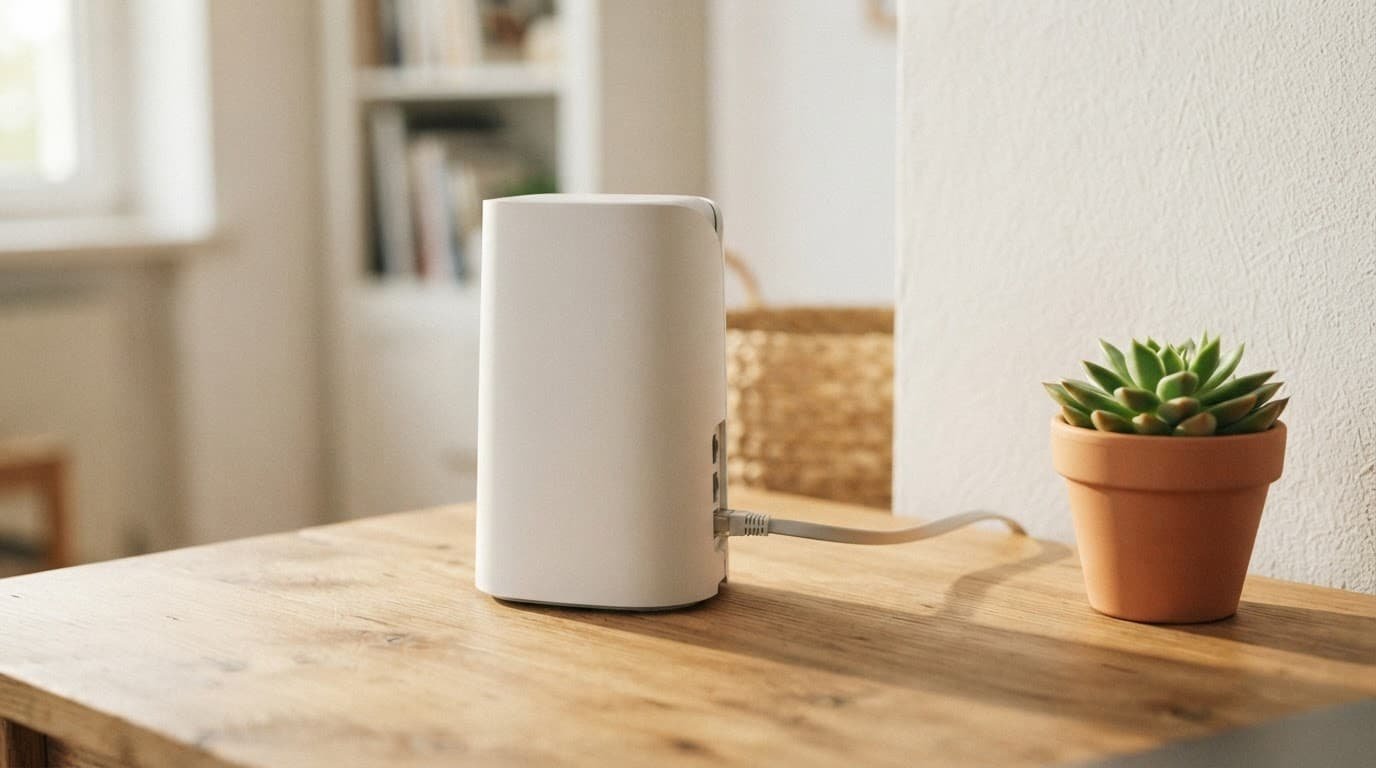
Older Fios installations may use coax wiring between the fiber handoff and the provider’s gateway. A router can’t use that coax line as its WAN connection by itself. Call Verizon and ask whether the Ethernet handoff is active. If it isn’t, ask for the internet handoff to be changed to Ethernet.
The key requirement is an active Ethernet line from the fiber handoff to the router’s WAN port. The router model matters after that.
Don’t buy a cable modem/router combo for Fios. Models built around DOCSIS cable modem service are for cable providers, not a fiber-optic connection. You need a standalone Wi-Fi router with a wired WAN connection.
Match a Router to Verizon Fios Plans
A router with a huge Wi-Fi number on the box isn’t always the right fit. Your internet plan matters, but so do device count and home layout. A 300 Mbps service tier doesn’t need an expensive multi-gig router in a small apartment. On the other hand, a busy gigabit household can outgrow an older Wi-Fi 5 model.
Use this quick comparison to narrow the options.
| Your Fios service, device count, and home | Router fit | What to look for |
|---|---|---|
| 300 Mbps or 500 Mbps, up to 10 devices in a small home | A dual-band Nighthawk router | Gigabit WAN port, dual-band Wi-Fi, and Wi-Fi 6 if buying new |
| Gigabit internet with 15 or more devices | A Wi-Fi 6 model | Strong processor, gigabit Ethernet ports, and reliable coverage |
| Multi-gig service with heavy wired use | A newer Nighthawk with multi-gig WAN | At least a 2.5 GbE WAN port |
| Large or long home with weak rooms | An Orbi system | One router plus enough satellites for the layout |
| An older router on a modest plan | R7000P, R7800, or R8000P | Fine for modest plans, but Wi-Fi 5 limits newer devices |
The RAX50 Nighthawk router is a reasonable middle-ground option if you already own one or find it at the right price. It’s a Wi-Fi 6 router with an AX5400 rating, giving a gigabit household more room for streaming, gaming, and connected devices than older Wi-Fi 5 models.
Older options such as the R7000P and R7800 can still handle lower Fios tiers. They may also work well for a wired desktop or game console. They’re less appealing for a new purchase when your home has newer phones, laptops, and smart devices.
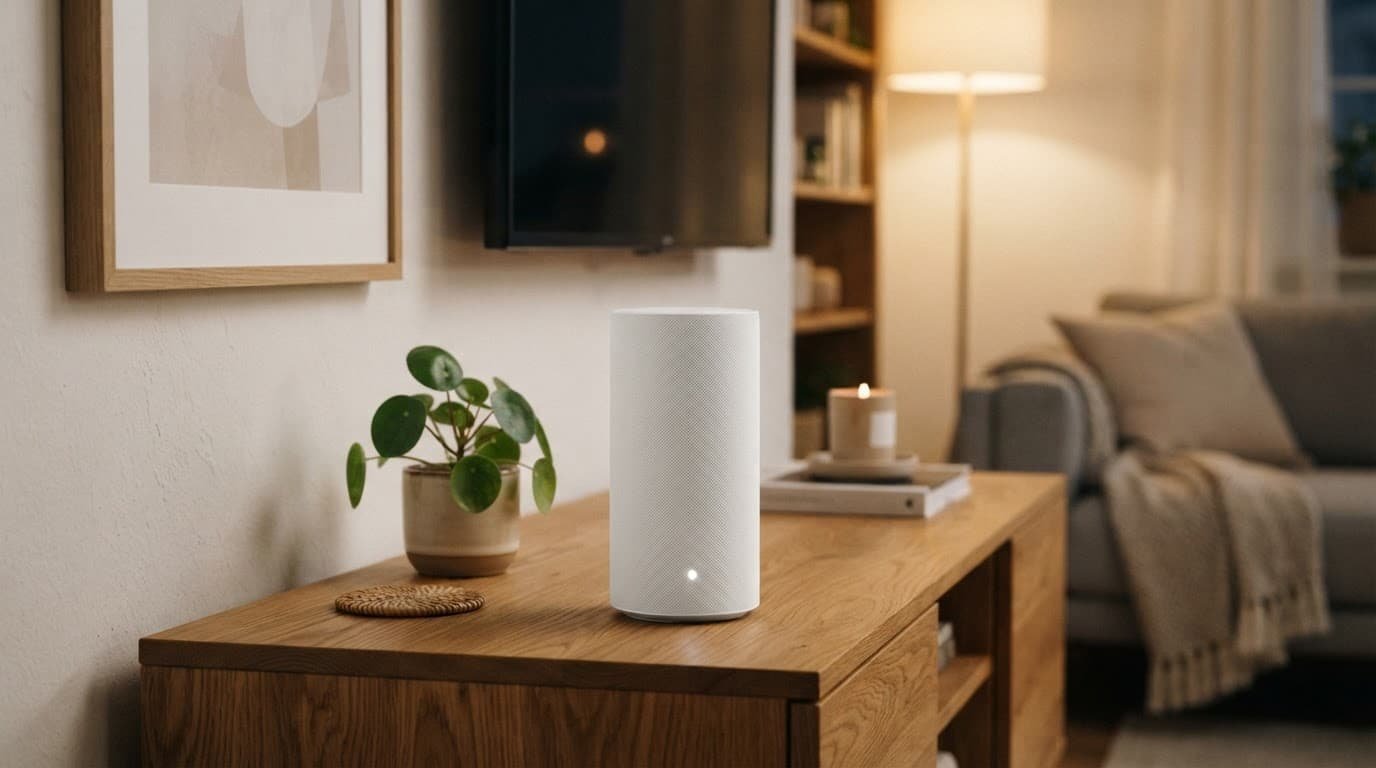
Choose an Orbi mesh system when coverage is the problem. Orbi satellites can extend the signal into rooms where one router struggles through several walls. This setup usually fits larger homes, finished basements, and detached workspaces better.
If you’re shopping rather than reusing a router, compare current Fios-compatible router options on Amazon. Check for an Ethernet WAN port before ordering. A multi-gig internet plan needs a multi-gig WAN port to deliver its full wired speed.
Set Up a Netgear Router for Internet-Only Fios
Internet-only customers have the easiest path. You can remove the Verizon gateway and let the Netgear router manage the whole home network.
- Confirm that an Ethernet cable runs from the optical terminal (ONT) to the current Verizon router, or ask Verizon to activate the Ethernet port.
- If the Verizon router is still online, release its DHCP lease in the router settings before disconnecting it. This can help the new device receive a public IP address.
- Turn off the Verizon gateway. Connect that cable to the device’s yellow Internet or WAN port.
- Power on the device and connect a phone or computer to its default Wi-Fi network, or use an Ethernet cable.
- Open
routerlogin.netin a browser and start the setup wizard. Complete the router’s installation wizard. Create a new Wi-Fi name and password, then check for an internet connection.
If the device can’t get online, power it off. Leave the Verizon gateway disconnected, then power-cycle the terminal if you can safely access its power connection. Don’t press the terminal’s reset button. Turn the terminal back on, wait for it to finish starting, then power up the device. If the settings weren’t saved, rerun the installation wizard after the power cycle.
The device should receive an IP address automatically once the terminal releases the previous router connection.
Fios TV Changes the Setup
Traditional Fios TV service relies on a set-top box and your home’s coax wiring for guide data, video on demand, and some interactive features. That is why an internet-only setup is simple while a TV bundle takes more planning.

Photo by Jaycee300s
The lowest-risk option is to keep the Verizon gateway connected for TV and use the Netgear device in access point mode for better Wi-Fi coverage. The gateway device continues managing TV services, while the Netgear device handles Wi-Fi.
Turn off the Verizon gateway’s built-in Wi-Fi once the Netgear network is working. This reduces wireless interference from two nearby networks using the same channels. Verizon provides separate setup information for its equipment, including the CR1000A and CR1000B, on its router support page.
Bridge mode is often mentioned, but it isn’t always the best answer. You don’t need it when the incoming Ethernet cable connects directly to the device’s WAN port. If you keep the Verizon gateway, this arrangement is usually easier than asking two routers to share routing duties.
You can remove the Verizon gateway with a MoCA adapter setup, but only if you are comfortable working with the existing coaxial connection. The basic layout is:
Incoming Ethernet -> Netgear WAN port -> Netgear LAN port -> MoCA adapter -> existing coax network -> TV boxes
The adapter feeds the device’s local network into the coax lines, extending the home network to the TV boxes. This network configuration gives the boxes a path for guide data and on-demand features. Connect the adapter’s Ethernet cable to a LAN port, not the Netgear WAN port.
If the channel guide disappears after the switch, check the coax connection, adapter power, and Ethernet connection first. Then restart the affected set-top box. A working internet connection on your phone does not prove the TV boxes can reach the device through the coax network.
Fix Common Router and Wi-Fi Problems
No internet after setup usually points to the fiber handoff or a DHCP lease that hasn’t cleared. Check that the cable is in the router’s WAN port, not one of its LAN ports. Restart the handoff and router, then give them a few minutes to reconnect.
A double-router setup can also create an address conflict. For example, a Verizon gateway and third-party router may both try to use 192.168.1.1. Change one router’s local network range before connecting both devices. Verizon community discussions also cover gateway address changes for third-party routers.
Slow Wi-Fi is different from slow Fios service. Test a wired computer first. If wired speed is normal, check dual-band Wi-Fi for channel congestion and wireless interference from nearby electronics. Move the router into an open, central area, away from TVs, cabinets, and thick walls. A mesh system can improve coverage when one router can’t reach the areas where you use Wi-Fi most.
Frequently Asked Questions
Can I use a Netgear router with Verizon Fios?
Yes, a Netgear router can replace the Verizon router when the ONT provides an active Ethernet connection. Use a standalone Wi-Fi router with an Ethernet WAN port, not a cable modem/router combo.
Do I need to keep the Verizon router with Fios?
Internet-only customers can usually remove the Verizon gateway and connect the Netgear router directly to the ONT. Traditional Fios TV service is simpler when the Verizon gateway remains connected, although a MoCA adapter setup can let the Netgear router manage the network.
Which Netgear router is best for my Fios plan?
A dual-band Nighthawk can suit a smaller home with a 300 Mbps or 500 Mbps plan, while a Wi-Fi 6 model is a better fit for gigabit service and many devices. Choose an Orbi system for larger homes with dead zones, and look for a 2.5 GbE WAN port if you have multi-gig service.
How do I set up a Netgear router for Fios internet?
Connect the Ethernet cable from the ONT to the Netgear router’s yellow Internet or WAN port, then open routerlogin.net to run the setup wizard. Releasing the Verizon router’s DHCP lease and power-cycling the ONT may help if the new router does not receive an IP address.
Why is my Netgear router not working with Fios TV?
Fios TV set-top boxes may need the Verizon gateway, coax network, or a MoCA connection for guide data and on-demand features. Check the coax and adapter connections, and make sure the MoCA adapter connects to a Netgear LAN port.
Choose the Setup That Fits Your Home
For internet-only service, a compatible router is usually all your home network needs. Match its Wi-Fi standard and coverage to your plan, devices, and home size.
Fios TV changes the decision. Keep the Verizon gateway for the simplest TV setup, or add MoCA hardware if you want your own router to run everything. The right setup improves coverage without disrupting the services your household uses.