Best Netgear Router for AT&T Fiber Plans and Wi-Fi
Fast fiber service doesn’t help much if your living room streams fine but the back bedroom drops Wi-Fi. A Netgear router AT&T Fiber setup can improve wireless coverage, device capacity, and control over your home network.
You still need AT&T’s gateway for the fiber connection. The real choice is whether your Nighthawk router should handle Wi-Fi only or take over routing duties too.
Start by matching the router’s ports and features to your AT&T Fiber plan, then choose the right setup mode.
This post may contain affiliate links. If you make a purchase through these links, I may earn a small commission at no extra cost to you.
Key Takeaways
- You still need the AT&T Gateway for the fiber connection, but a Netgear Nighthawk can provide better Wi-Fi coverage, capacity, and network control.
- Match the router to your AT&T Fiber plan: the RS700S fits 5 Gbps service, while the RS500, RS200, and RAX120 suit lower tiers.
- Use Access Point Mode for a simple Wi-Fi upgrade, or IP Passthrough when you want the Netgear router to manage routing, firewall rules, and port forwarding.
- Avoid double NAT by not running the Nighthawk in normal router mode behind the gateway without IP Passthrough.
- Good router placement, suitable Ethernet cabling, and a wired access point or mesh satellite can matter as much as the router model.
Best Netgear router AT&T Fiber options by plan
The right Nighthawk model depends more on your internet tier than its feature list. A 10G router suits AT&T’s 5 Gbps plan, but it’s unnecessary for most 300 Mbps and 1 Gbps homes.
| AT&T Fiber plan | Netgear router to consider | Why it fits |
|---|---|---|
| 300 Mbps to 1 Gbps | Nighthawk RS200 | Wi-Fi 7, a 2.5Gb port, and a practical dual-band design for most homes |
| 1 Gbps to 2 Gbps | Nighthawk RS500 | Tri-band Wi-Fi 7 with a 2.5Gb port for faster plans and busy households |
| Up to 2 Gbps with Wi-Fi 6 devices | Nighthawk RAX120 | Proven AX6000 router that supports internet plans up to 2 Gbps |
| 5 Gbps | Nighthawk RS700S | Dual 10G ports and Wi-Fi 7 hardware for AT&T’s fastest residential tier |
The RS700S is the clear choice for a 5 Gbps AT&T Fiber plan. Its 10G ports keep the WAN connection from limiting performance. It also suits homes with a fast wired server or several multi-gig Ethernet devices.
For most 1 Gbps and 2 Gbps households, the RS500 offers the better balance. It adds tri-band Wi-Fi 7 without the cost of 10G hardware you may never use. The RAX120 remains a solid Wi-Fi 6 option when available at a lower price.
Skip cable modem/router combinations such as the Nighthawk CAX30 for AT&T Fiber. It’s designed for cable service and lacks the WAN connection this setup requires. See our best routers for AT&T Fiber picks before paying for features your plan can’t use.
What Stays Connected With AT&T Fiber
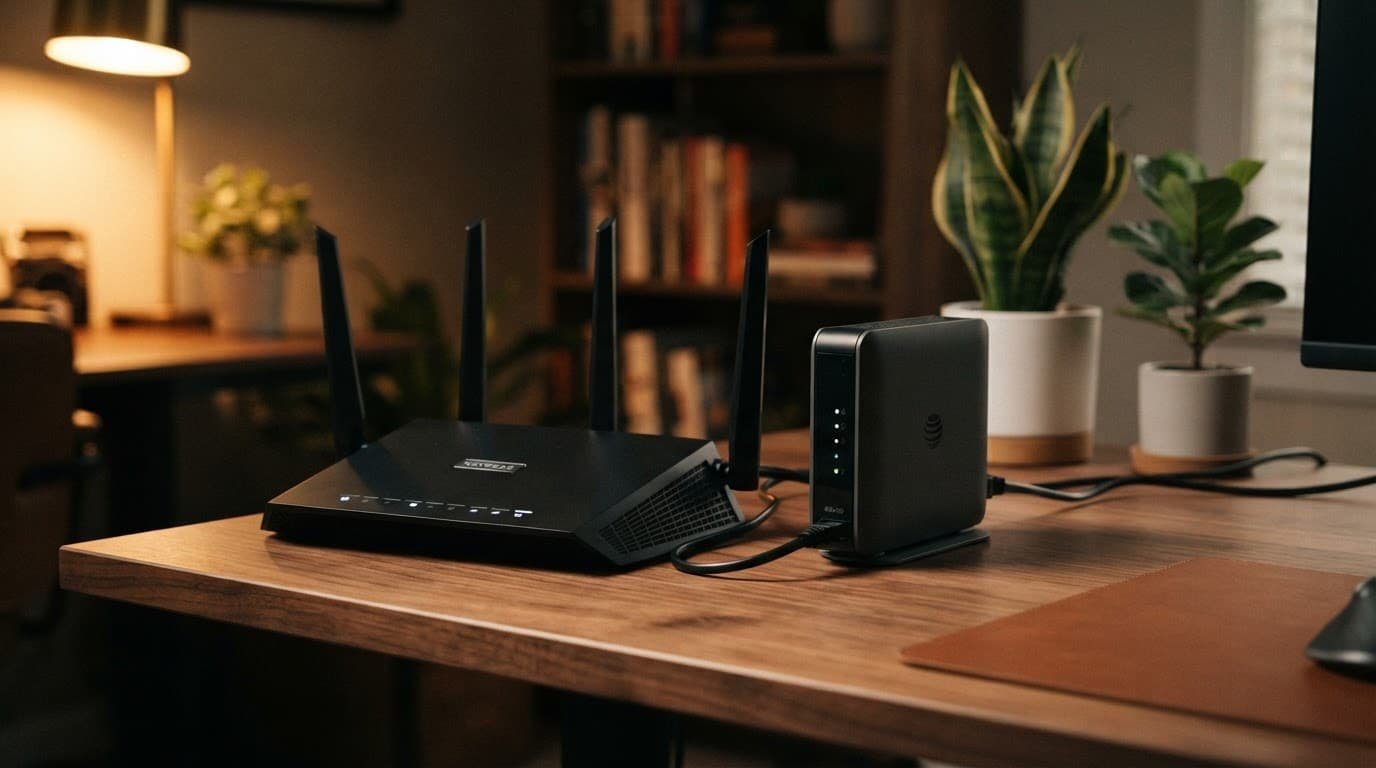
You usually cannot remove the AT&T Gateway and plug a Netgear router directly into the fiber line. Some readers call this supplied equipment an AT&T Fiber modem, but it also handles service authentication. The BGW320 may include the optical network terminal hardware.
Think of the AT&T box as the required front door. Your Nighthawk can become the main Wi-Fi system behind it.
Use an Ethernet connection from the fastest available LAN port on the AT&T Gateway to the yellow Internet or WAN port on the Netgear router. Use Cat6 or better cabling for multi-gig service.
AT&T’s included Wi-Fi can be enough in a small home. Customers on 2 Gbps plans and above often already have a Wi-Fi 6 capable gateway. A third-party wireless router is worth adding when you need better signal strength, more LAN ports, stronger parental controls, or better coverage in distant rooms.
Access Point Mode vs. IP Passthrough Mode
There are two sound ways to use a Nighthawk with AT&T Fiber. The right one depends on how much control you want.
| Setup mode | What controls routing | Best for |
|---|---|---|
| Access Point Mode | The AT&T Gateway | Simple Wi-Fi upgrades and low-maintenance setup |
| IP Passthrough Mode | The Netgear router | Gaming, port forwarding, custom DNS, and advanced settings |
The simpler option requires less setup. The AT&T Gateway continues to assign IP addresses, run its firewall, and manage your home network. The Nighthawk acts as a strong Wi-Fi access point with extra Ethernet ports.
IP Passthrough Mode gives the public internet address to the Netgear device. It manages DHCP, firewall rules, port forwarding, and other network settings.
Don’t run the Nighthawk in normal router mode behind the gateway without IP Passthrough. That creates double NAT, which can cause trouble with gaming, remote access, and some smart devices.
IP Passthrough is not a fully bridged setup. The gateway remains active for the AT&T Fiber connection. A helpful AT&T Fiber discussion of IP Passthrough and bridge mode shows why the terms often get mixed up.
How to Connect a Nighthawk Router to AT&T Fiber
For the easiest route, use Access Point Mode. For full Netgear control, use IP Passthrough. Set up one approach, not both.

- Connect the gateway to the Netgear router’s Internet port with an Ethernet connection. Leave the gateway powered on throughout setup.
- Open the Nighthawk app or router web page. For the access-point setup, select AP Mode and let the gateway assign the Netgear an address.
- For IP Passthrough, sign in to the AT&T Gateway at
192.168.1.254. In the gateway settings, open Firewall, then IP Passthrough. - Set the allocation mode to Passthrough. Select the Netgear router’s WAN MAC address, save the change, and restart both devices.
- Keep the Netgear in router mode when using IP Passthrough. Change its local LAN address to something different from the gateway network, such as
192.168.2.1, if both use the192.168.1.xrange. - Restart the gateway first. Wait for the fiber connection to come back, then restart the Nighthawk. Test with a wired computer before reconnecting every device.
The labels can vary by gateway model and firmware. Use AT&T’s IP Passthrough setup steps to confirm the menu path and settings.
If the Netgear router does not get internet after a restart, check the selected WAN MAC address first. A NETGEAR XR700 IP Passthrough thread also shows the type of issues that can come up with advanced Nighthawk models.
Fix Weak Wi-Fi Signal Without Creating a Second Problem
A new router can improve a weak Wi-Fi signal, but placement matters as much as the model. Put the Nighthawk in a central, open location. Keep it away from cabinets, large TVs, metal shelving, and the floor.
You can use both the AT&T Gateway and Netgear router for Wi-Fi. It is usually better to disable the gateway’s built-in Wi-Fi once the Nighthawk is working. That reduces interference and makes it clear which Wi-Fi network your devices should join.
If you keep both networks active, give them different SSID and password details during testing. Names such as “Home-Nighthawk” and “Home-AT&T” make it easier to see where each device is connected.
Using the same SSID and password can work in this setup. Still, it does not create a true mesh system. Phones may stay connected to a weak access point longer than you expect.
On the 2.4 GHz band, use Wi-Fi channels 1, 6, or 11. Avoid putting both routers on the same channel. Let 5 GHz use automatic channel selection unless you know a nearby network is causing interference.
A distant garage, basement, or detached office may need a network extender. However, a wired access point or mesh satellite may be more reliable. One expensive router cannot always push a reliable signal through brick, concrete, and several interior walls.
Don’t Confuse the Nighthawk M7 Pro Mobile Hotspot With a Fiber Router
AT&T also sells Netgear connected devices, including the Nighthawk M7 Pro. It uses a cellular data plan and works as a mobile hotspot for travel, temporary internet, or backup service during an outage.
The Nighthawk M7 Pro cannot replace your AT&T Fiber gateway or a home wireless router. For everyday home networking, choose a router with a proper Ethernet WAN port that matches your Fiber plan.
Frequently Asked Questions
Can I connect a Netgear router directly to the AT&T Fiber line?
No. You usually need to keep the AT&T Gateway connected because it handles the fiber connection and service authentication. Connect the gateway’s fastest available LAN port to the Netgear router’s Internet or WAN port with Ethernet.
Should I use Access Point Mode or IP Passthrough?
Use Access Point Mode when you want a simple Wi-Fi upgrade with the AT&T Gateway managing routing. Choose IP Passthrough when you want the Netgear router to control DHCP, firewall settings, port forwarding, and other network features.
Which Netgear router is best for a 5 Gbps AT&T Fiber plan?
The Nighthawk RS700S is the best fit for AT&T’s 5 Gbps residential tier. Its dual 10G ports help prevent the router from limiting a multi-gig wired connection.
Does a Netgear router eliminate AT&T’s gateway?
No. The gateway normally remains active even when the Nighthawk handles Wi-Fi or routing duties. In an IP Passthrough setup, the gateway passes the public address to the Netgear router but still supports the fiber connection.
Why is my Netgear router causing connection problems behind the gateway?
The most common issue is double NAT, which can affect gaming, remote access, and some smart devices. Use Access Point Mode or configure IP Passthrough correctly, then confirm the selected WAN MAC address and restart the gateway before the Nighthawk.
Choose One Router to Run Your Home Network
The best Netgear option for AT&T Fiber matches your plan’s ports and your home’s coverage needs. The RS700S suits 5 Gbps service, while the RS500, RS200, and RAX120 fit lower tiers.
Set the Nighthawk up with the simpler access-point setup for straightforward Wi-Fi improvements. Use IP Passthrough when you want the Netgear device in charge. One clear setup is more reliable than two routers competing for the same job.