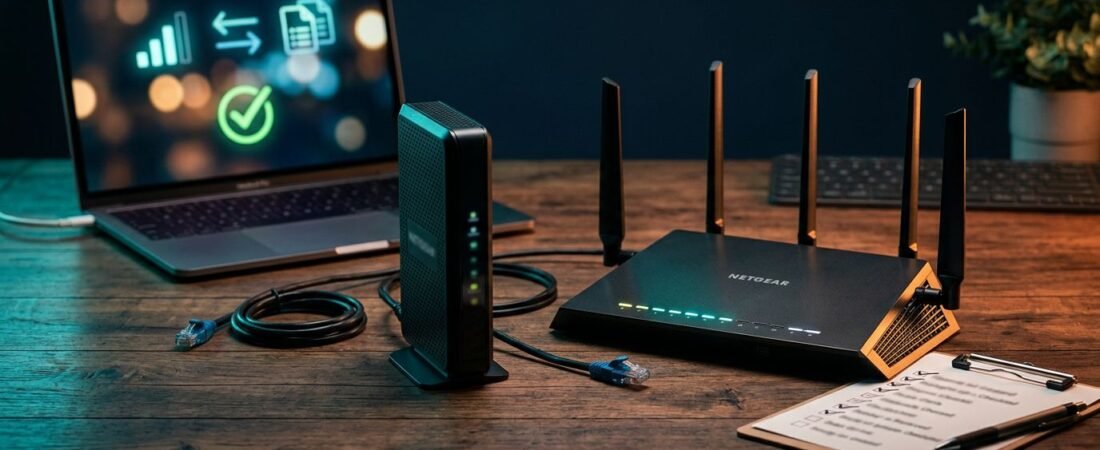
Buying a router before checking one small detail can turn a money-saving plan into a return label. Netgear router compatibility depends on your internet service type, your provider’s approved-device list, and the speed tier you pay for.
A router with great reviews can still be the wrong choice if its modem isn’t approved by your provider. Check current equipment lists from Comcast/Xfinity and Spectrum/Charter before ordering. Use this checklist before you buy, not after the activation screen rejects your new equipment.
This post may contain affiliate links. If you make a purchase through these links, I may earn a small commission at no extra cost to you.
Key Takeaways
- Identify your internet service type before buying. Cable, fiber, DSL, satellite, and 5G home internet use different equipment, and a cable modem won’t replace fiber or DSL hardware.
- Check the exact NETGEAR model on your provider’s current approved-device list. Comcast/Xfinity and Spectrum/Charter may limit models by speed tier, service type, address, or voice support.
- Match DOCSIS standards and Ethernet ports to your plan. DOCSIS 3.1 is the practical baseline for new cable purchases, while multi-gigabit service needs suitable 2.5GbE hardware on both sides of the connection.
- Choose between a combo unit and separate equipment based on your priorities. Combos simplify cable setups, while separate devices make future router, coverage, and mesh upgrades easier.
- Test activation and wired service before troubleshooting Wi-Fi. Old gateway records, incorrect CM MAC registration, or provider account issues can cause activation failures that are not caused by the router.
Netgear router compatibility starts with your internet service
Identify your network type first: cable, fiber, DSL, satellite, or 5G home internet. Each service uses different equipment. A NETGEAR product that works well for cable isn’t automatically right for fiber or DSL.
Cable internet needs an approved modem
With Comcast/Xfinity, Spectrum/Charter, Mediacom, Optimum, Sparklight, and other cable internet providers, the modem must be approved. That requirement also applies to the modem inside a cable modem router combo.
For Comcast/Xfinity or Spectrum/Charter, a standalone NETGEAR router doesn’t connect directly to the coax wall cable. It needs an activated cable modem or ISP gateway in front of it. A cable modem router combines both devices in one box, simplifying setup, but its modem still needs approval.
Check the exact model number, not just the product family name. A newer version may have different support status or port options.
Fiber, DSL, satellite, and voice service change the answer
NETGEAR cable modems and combo units use DOCSIS technology through coax. They don’t replace fiber equipment, DSL equipment, satellite terminals, or most cable voice setups.
Fiber customers usually connect a regular NETGEAR router to an optical network terminal, also called an ONT, using Ethernet. If your provider requires a gateway, ask about bridge mode or IP Passthrough before buying a router.
If your Comcast/Xfinity or Spectrum/Charter bundle includes home phone service, don’t assume a data-only modem will work. The C6220 and CAX30S are data-only examples, not equipment for cable-bundled voice service. Keep the provider’s voice equipment or choose a voice-capable modem from its approved list.
Check the model on your ISP’s current list
Compatibility is not a permanent label. Internet service providers update their approved devices when they add new speed tiers, upgrade local networks, or change modem requirements.
Use NETGEAR’s ISP compatibility table as a starting point, then check the current approved lists for Comcast/Xfinity and Spectrum/Charter before ordering. For Comcast/Xfinity and Spectrum/Charter, the provider’s current list is final for activation.
“Compatible” and “certified” are not the same
A certified device has been tested and approved by the ISP for a stated service tier. A compatible device may meet the technical requirements, but Comcast/Xfinity or Spectrum/Charter might limit it to certain plans, service types, addresses, or markets.
NETGEAR lists the CAX30S model as certified for Comcast/Xfinity plans up to 800 Mbps. Its CAX30S product details also list Spectrum/Charter and Cox service up to 1 Gbps, but your account’s current speed tier still matters.
A modem can be approved for cable internet and still be the wrong choice for your plan’s speed or home phone service.
Don’t use old activation instructions as proof
The C6220 uses DOCSIS 3.0 and combines modem and routing functions. NETGEAR documentation includes activation paths for Comcast/Xfinity and other providers, including Cox, Mediacom, Optimum, and Sparklight. That doesn’t make it the right default purchase for a faster plan in 2026.
For Astound and Breezeline, check the current approved-device list for your address, plan, and service type. Don’t assume a model supported by Spectrum/Charter in one market works in another.
If you’re replacing rented Comcast/Xfinity equipment, review these steps for replacing an Xfinity Gateway before you disconnect the old device.
Match DOCSIS and Ethernet ports to your speed tier
A quick compatibility check should cover your provider’s speed tier, the modem-to-router connection, and approved hardware for Comcast/Xfinity or Spectrum/Charter. One slow Ethernet port can limit an otherwise fast setup.
DOCSIS 3.1 is the practical cable baseline
DOCSIS 3.1 is the practical baseline for most new cable modem purchases. It supports current high-speed cable plans and leaves room for upgrades. NETGEAR’s gigabit cable-speed guide explains why the standard matters for gigabit cable service.
A modem such as the CM2000 has a 2.5GbE Ethernet port and needs a separate router with a matching WAN port. It can suit faster tiers only if your provider approves it for your plan. It’s a data modem, not a home phone replacement.
Use this simple match before you buy:
| Internet plan | Hardware to look for |
|---|---|
| Up to 500 Mbps | Approved DOCSIS 3.1 modem or combo, Gigabit Ethernet ports |
| 1 Gig service | Approved DOCSIS 3.1 modem, WiFi 6 router, 2.5GbE ports preferred |
| 2 Gig service | Provider-approved modem with 2.5GbE, plus a router with a 2.5GbE WAN port |
Plan approval is specific to the service tier. Comcast/Xfinity and Spectrum/Charter may list different approved models or speed limits, so check their current compatibility lists before buying.
For 2 Gig service and other multi-Gigabit Internet plans, both the modem and router need suitable multi-gigabit WAN hardware. Comcast/Xfinity and Spectrum/Charter may impose different requirements for these tiers, so confirm approval before buying.
A 2.5GbE port doesn’t make every device faster. Your computer, switch, dock, or network-attached storage also needs multi-gigabit Ethernet support. Most streaming boxes, TVs, and older laptops are still limited to Gigabit Ethernet or Wi-Fi.
Decide between a combo unit and separate equipment
A combo reduces shelf clutter. Separate equipment gives you more flexibility later. Neither choice is automatically better.
Choose a combo for a simple cable setup
A combo makes sense in an apartment, condo, or smaller home with ordinary coverage needs. You have one power cord, one device to activate, and fewer cables to manage.
The CAX30S is a practical cable modem router for eligible Comcast/Xfinity and Spectrum/Charter customers who want DOCSIS 3.1 and WiFi 6 capability in one device. It is not a fit for fiber service or bundled cable voice. Check the number and speed of its Ethernet ports if you have a wired desktop, game console, or work dock.
Choose separate equipment for upgrades and coverage
A standalone modem and router cost more up front, but you can replace the Wi-Fi router later without replacing a working cable modem. That matters when coverage changes, devices add up, or you move to a larger home. For Comcast/Xfinity or Spectrum/Charter customers, provider approval still controls the modem, while the router can be upgraded separately.
Separate equipment also makes it easier to add a mesh WiFi system. If you are comparing standalone models, our NETGEAR Nighthawk review can help narrow the choices by plan speed and home size.
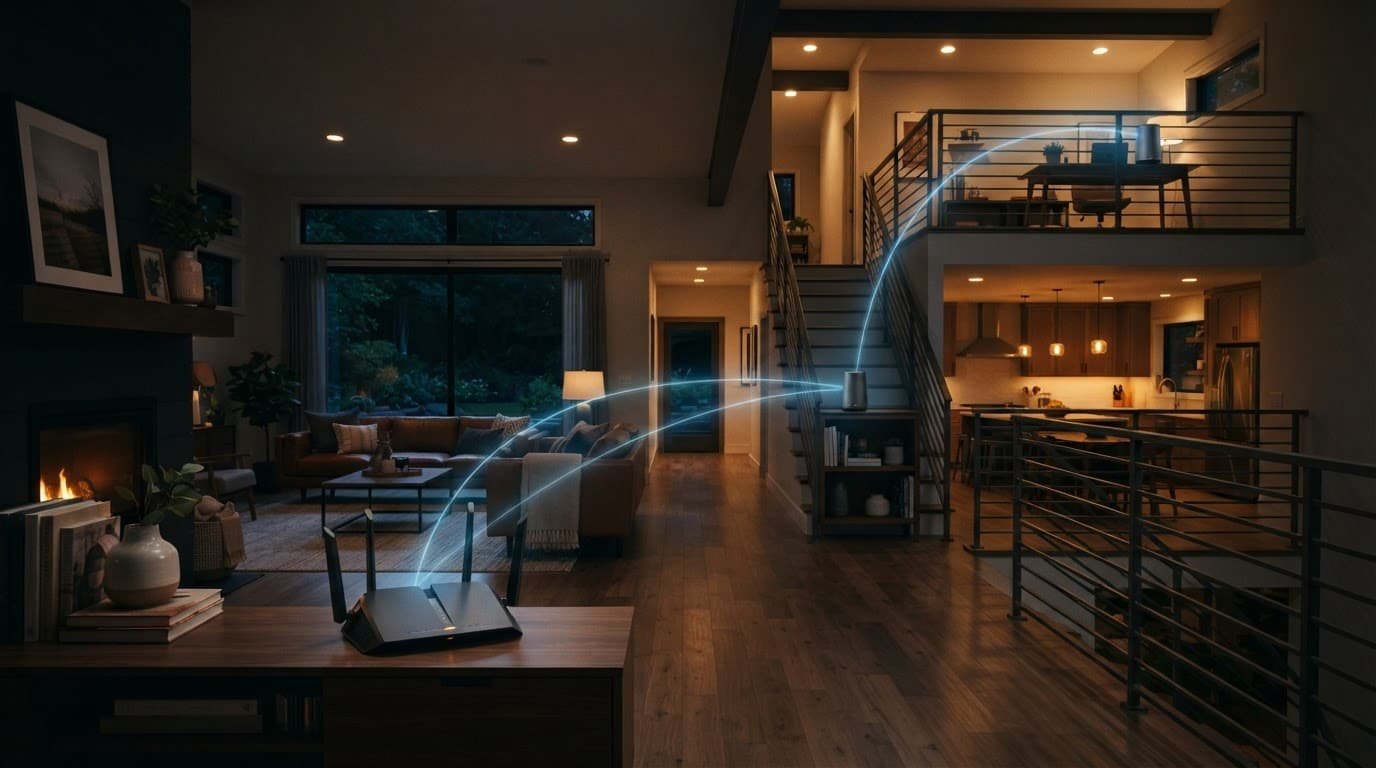
Match Wi-Fi coverage, bands, and security to your home
Your internet plan sets the speed coming into the house. Your router placement and Wi-Fi setup decide how much of that speed reaches each room.
Choose coverage before paying for extra bands
A WiFi 6 router is enough for many small and mid-sized homes. Dual-band routers handle common streaming, video calls, browsing, and smart home devices without paying extra for features you may not use.
Tri-band routers can help busy homes, especially when newer devices support the added band. They do not increase your ISP speed by themselves.
Choose mesh Wi-Fi when dead zones affect several rooms, multiple floors, thick walls, or a detached office. A single router is usually fine for an open layout. One extender can help an isolated weak spot, but it cannot fix poor coverage across the whole home.
Keep security and support in the buying decision
Look for wireless security protocols such as WPA/WPA2/WPA3. WPA3 is preferred when supported, but older modes may still be necessary for legacy devices.
Look for automatic firmware updates and optional security features such as NETGEAR Armor. The Nighthawk app can help with setup, Wi-Fi settings, connected devices, and software checks on supported models.
NETGEAR Armor may provide cyber threat protection on eligible models, but it can require a separate subscription. Availability and pricing vary by model or plan, so check the product page before treating it as an included long-term feature.
Do not replace a working router on a calendar alone. Upgrade when it no longer receives security updates, cannot support your plan, lacks needed ports, drops connections, or leaves persistent dead zones.
Fix failed activation before blaming the router
Activation problems often involve account records, the wrong modem, or an old gateway still attached to the account. These issues can occur during Comcast/Xfinity or Spectrum/Charter activation. Work through these steps before factory-resetting everything.
- Record the exact model number and the modem’s CM MAC address from the label. The CM MAC differs from the router MAC; Comcast/Xfinity or Spectrum/Charter may reject activation when old gateway records remain.
- Disconnect the old gateway and connect the new modem to the coax cable. Wait for its startup lights to settle before activation.
- Use your provider’s activation app or website first. If it fails, ask Comcast/Xfinity or Spectrum/Charter support to remove the old device and register the new CM MAC address.
- After activation, connect the modem’s Ethernet port to the router’s Internet or WAN port. Set up Wi-Fi only after the cable connection is active.
- Test a wired computer first, then test Wi-Fi in the rooms you use most. Fast wired speeds with weak Wi-Fi point to placement or coverage, not an ISP speed problem.
NETGEAR’s cable modem activation guidance also covers provider verification steps. Comcast/Xfinity support may need to refresh registration when an old gateway remains on the account. If escalation is needed, ask Comcast/Xfinity to verify the CM MAC and remove the old device. Let the ISP handle cable modem firmware. Updating router firmware through its normal app or web interface is different.
Frequently Asked Questions
Can I use a NETGEAR router with Comcast/Xfinity or Spectrum/Charter?
Yes, but a standalone NETGEAR router needs an activated cable modem or ISP gateway in front of it. If you choose a cable modem or modem-router combo, check the exact model on the provider’s current approved list before buying.
Does a NETGEAR cable modem work with fiber internet?
No. NETGEAR cable modems use DOCSIS over coax and do not replace fiber equipment such as an optical network terminal. Fiber customers usually connect a regular NETGEAR router to the provider’s ONT with Ethernet.
Is DOCSIS 3.1 enough for a fast cable plan?
DOCSIS 3.1 is the practical baseline for most new cable modem purchases, but approval still depends on your provider and speed tier. For 2 Gig service, the modem and router also need suitable 2.5GbE WAN hardware.
Should I buy a modem-router combo or separate devices?
A combo is convenient for a simple cable setup because it reduces cables and simplifies activation. Separate equipment costs more up front but lets you replace the router, improve coverage, or add mesh Wi-Fi without replacing a working modem.
What should I do if my new NETGEAR equipment will not activate?
Verify the exact model number and CM MAC address, disconnect the old gateway, and try your provider’s activation app or website. If activation still fails, ask Comcast/Xfinity or Spectrum/Charter to remove the old device record and register the new CM MAC address.
The right NETGEAR setup fits the connection you have
The best purchase isn’t the router with the longest feature list. It’s the one your ISP will activate, your Ethernet ports can support, and your home can use.
Check the provider lists and speed tiers for Comcast/Xfinity and Spectrum/Charter, then choose coverage that reaches the rooms that matter. Compatibility first keeps the rest of the buying decision simple.