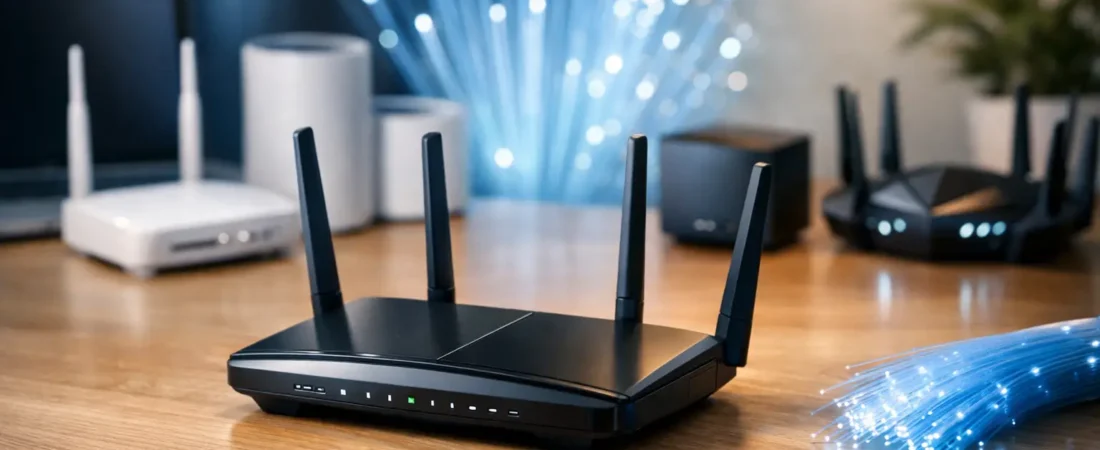
If your fiber plan says 500 Mbps, 1 Gig, or even faster, but your Wi-Fi still drags in the back bedroom or buffers during movie night, the router is usually the weak link. The best routers for fiber internet are not just about chasing the highest speed number – they need to match your home size, device count, and ISP setup so you actually get the performance you are paying for.
What makes a router good for fiber internet?
Fiber internet changes the bottleneck. With older internet plans, the connection from the provider was often the slowest part. With fiber, especially gigabit service, the issue is more often your in-home network. That means your router matters a lot more than many households expect.
A good fiber router should have a fast WAN port, strong Wi-Fi performance, and enough processing power to handle a busy home without slowdowns. If you have Verizon Fios or AT&T Fiber, you also need to think about how your provider delivers service. Some setups let you use your own router easily. Others may require passthrough mode, bridge mode, or keeping a provider gateway in the mix.
Wi-Fi 6 is the sweet spot for most buyers right now. It gives you better performance across multiple devices and is usually a better value than jumping straight to Wi-Fi 7. If you have a large home, mesh is often a smarter buy than one oversized standalone router.
Best routers for fiber internet by type
Best overall for most homes: NETGEAR Nighthawk AX5400
For a typical household with a fiber plan up to 1 Gig, the Nighthawk AX5400 hits a practical middle ground. It is fast enough for streaming, gaming, and video calls across a busy home, but it is not priced like a premium showpiece.
This is the kind of router that works well for families who want stronger Wi-Fi than the ISP box without overthinking every spec. You get Wi-Fi 6, solid range for a mid-size home, and enough capacity for a healthy mix of smart TVs, phones, laptops, and smart home gear. It is a strong fit if you want a real upgrade and do not need a full mesh system.
The trade-off is coverage. In a larger two-story house or a home with thick walls, one router may still leave weak spots. If that sounds familiar, mesh is usually the better move.
Best for gigabit fiber and heavy traffic: NETGEAR Nighthawk AX6600
If your household is tougher on the network, the AX6600 makes more sense. Think multiple 4K streams, gaming consoles, work-from-home video calls, cloud backups, and kids on tablets all at once.
This router gives you more headroom than entry-level Wi-Fi 6 models. That does not mean every device will suddenly hit top speed, but it does mean the network is less likely to feel strained under load. For homes on Verizon Fios Gigabit or similar plans, that extra breathing room is often worth it.
The catch is value. If your internet plan is only 300 to 500 Mbps and your home is modest in size, you may not notice enough difference to justify the higher price.
Best mesh pick for larger homes: NETGEAR Orbi WiFi 6 system
For bigger homes, long layouts, or dead-zone problems, a mesh system is usually the smarter answer than one expensive router. Orbi remains one of the strongest choices when coverage matters as much as speed.
A good mesh setup spreads Wi-Fi more evenly across the house, which is what many fiber users actually need. It is not just about speed in the room with the router. It is about getting dependable performance upstairs, in the garage, or on the patio where a single router tends to struggle.
Orbi works especially well for households that are tired of extender problems and want one network name throughout the home. The main downside is cost. Mesh systems usually cost more than standalone routers, and for a small apartment, they can be overkill.
Best budget-friendly upgrade: NETGEAR RAX43
Not everyone on fiber needs top-shelf hardware. If you want to stop renting ISP equipment or get a noticeable upgrade without spending a lot, the RAX43 is a sensible pick.
It gives you Wi-Fi 6 performance that is well suited to smaller and medium-size homes. It is also a good match for users on lower fiber tiers who still want better wireless coverage and more stable performance than a basic provider gateway often delivers.
Where it starts to show its limits is in larger homes or very device-heavy households. If you have dozens of connected devices or you are pushing a full gigabit plan hard all day, a stronger model will age better.
Best premium choice: NETGEAR Nighthawk RS700S
If you want a premium router with room to grow, this is the kind of model that makes sense for power users. It is aimed at shoppers who want top-end wireless performance, newer standards, and more future-proofing than a typical buyer really needs.
For a household with multi-gig fiber, newer client devices, and a willingness to pay for cutting-edge hardware, premium models like this can be a legitimate fit. But this is very much an it-depends purchase. Most homes on 1 Gig fiber will not see enough real-world benefit to justify the jump.
That makes it a luxury option, not the default recommendation. Fast hardware is nice, but the better buy is often the router that matches your home instead of beating it on paper.
How to choose among the best routers for fiber internet
The fastest router is not always the right router. Start with your internet plan. If you have 300 Mbps fiber, you do not need a premium model built for multi-gig service. If you have a 1 Gig or faster plan, you should avoid bargain routers that may bottleneck performance or struggle with many devices.
Next, look at your home layout. Apartments and smaller homes often do well with a single strong router. Larger homes, multi-story homes, and homes with known dead zones usually benefit more from mesh. This is one of the biggest mistakes buyers make – overspending on one powerful router when two or three mesh nodes would solve the actual problem.
Then think about device load. A couple who mostly stream TV and browse on phones has very different needs than a family with gamers, remote workers, security cameras, and smart home devices. Fiber exposes weak routers quickly when a lot is happening at once.
Finally, check ISP compatibility and setup requirements. Fiber service is not like cable internet, where you are often shopping for a modem/router combo. With fiber, you usually do not need a modem at all. You need a router that works with your provider’s ONT or gateway setup.
Verizon Fios, AT&T Fiber, and other ISP considerations
For Verizon Fios, many users can run their own router directly depending on how service is provisioned in the home. That can make router shopping simpler and gives you more freedom to replace rental equipment.
AT&T Fiber is often less flexible because the provider gateway may still need to stay in place. In that case, your new router can still improve your home network, but setup may involve IP passthrough rather than a complete replacement. That matters because some shoppers expect to remove all provider gear and then get frustrated when the setup is not that simple.
For other fiber providers, the answer varies. The safest approach is to confirm whether you are replacing only the router, or working around a required gateway. RouterForMyISP focuses heavily on this part because it is where many buying mistakes start.
Should you buy a router or a mesh system?
If your main complaint is weak signal in certain rooms, mesh is usually the better purchase. If your main complaint is that the ISP router feels underpowered near the center of the house, a standalone router may be all you need.
There is also a budget angle. A good standalone router often costs less than a strong mesh kit. But if you end up adding extenders later and still have poor coverage, the cheaper path was not really cheaper.
That is why the best fiber setup depends less on advertised top speed and more on where you use Wi-Fi every day. Kitchen, bedrooms, upstairs office, backyard TV, garage gym – those details matter more than marketing claims.
A practical way to make the right choice
If you have a smaller home and a fiber plan up to 1 Gig, start with a solid Wi-Fi 6 router like the NETGEAR Nighthawk AX5400. If your household is busier or you want more performance cushion, move up to something like the AX6600. If coverage is the real issue, skip the single-router debate and go straight to an Orbi mesh system.
That approach saves money, reduces trial and error, and gets you closer to what most people actually want: better Wi-Fi in the places they use it. The right router for fiber is the one that makes your internet feel fast everywhere, not just in the room where you installed it.